
Common problems
"Find Match won't let me start"
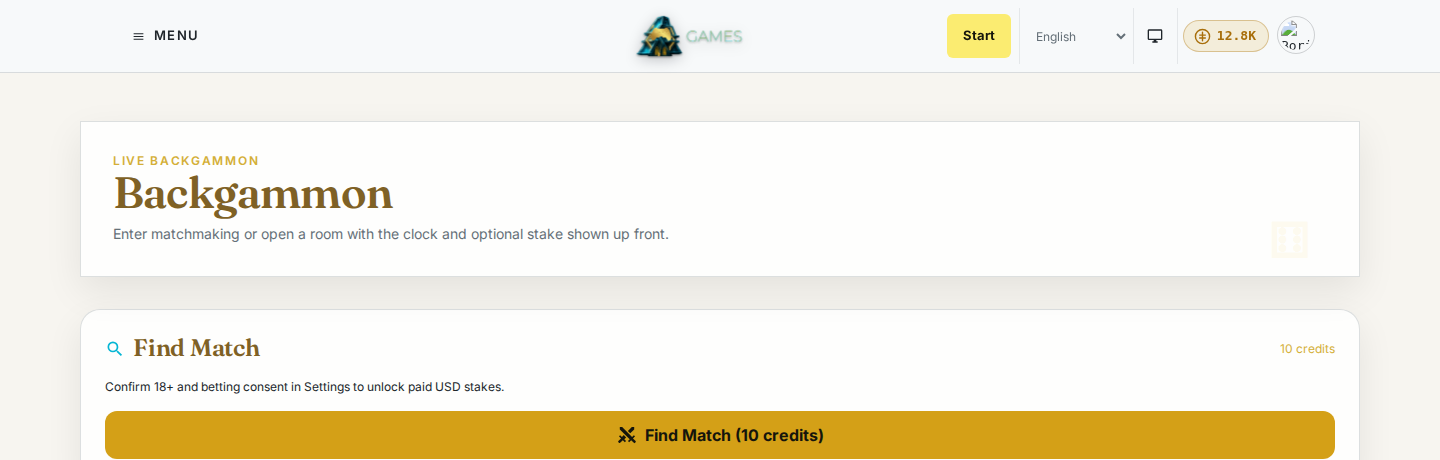
You need enough credits to cover the match's starting cost, shown on the button itself. Check the credits pill in the header against the cost on the Find Match button before you click it; if your balance is too low, click the pill to top up. See Credits and your account.
"The board isn't updating" or "It says Reconnecting"
Live updates depend on a stable connection. If a match seems frozen or stuck on "Reconnecting," reload the page; your game state is saved on the server, so a reload picks up exactly where the match stood, not from the start. If reloading doesn't fix it after a minute or two, it's likely a temporary connection issue on our end rather than something wrong with your match.
"My opponent never showed up"
If you were playing for a real-money stake and your opponent never joined, the escrowed amount is refunded to you automatically. You don't need to request that separately.
"I opened my own invite link and got an error"
That's expected: a challenge link is meant for someone else to accept, so opening the one you generated yourself is refused. Share the link with the person you want to play instead.
"I can't select a paid stake"
Paid stakes need the one-time 18+ and betting confirmation described in Credits and your account. If you skipped it or answered no, you can still play every game for free. To turn betting on, go to the home page, open the Your ratings, wins and history card, and click Enable betting games on your profile. It's not on the Settings page.
"I signed in but I'm still asked to sign in again"
Make sure you're using the same DevGhouse account you registered with. If you're part of a shared workspace, check the account menu in the header to confirm you're in the context (personal account or workspace) you meant to be in; credits, stats, and games don't carry over between them.
"The friend I invited can't accept the link"
Invite links expire after a set time; generate a fresh one if it's been a while. The person opening it doesn't need an existing account, but they do need to finish creating one (or sign in) before the match starts.