
Credits and your account
What costs credits
Starting a match costs a flat number of credits, shown right on the Find Match button before you commit. This is charged whether you win or lose; it's the cost of starting the match, not a stake. Watching matches, browsing leaderboards, and looking around Studio are all free.
Playing for a real-money stake ($5 to $100) is separate from this: that amount goes into on-chain USDC escrow and is paid to the winner (and refunded if the opponent never shows).
Buying credits
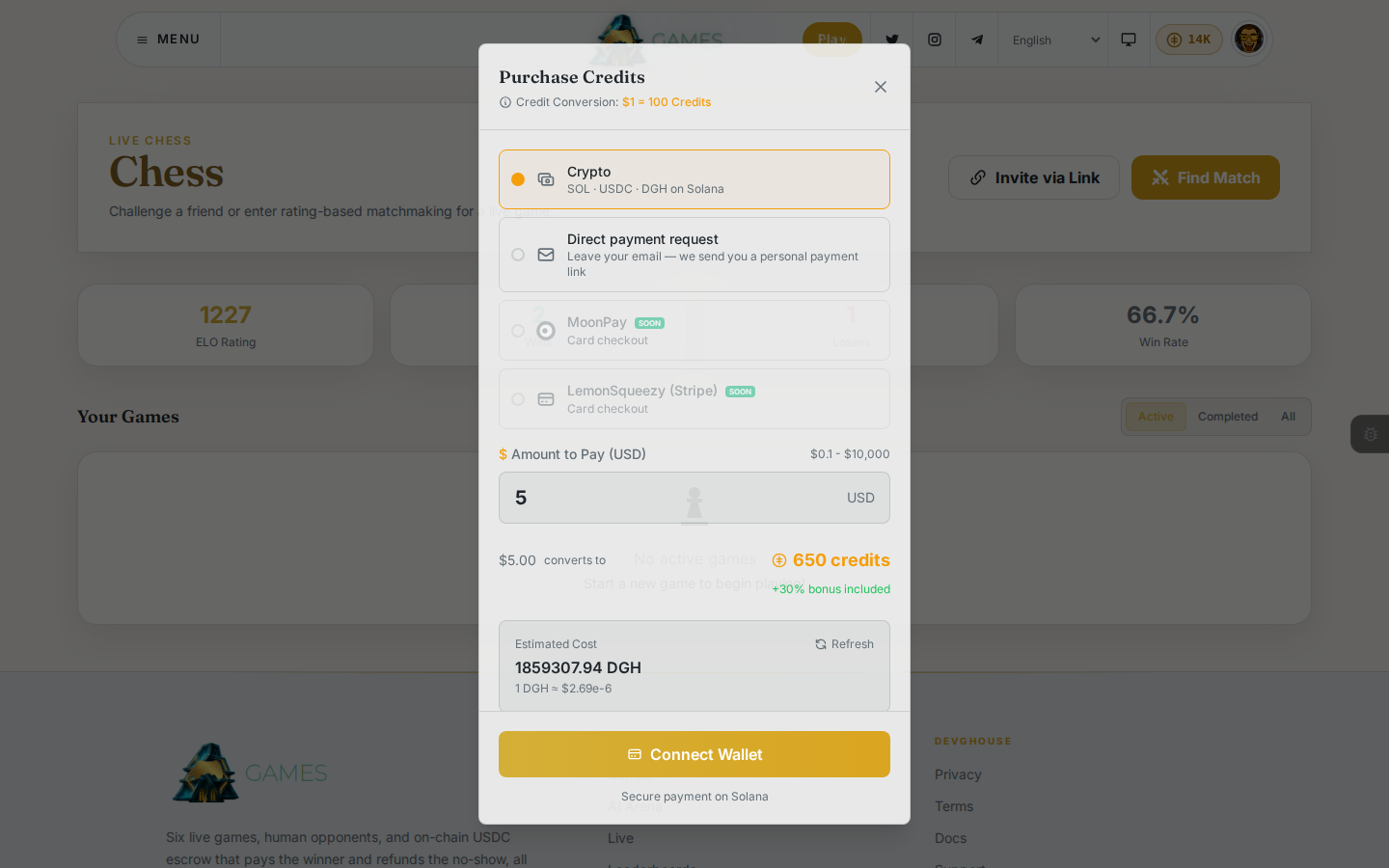
- Click the credits pill in the header (it shows your current balance).
- Choose Crypto (SOL, USDC, or DGH on Solana) or Direct payment request (leave your email and you're sent a personal payment link). Card checkout is coming soon.
- For crypto, enter the dollar amount you want; the dialog shows how many credits that becomes and the live cost in your chosen token, then Connect Wallet to complete the payment.
The 18+ and betting questions
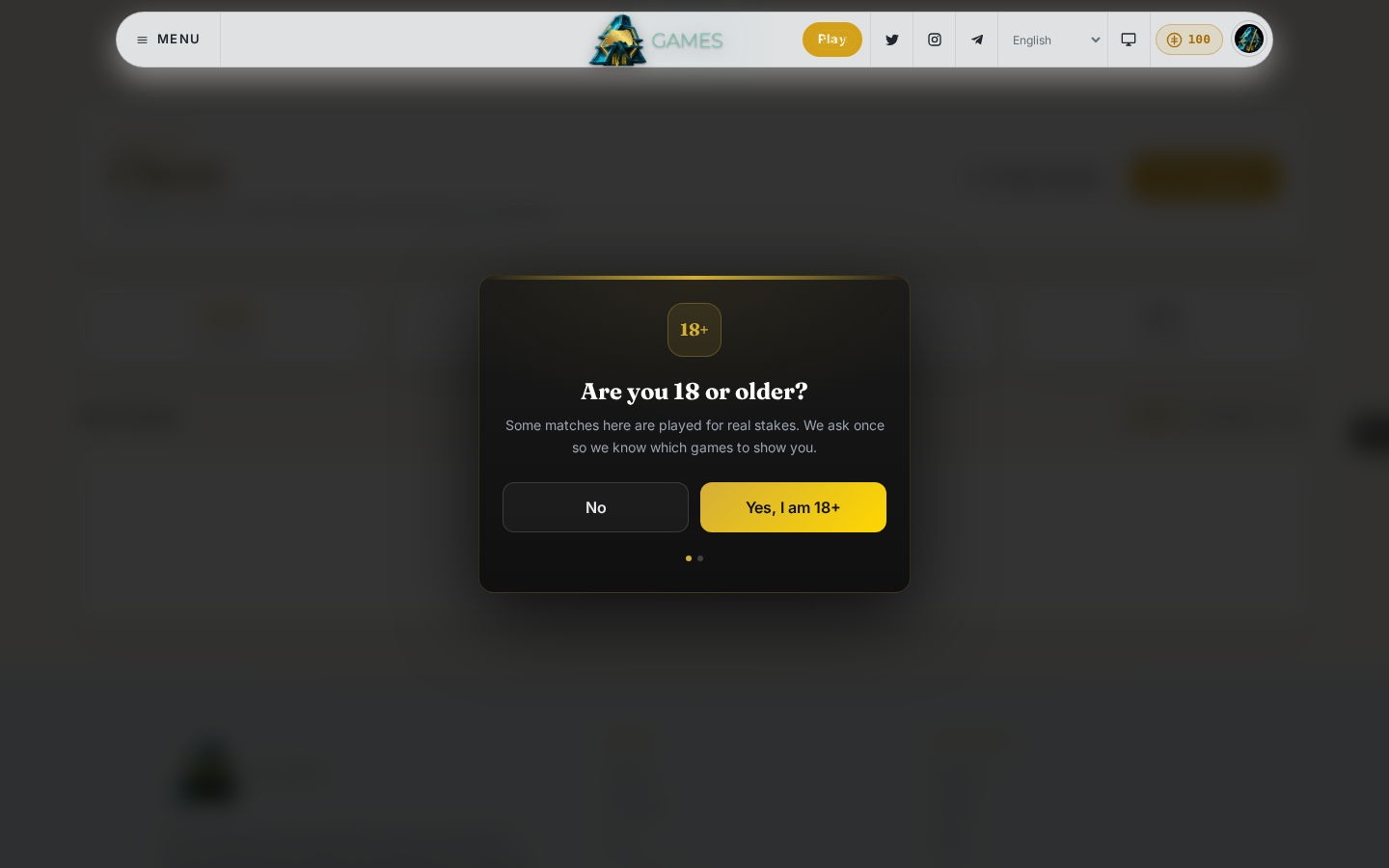
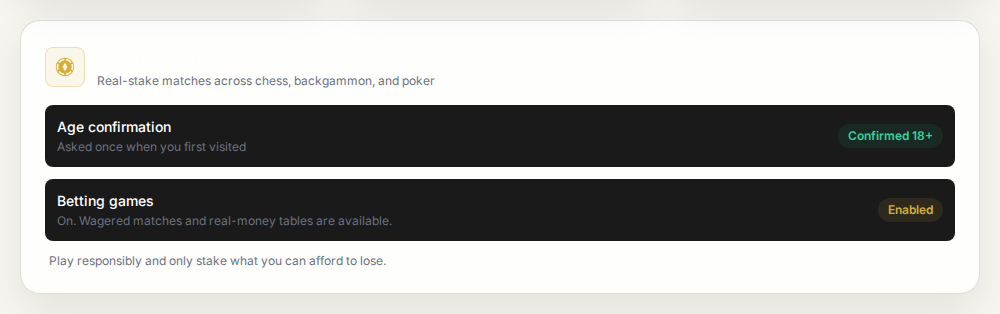
The first time you try to play, you're asked two yes-or-no questions: whether you're 18 or older, and whether you want to unlock games with real-money stakes. This happens once.
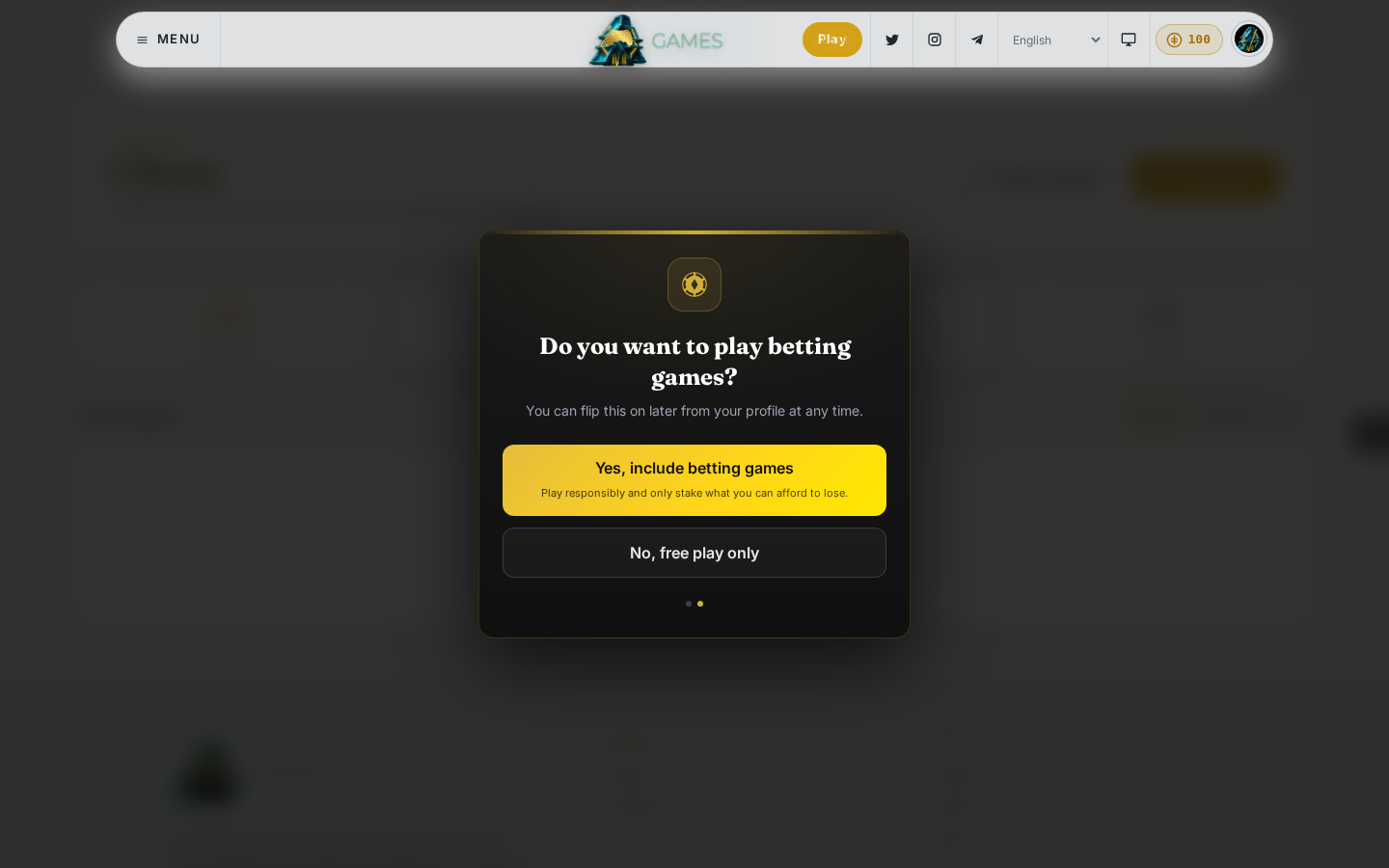
If you skip betting, you can still play every game for free. You can turn it on later from your own profile: go to the home page, open the Your ratings, wins and history card, and click Enable betting games. It isn't on the Settings page, and once it's on there's no button to turn it back off.
Your workspace
If you're part of a shared workspace, switch into it from the Workspace link in your avatar menu (this takes you to the DevGhouse hub; Games itself doesn't have a workspace switcher). While you're in a workspace:
- Matches, stats, and Studio games are tracked for that workspace instead of your personal account.
- The credits pill shows the workspace's balance, not your personal one.
- The Purchase Credits dialog gets a Transfer from Personal option at the top, to move credits from your personal balance into the workspace instead of buying new ones.
Switch back to your personal account any time from the same menu.