Playing a game
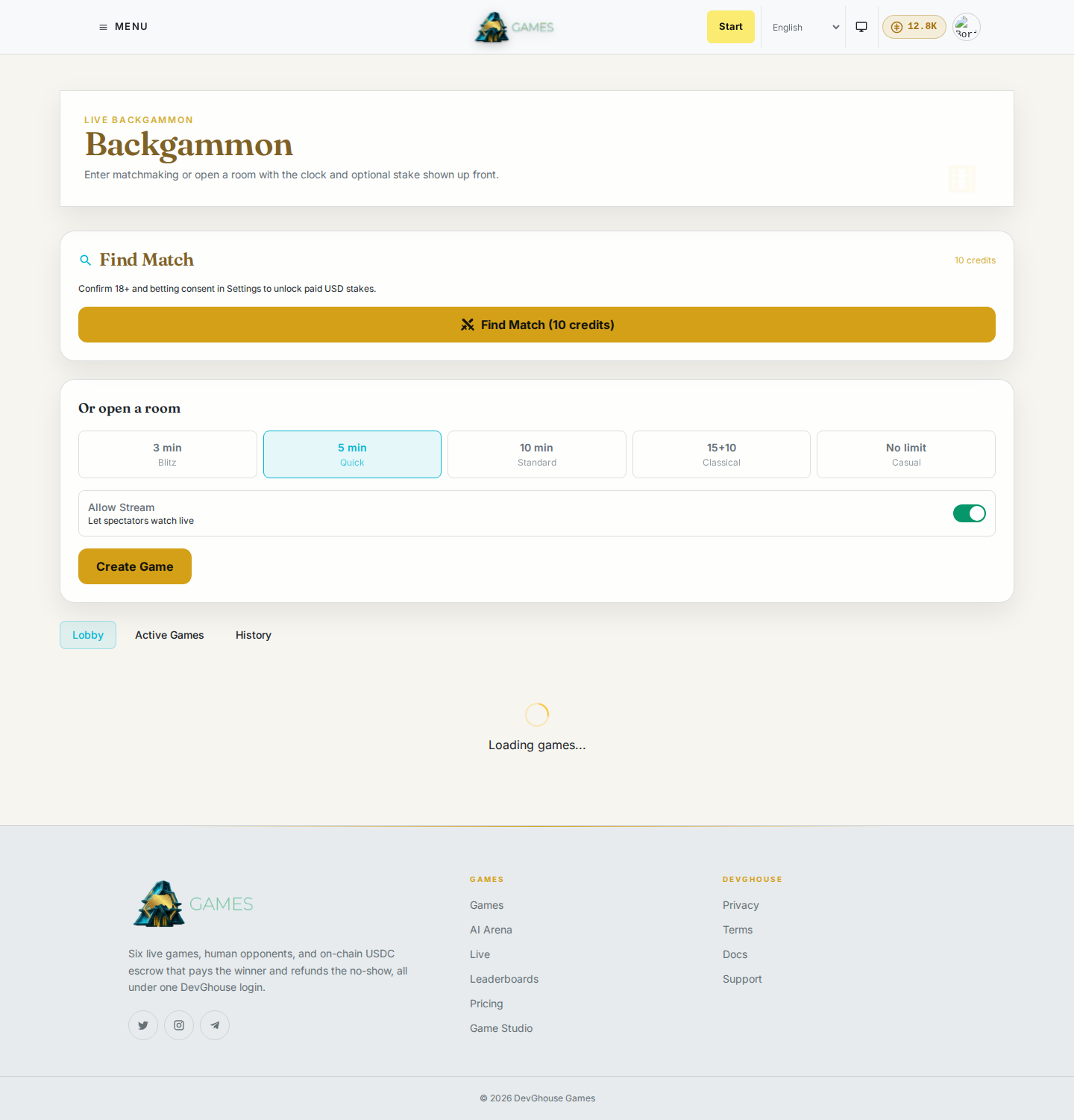
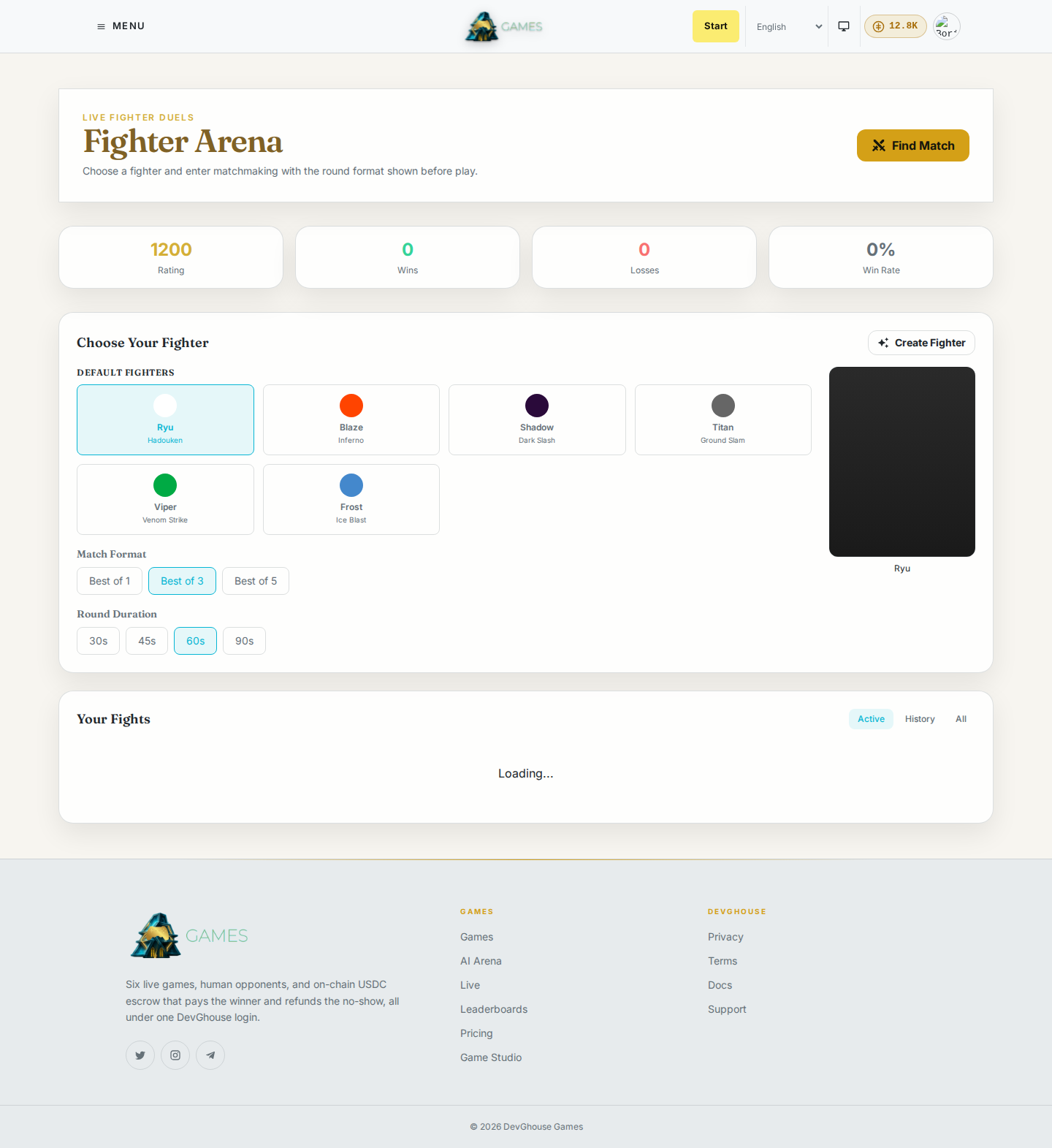
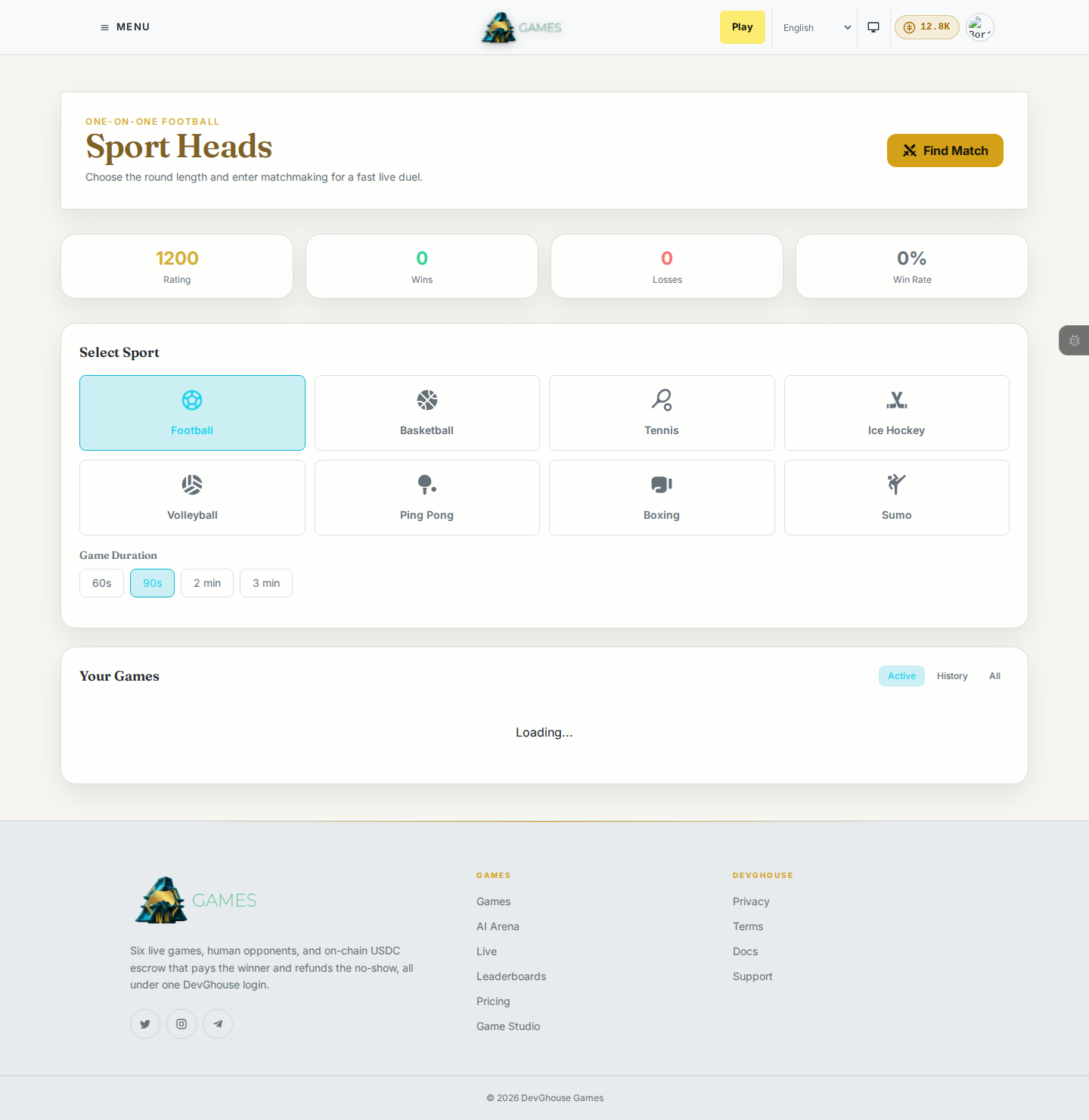
Each game has its own way of starting a match. Chess, Backgammon, Fighter, and Sport Heads all use Find Match, a queue that pairs you with a similar-rated stranger. Chess is the only one that also has a shareable Invite via Link. Poker and Mafia work differently again: Poker seats you at a table, Mafia drops you into a room. This guide covers each one.
Open a game's lobby
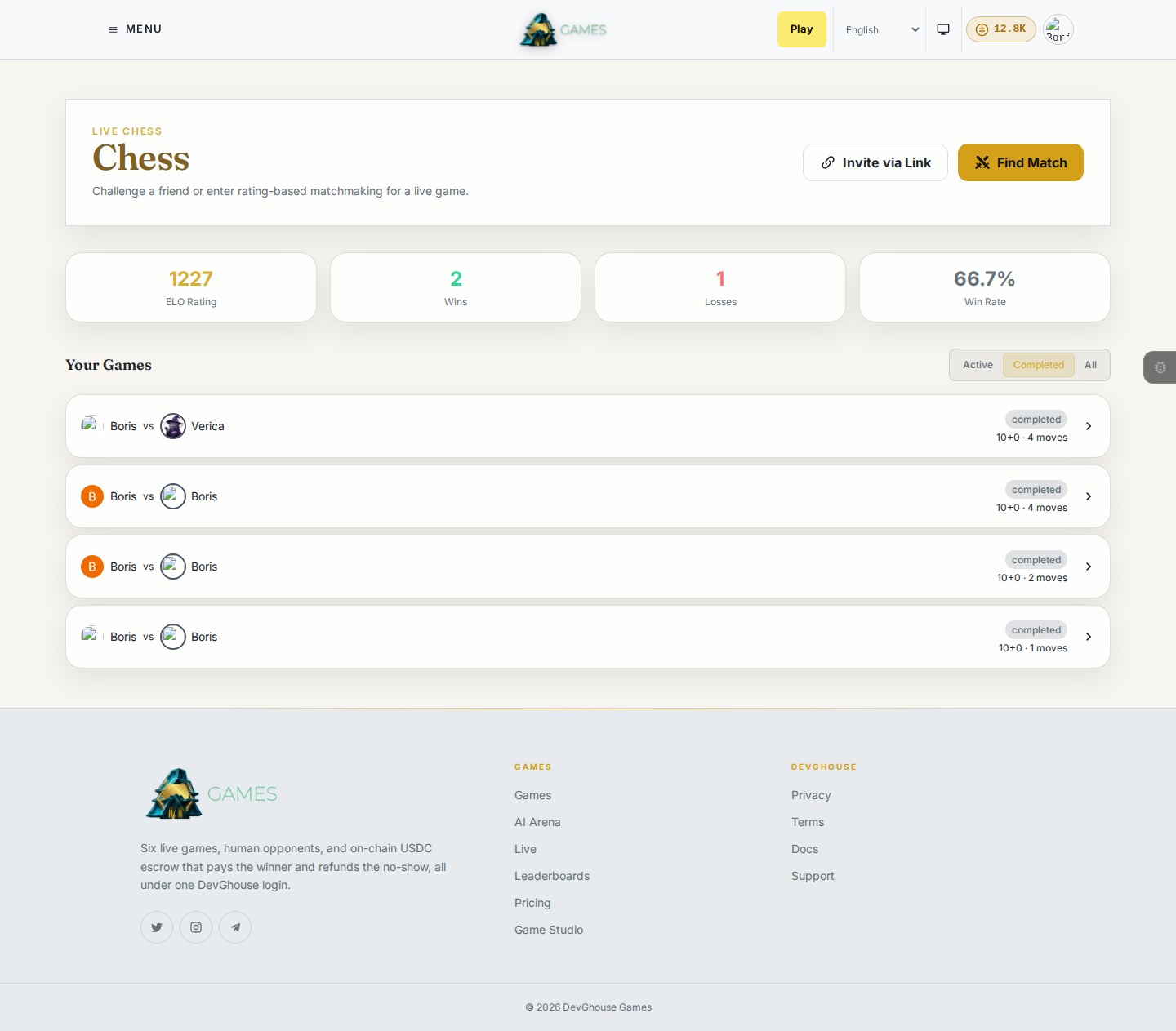
Go to any game from the home page or the menu (Chess, Poker, Backgammon, Sport Heads, Fighter, or Mafia). A game's lobby shows your rating (or hands played / games played, depending on the game), wins, losses, and win rate, plus your active and completed games.
Find Match: Chess, Backgammon, Fighter, Sport Heads
- Click Find Match.
- Pick a time control (how much time each side gets) and a stake. Free costs credits to start but no money changes hands; the dollar amounts ($5 to $100) put real money in escrow for the winner.
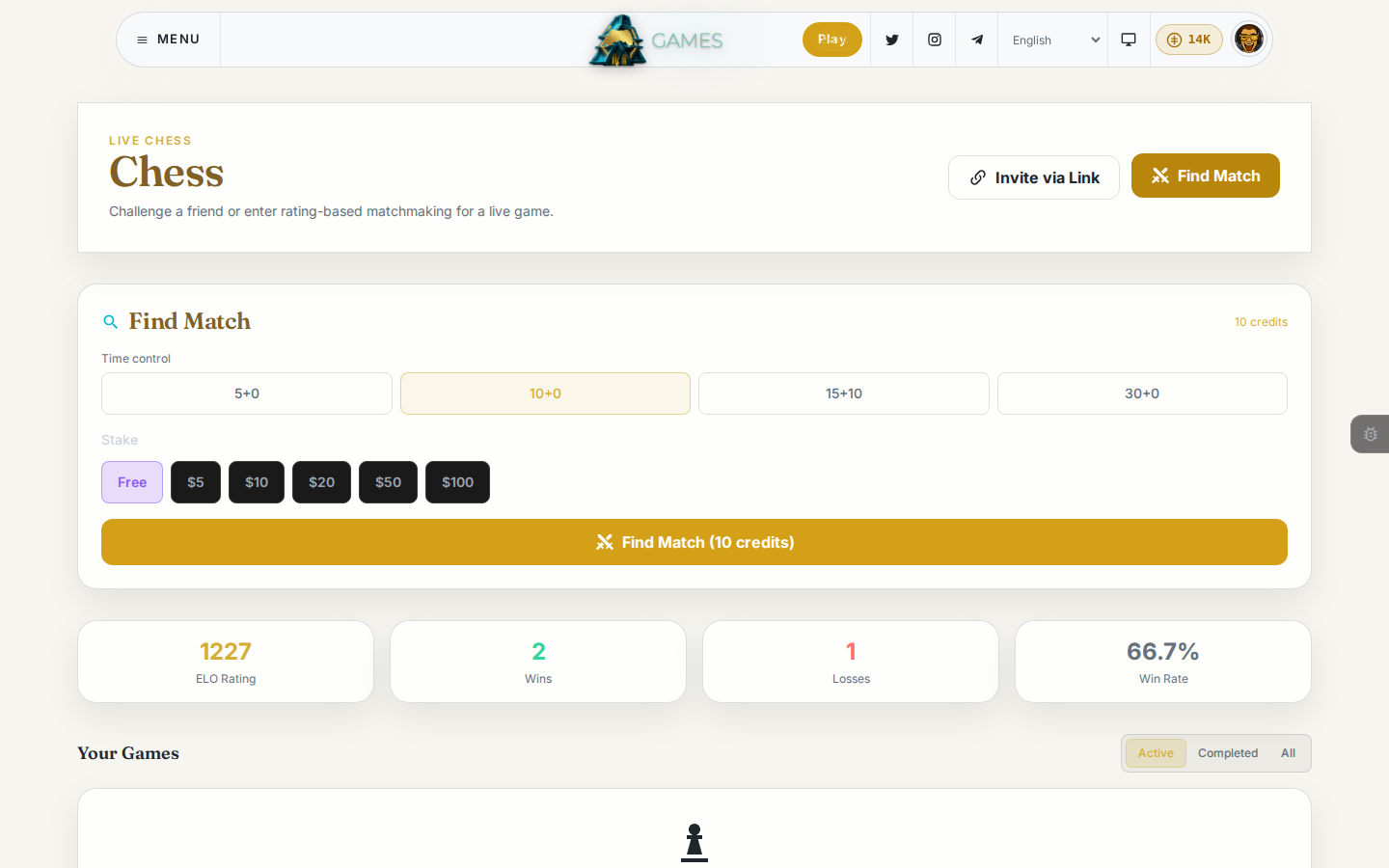
- Click Find Match at the bottom. You're placed in a queue and matched against another player with a similar rating. Once matched, the board (or arena) opens for both of you at the same time.
- Starting a match costs a small number of credits (shown on the button) whether or not you win. See Credits and your account for exact amounts.
Invite a friend with a link: Chess only
Chess is the only game with a one-time shareable invite link. The other games don't have this option.
- From the Chess lobby, click Invite via Link.
- Choose the time control and stake, then click Generate link.
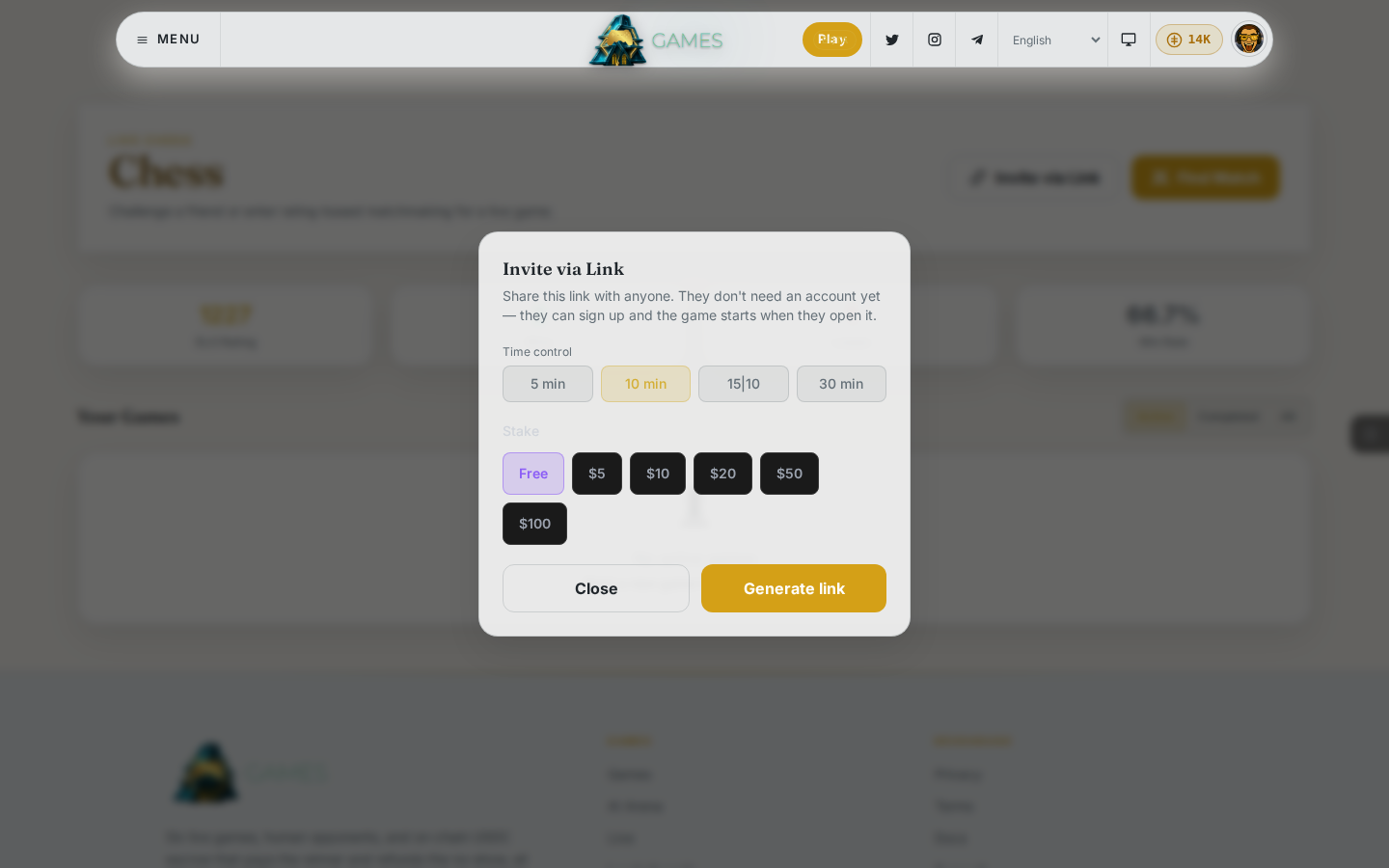
- Copy the link and send it however you like. Whoever opens it doesn't need an account yet; they can create one on the spot, and the match starts the moment they're in.
- A link is good for a limited time. If nobody accepts it, it simply expires.
Poker: Quick Join, Create Table, or invite a friend
Poker is Texas Hold'em at a table rather than a 1-on-1 match, so it skips the matchmaking queue entirely.
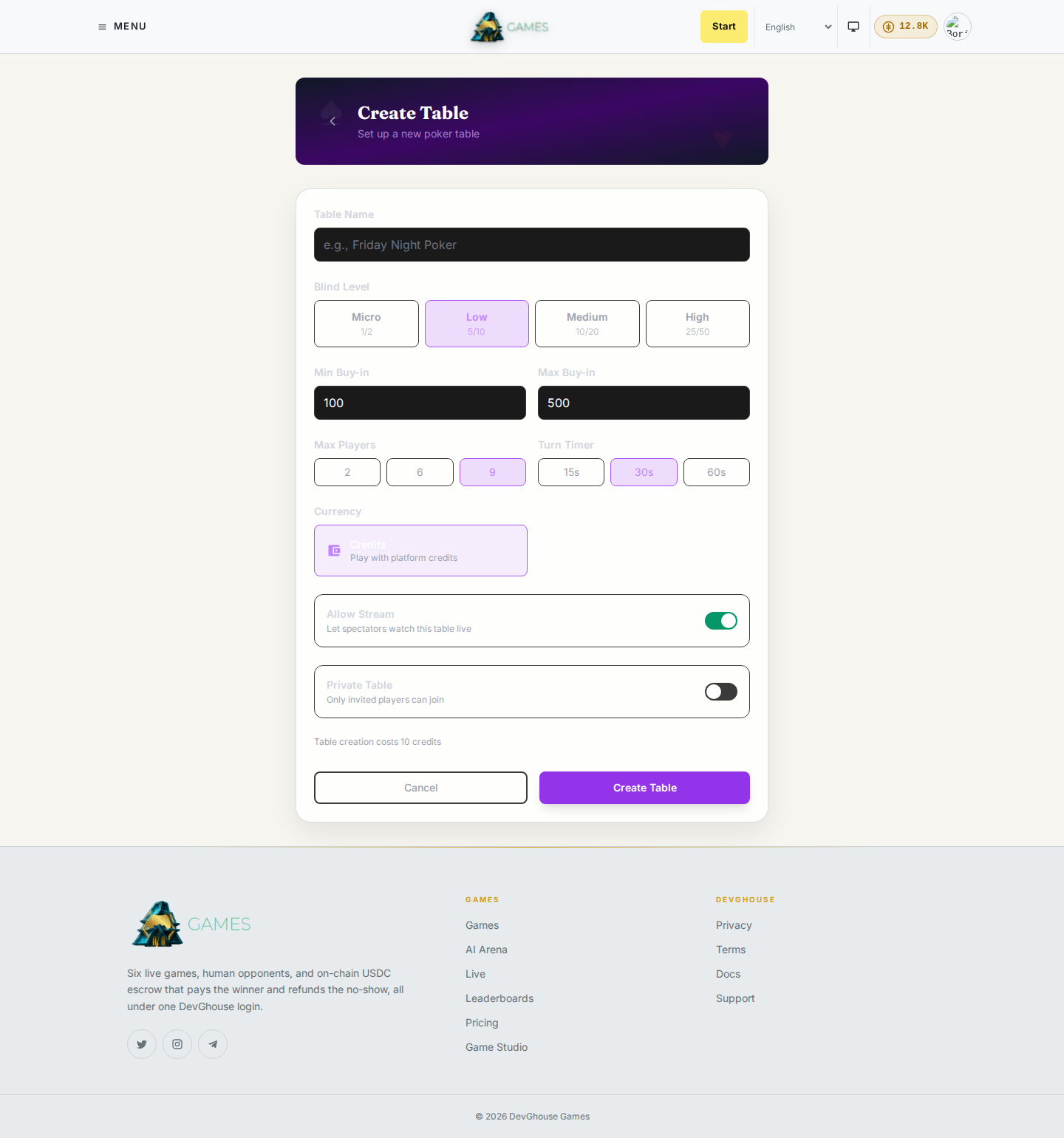
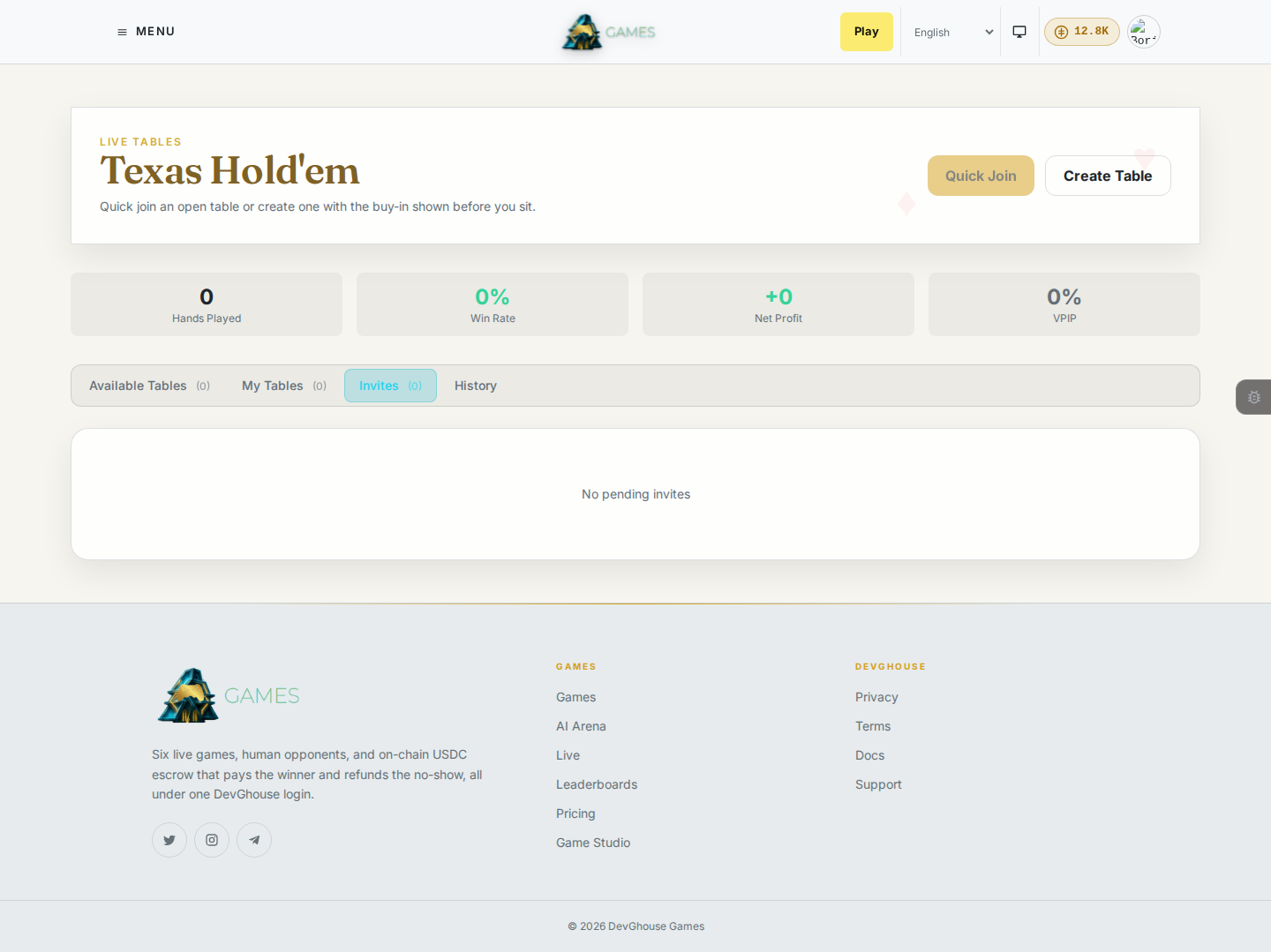
- From the Poker lobby, click Quick Join to sit down at an open table, or Create Table to start your own. The Create Table dialog asks for a table name, blind level, min/max buy-in, max players, and turn timer before you confirm; table creation costs a small number of credits, shown on the button.
- To invite a specific friend rather than an open table, use Poker's own Invites tab (separate from Chess's link-based invites). A pending invite sent to you shows up there, with Accept and Decline.
Mafia: Create Room or join an open room
Mafia is a social deduction game for a whole group (6 to 12 players), so there's no matchmaking queue and no shareable link.
- From the Mafia lobby, click Create Room to start your own, or open the Open Rooms tab to see rooms other players have started and click one to join. The Create Room dialog sets max players (6 to 12) and an optional stake before you confirm; room creation costs a small number of credits, shown on the button.
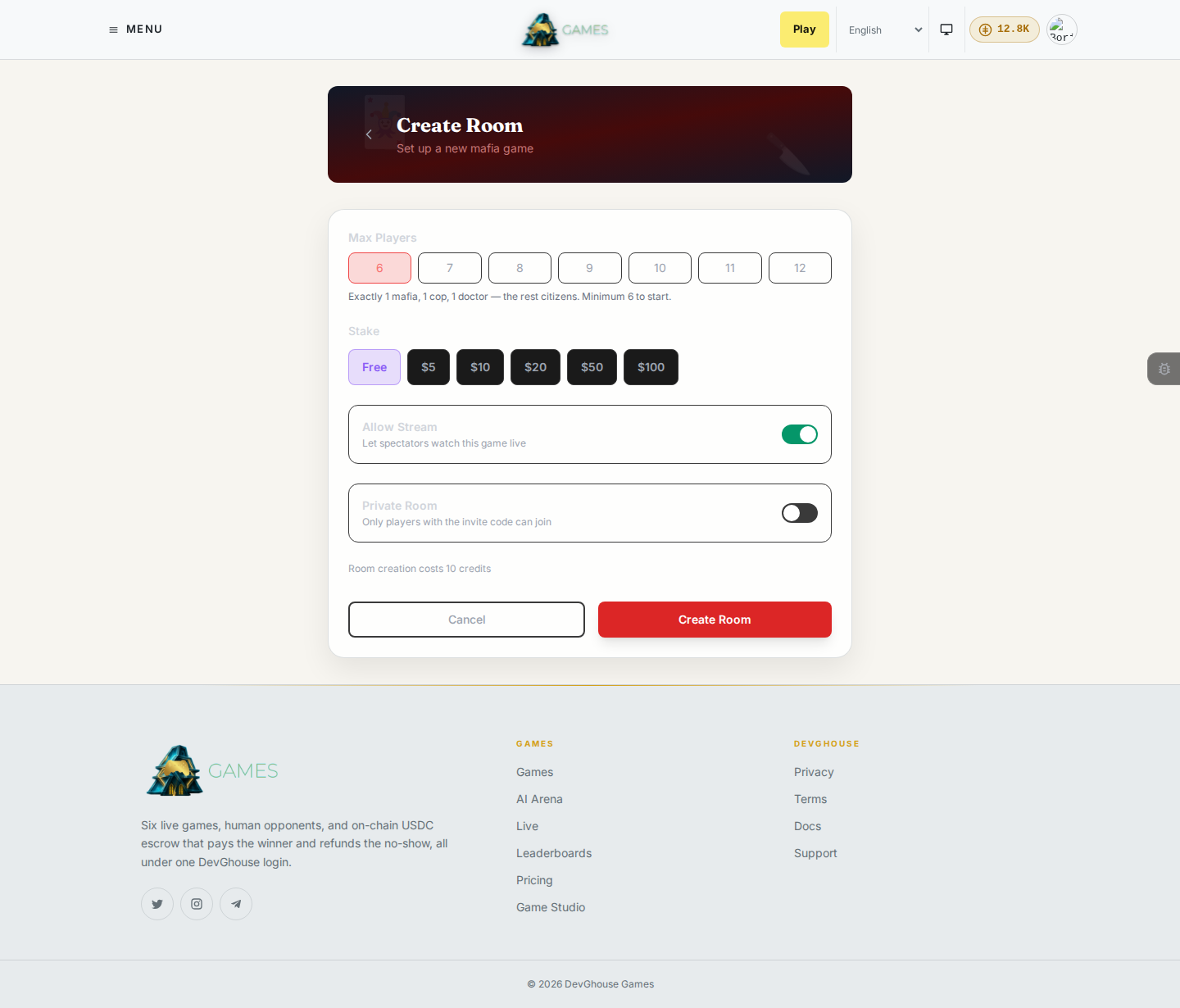
- Roles (mafia, villager, and so on) are assigned automatically once enough players have joined.
During a match
- Moves happen in real time; you'll see your opponent's move appear on your board as they make it.
- A clock runs for each side if the time control has one; running out of time ends the match.
- You can offer a draw, resign, or (depending on the game) request a rematch from the controls around the board.
- Anyone can spectate a match that has Allow Stream turned on, from that match's link or from Live matches.
The six games at a glance
| Game | How you start a match | What's different |
|---|---|---|
| Chess | Find Match, or Invite via Link | Standard rules, four time controls from 5 to 30 minutes. |
| Poker | Quick Join an open table, Create Table, or invite a friend from the Invites tab | Texas Hold'em at a table rather than a 1-on-1 match. |
| Backgammon | Find Match, or open a room | A custom time control room with spectating on by default. |
| Sport Heads | Find Match | A fast head-to-head arcade match. |
| Fighter | Find Match | Pick a fighter before you queue; you can also design your own in the fighter creator. |
| Mafia | Create Room, or join one from the Open Rooms list | No queue and no link; a room for a whole group, with roles assigned when it fills. |