
Leaderboards and live matches
Leaderboards
Open Leaderboards from the menu to see global rankings. Filter by game (All Games, Chess, Poker, Backgammon, Sport Heads, Fighter, Mafia) and by time period (All Time, This Month, This Week). Each row shows a player's rank, rating, wins and losses, and win percentage.
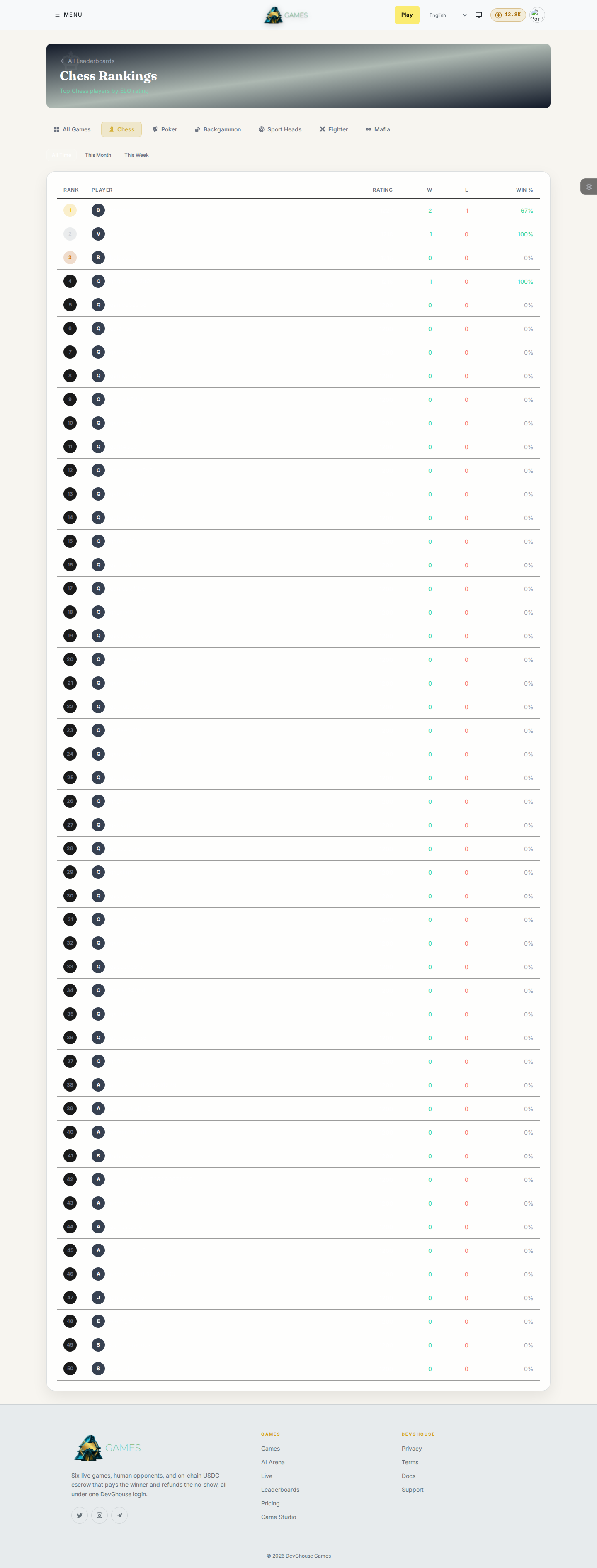
You don't need an account to browse the leaderboards.
Live matches
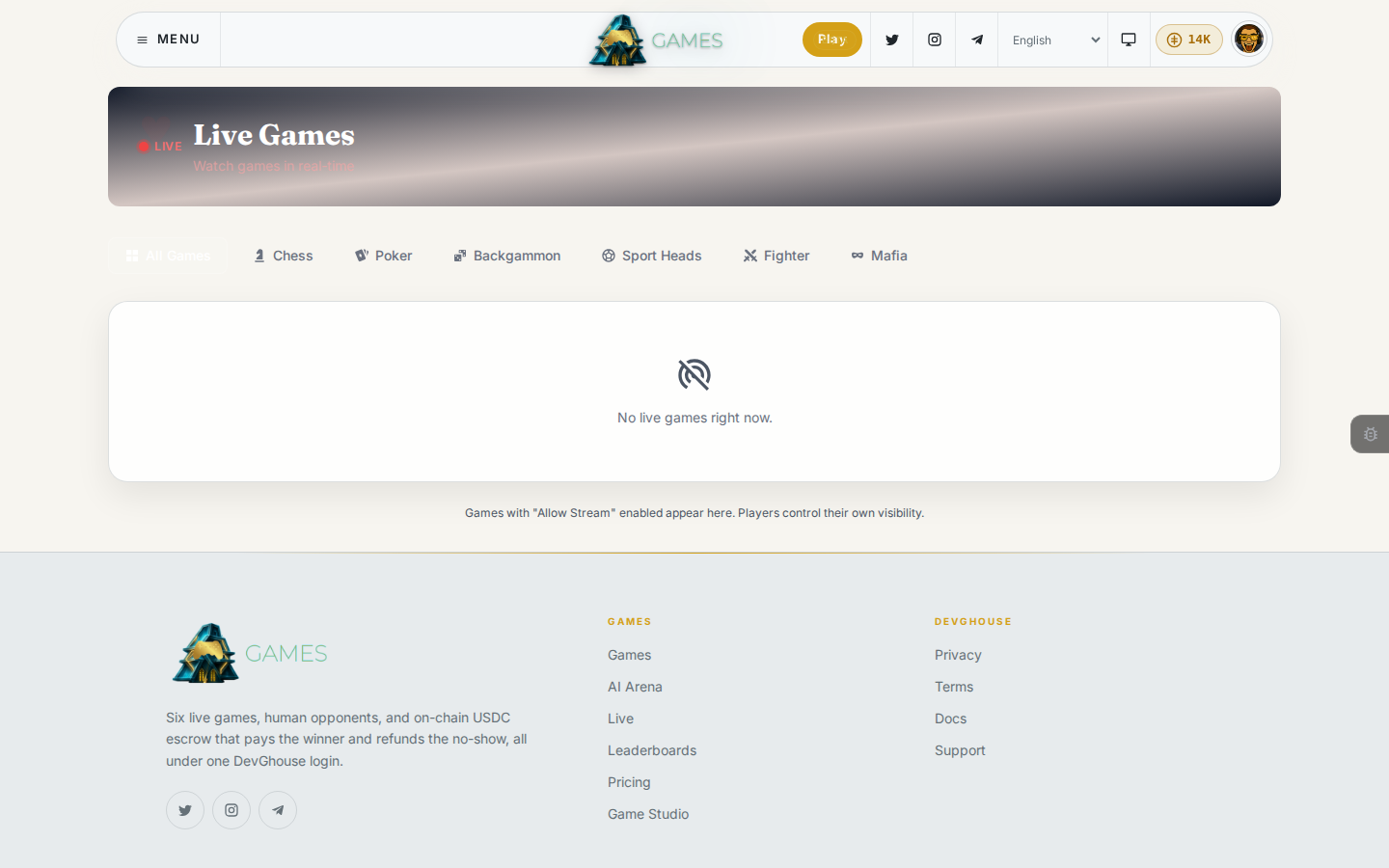
Open Live from the menu to see every public match happening right now, across all six games, with the same per-game filters as the leaderboard. Click any match to watch it live, move by move. Players choose whether their own matches are visible here; a match only shows up if its player turned on spectating for it.
Your own stats
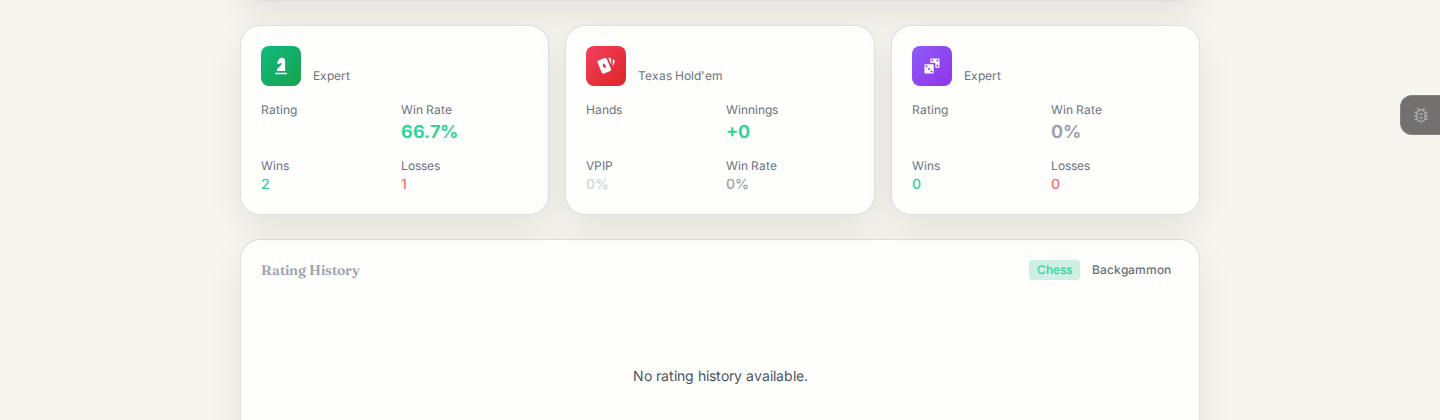
Every player has a public profile page at games.devghouse.com/players/<username>, showing a card per game you've played with your rating, wins, losses, and win rate, plus a rating history chart. Open anyone's from the leaderboard or a match you're watching.
Your own avatar menu doesn't link to a profile. To see your own summary (total games, total wins, and your betting setting), go to the home page and open the Your ratings, wins and history card, which takes you to a simpler page at games.devghouse.com/me. This is also where you turn betting on or off; see Credits and your account.