
Build an AI character
An AI character is a fully synthetic persona: a face, a voice and a growing set of reference photos that never belonged to a real person. Once it is saved, you can put it in new scenes and talking videos as many times as you like.
Start at ugc.devghouse.com/app/characters/new.
1. Describe your character
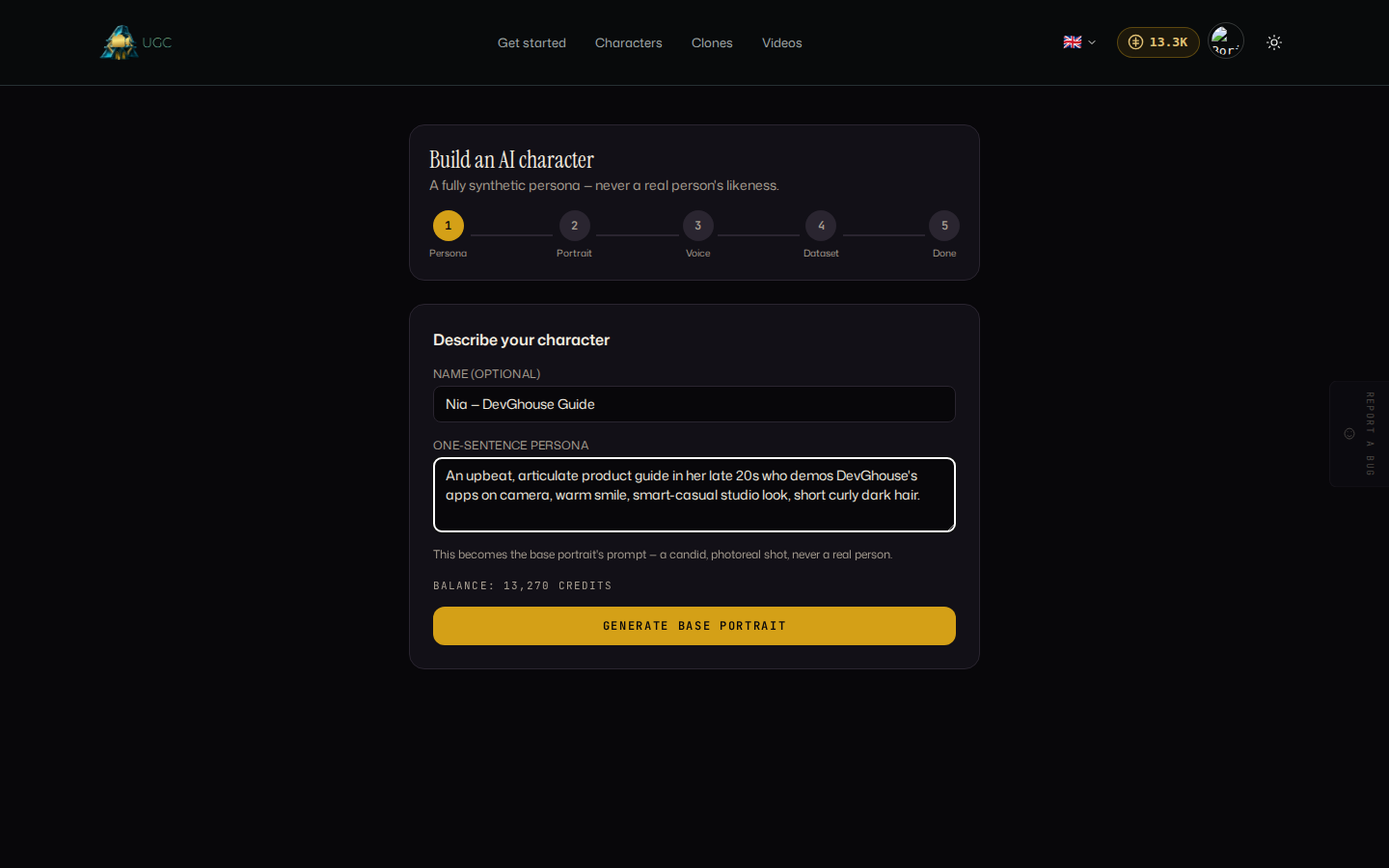
- Optionally give your character a name. Leave it blank and one is drawn from the first few words of your description, or write your own, for example "Nia, DevGhouse Guide."
- Write a one-sentence persona: age, look, personality, anything that should show up in the portrait. For example, "an upbeat, articulate product guide in her late 20s who demos DevGhouse's apps on camera, warm smile, smart-casual studio look, short curly dark hair."
- Check your credit balance shown just above the button. If it reads zero, select Top up before continuing.
- Select Generate base portrait.
The app always adds photoreal, candid-camera styling behind the scenes, so you never need to describe lighting or camera details yourself.
2. Review the portrait
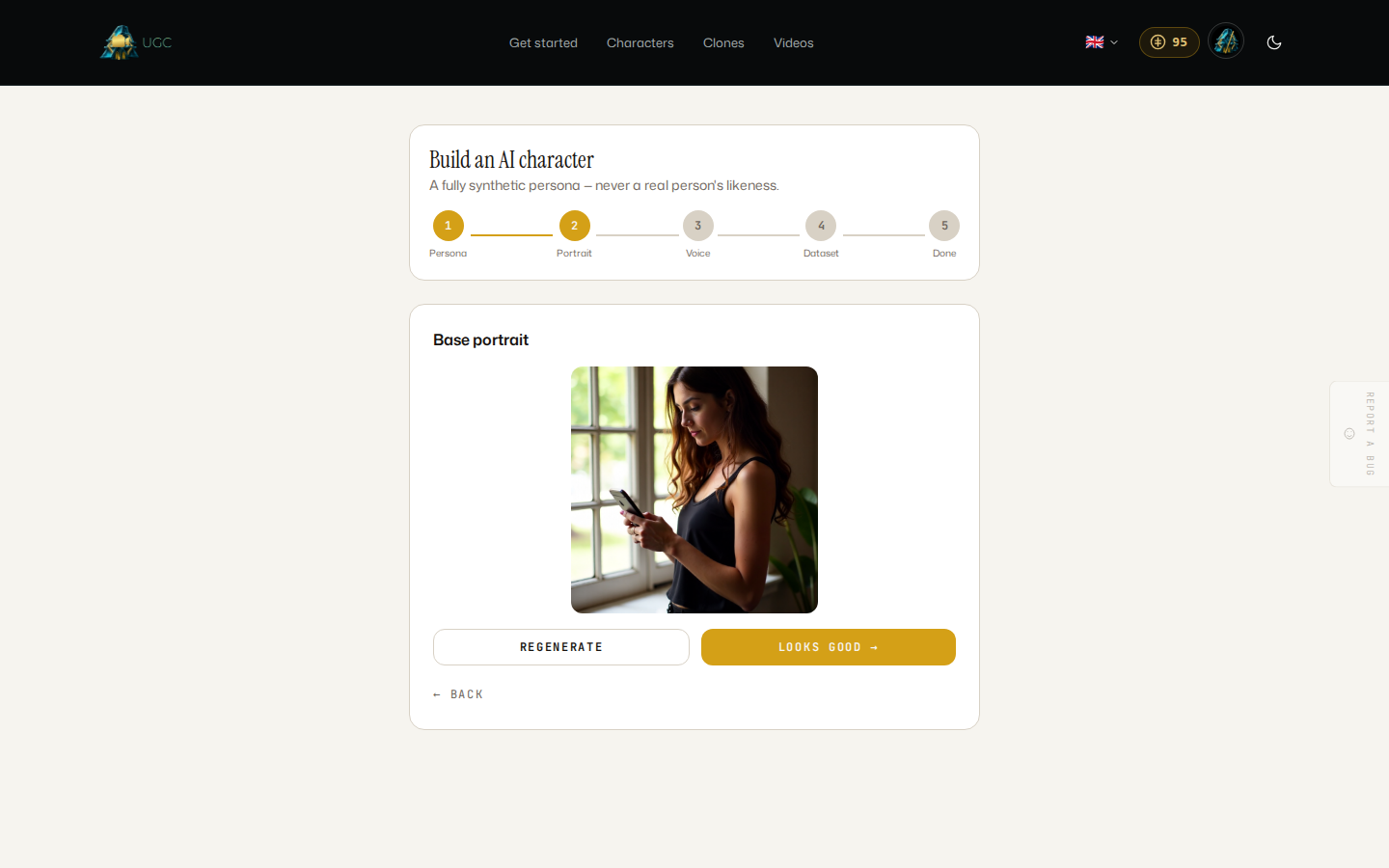
Your character's first photo appears. From here you can:
- Select Regenerate for a new attempt at the same description.
- Select Looks good to continue once you're happy with it.
3. Pick a voice
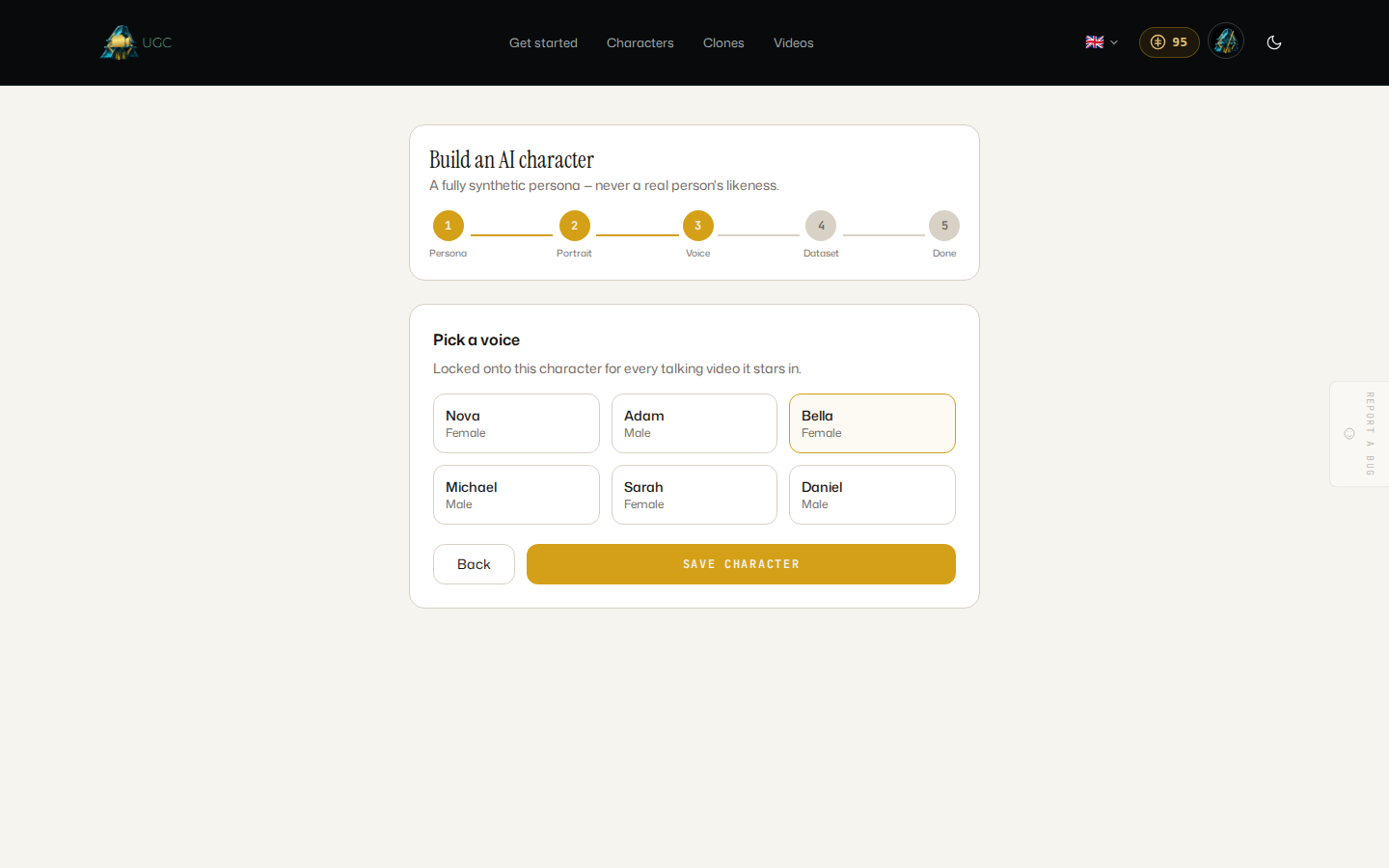
Choose one of six stock voices. This voice is locked to the character and used automatically for every talking video it stars in later, so pick the one that matches its personality. Select Save character to continue.
4. Grow the reference dataset (optional)
Right after saving, you're offered a one-tap option to generate three more identity-accurate photos of your character, grounded in the same base portrait. This gives later scenes and videos more references to draw from. Select Grow dataset, or Skip for now if you'd rather do this later from the character's own page.
5. Done
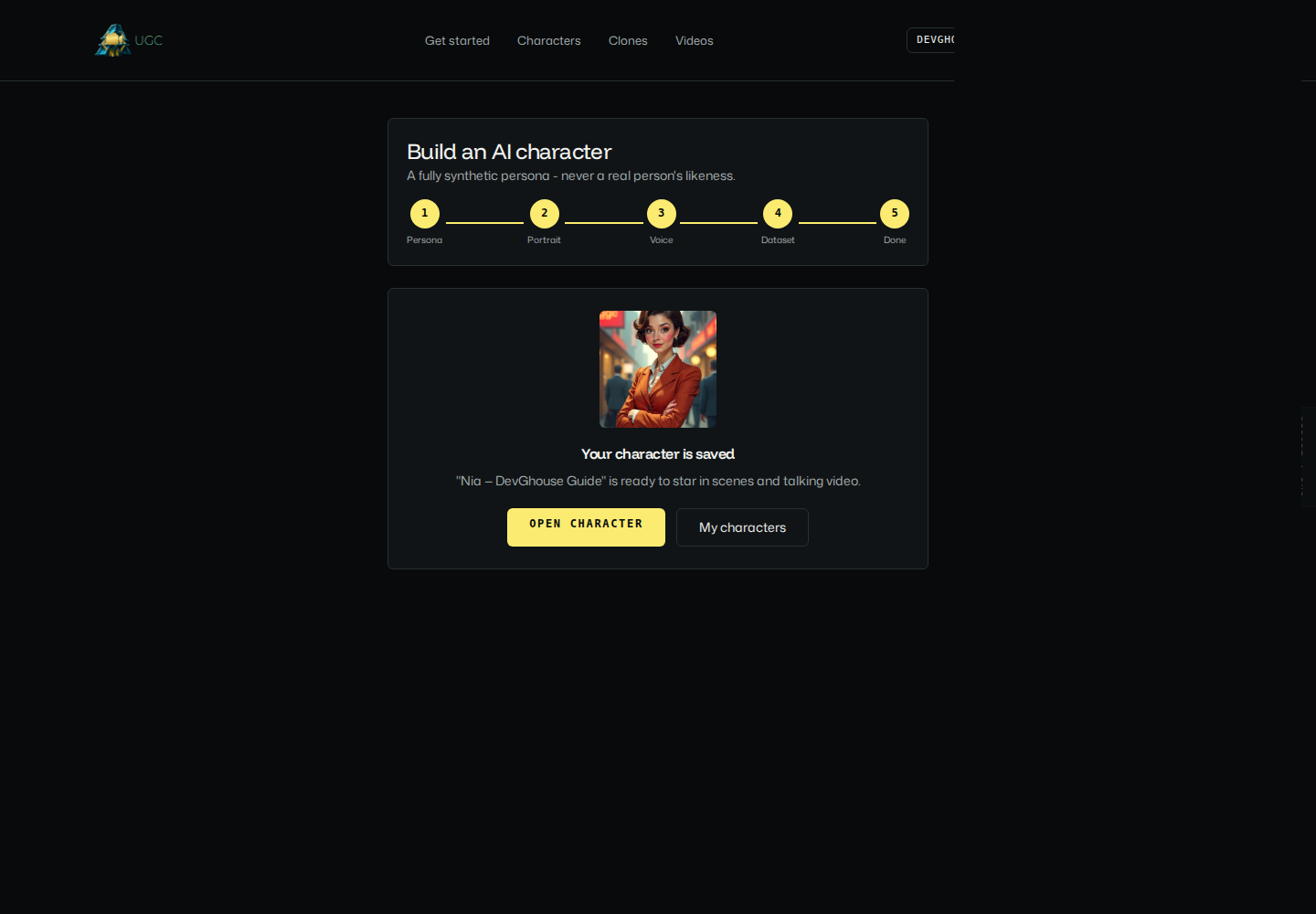
Your character is saved and ready to use. Select Open character to go straight to its page and start generating scenes and video, or My characters to see your whole library.
Continue to Your character library to see what you can do with a saved character.