
Your character library
Every character you build is saved to your library at ugc.devghouse.com/app/characters.
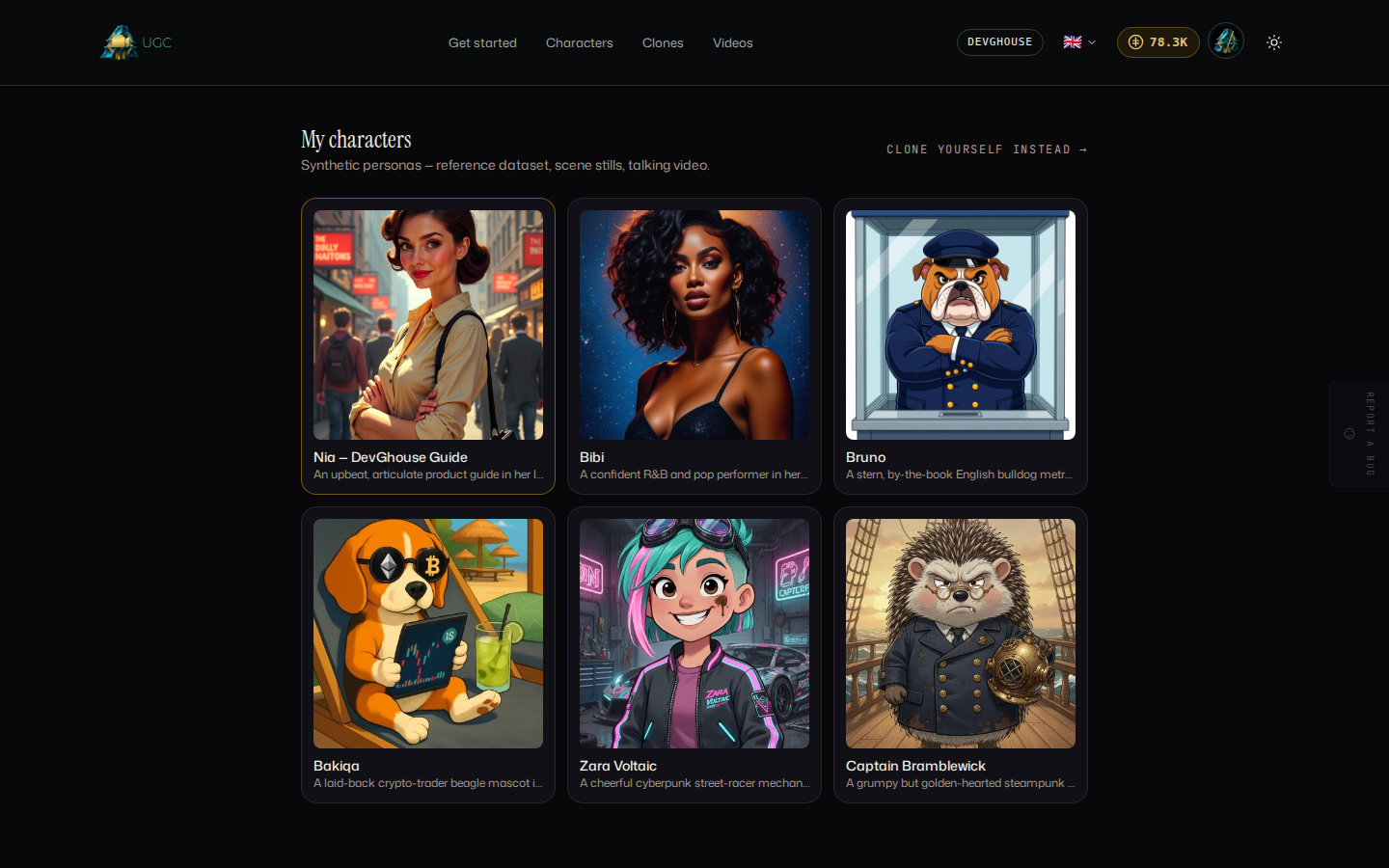
Select any character to open its page and generate more content from it.
Identity and reference gallery
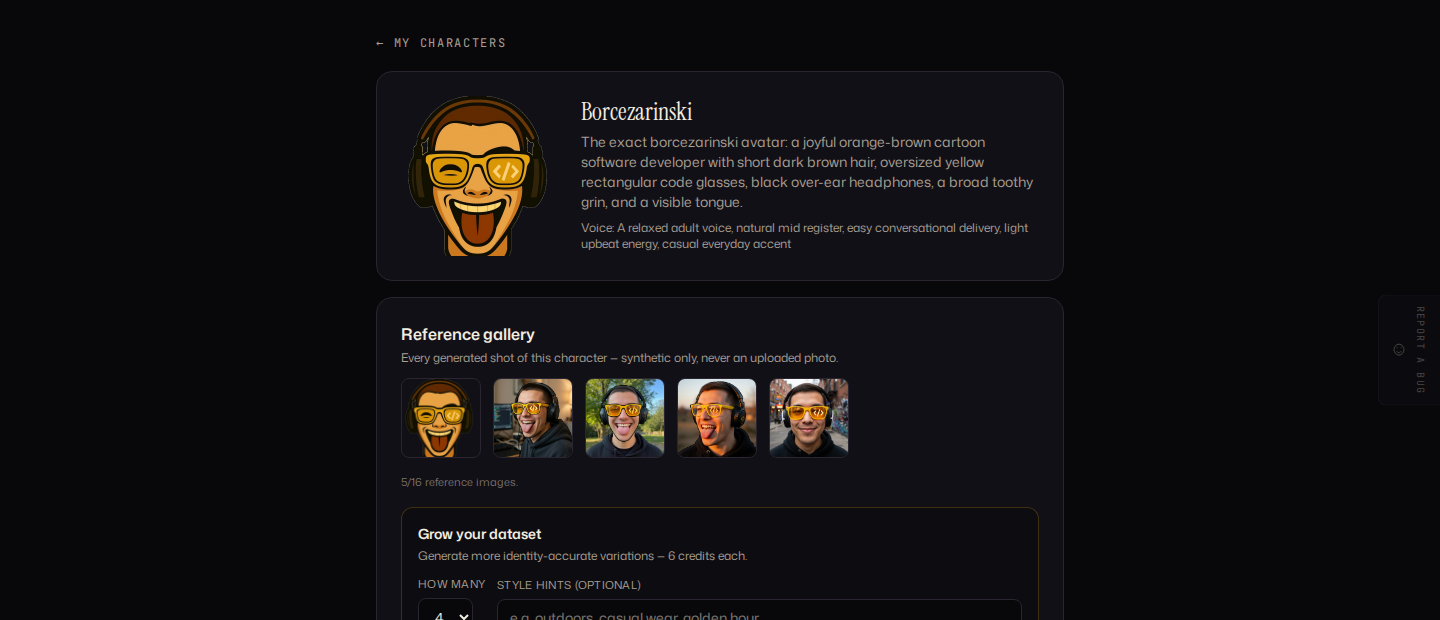
At the top of a character's page you see its locked face, description and voice. Below that, the reference gallery holds every photo the character has generated (up to 16). Under Grow your dataset, choose how many new photos to generate (1 to 6) and optional style hints (an outfit, a setting, a mood), then select Grow dataset. Every credit-costed generation is charged per image, and each one is added straight to the gallery.
Generate a scene still
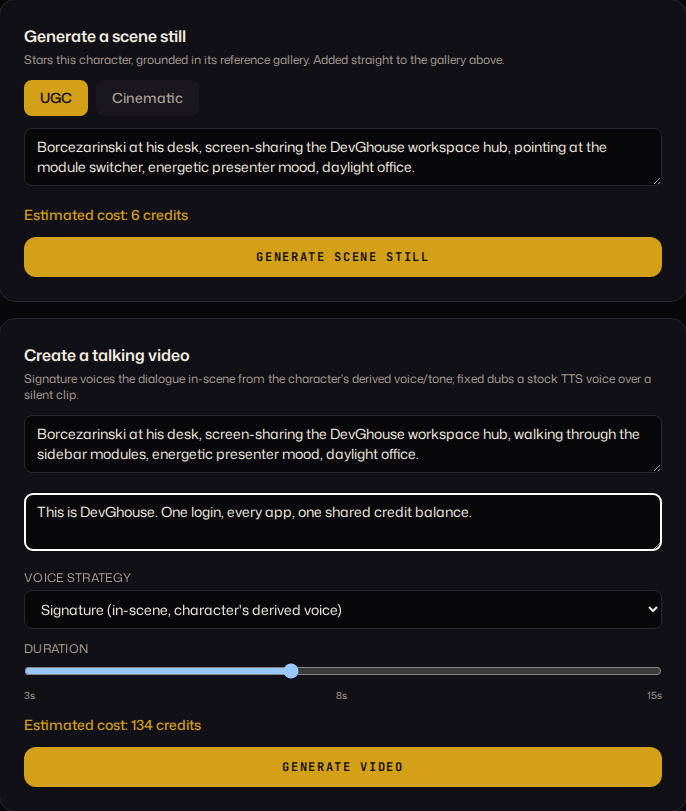
Under Generate a scene still:
- Choose UGC (candid, phone-shot look) or Cinematic (shallow depth of field, film look).
- Describe the scene: the setting, the action, the mood.
- Check the estimated cost shown in gold, then select Generate scene still.
The result draws on the character's existing reference photos to keep the same face and is added to the reference gallery automatically.
Create a talking video
Under Create a talking video:
- Describe the scene (setting, action, mood).
- Optionally write the dialogue the character should say. Leave it blank for a silent, ambient clip.
- Choose a voice strategy: Signature speaks in the character's own derived tone in one pass (faster, cheaper); Fixed dubs a chosen stock voice over a silent clip, which stays consistent across a whole series once you pick a voice on the first fixed video.
- Set the duration with the slider (3 to 15 seconds).
- Check the estimated cost, then select Generate video.
Finished videos appear in the Content feed on the same page.
Archive: reuse a past still for free
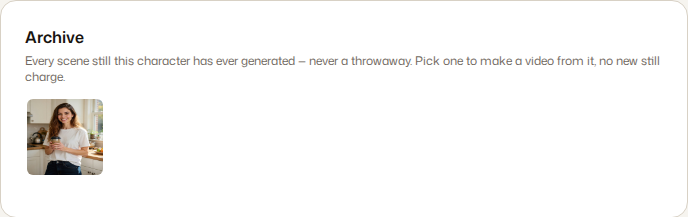
Every scene still your character has ever generated stays in its Archive, further down the page, even past the 16-photo reference gallery cap. Select a past still, add a new scene description and optional dialogue, and select Make a video from this. You only pay for the video, not a new still.
Credit costs at a glance
These are typical costs; the app always shows the live number before you generate anything.
| Action | Typical cost |
|---|---|
| Base portrait | 0.5 credits |
| Refine an existing portrait | 0.5 credits |
| One dataset or scene-still image | 6 credits |
| One second of talking video | 16 credits |
| Fixed-voice dub (text-to-speech plus lip sync) | 7 credits, added once per fixed video with dialogue |
Continue to Clone yourself if you want to build the same kind of library around your own real face and voice, or UGC videos to turn a character's archive stills into a finished multi-shot video.