
Character library
Cast, in the studio header, is your saved character library: a place to keep people you want to reuse, rather than starting from a fresh photo every time.
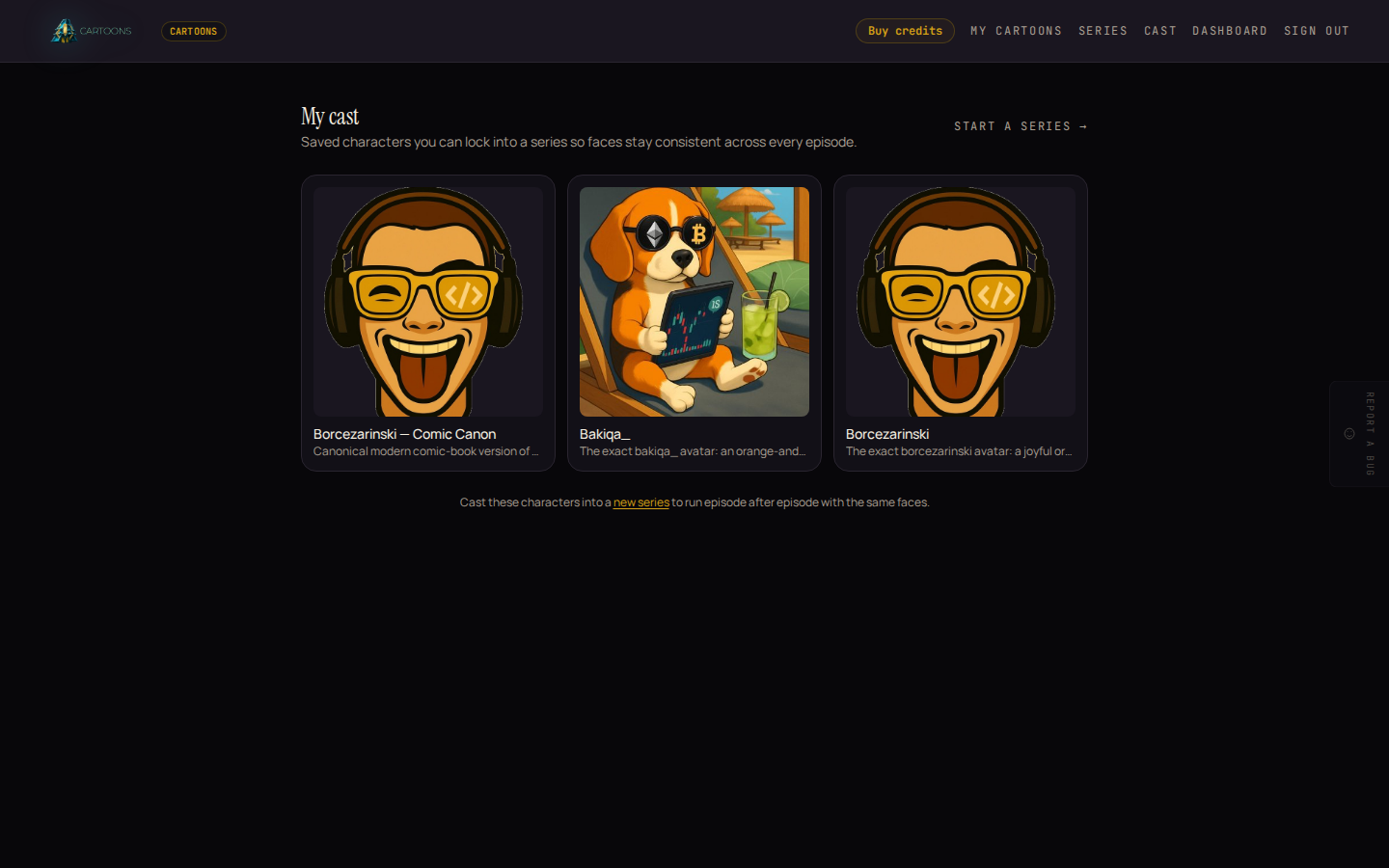
Each saved character shows its reference image and a short one-line description, so you can tell them apart at a glance when your cast grows.
Building a character
Characters aren't built inside Cartoons itself. The Open the character builder link takes you to the DevGhouse Creator, in a new tab, where you describe or upload a character and save it. Come back to Cartoons afterward. Your cast page picks it up automatically, or click Refresh once saved if you're still on the empty-cast screen from a series you were setting up.
If you have no saved characters yet, the cast page explains this and links straight there:
No characters yet. Build a photoreal persona in the character builder, then it appears here to cast in a series.
Using a saved character
A saved character's main job is being cast into a series, where it becomes part of the fixed cast every episode reuses. A standalone cartoon's photo upload is a plain file picker, not a pick-from-cast list. If you want to animate a saved character in a single cartoon rather than a series, save its reference image from the character builder first, then upload that file in Making a cartoon.
What's next
- Ready to lock a cast into a recurring series? See Series and episodes.