
Your cartoons
My cartoons lists every cartoon you've made, most recent first, each with a thumbnail, its status, and its length and quality.
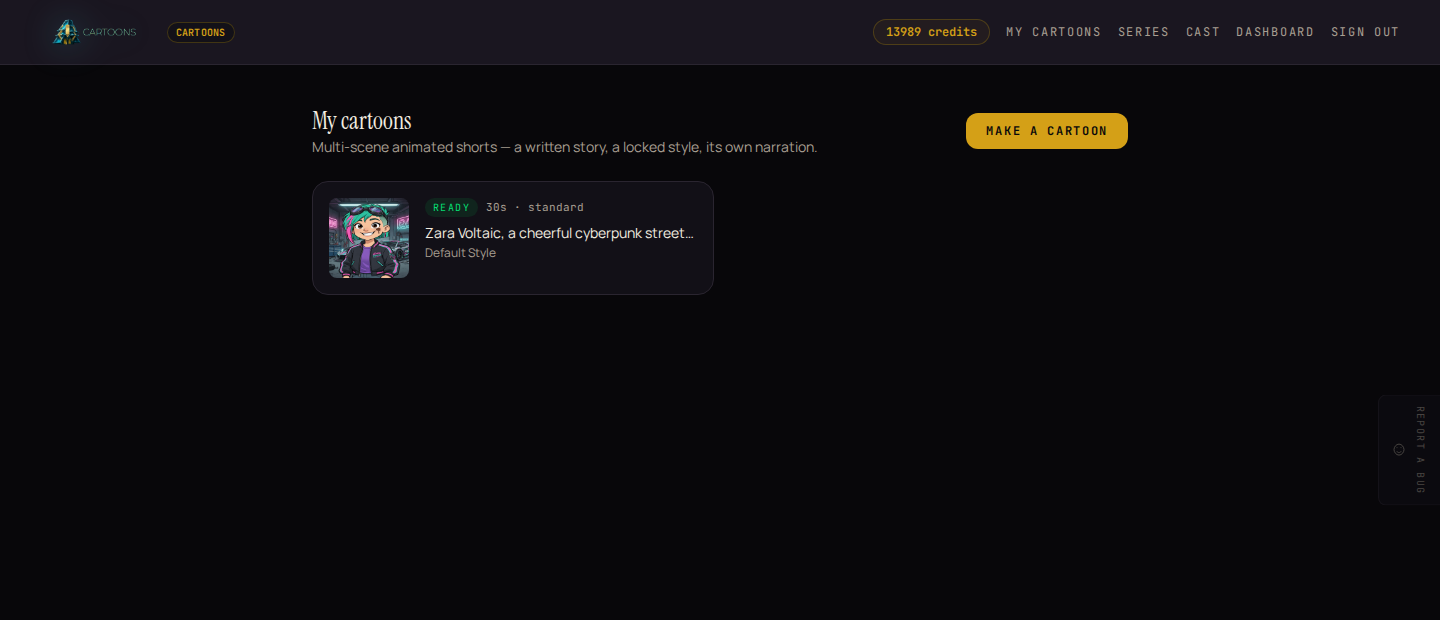
The first time you sign in, this list is empty and shows a single Make your first cartoon button instead of the grid.
Statuses
A cartoon moves through the same stages whether it started from a photo, an idea, or a series episode:
| Status | What's happening |
|---|---|
| Queued | Waiting to start. |
| Rendering | The pipeline is running: writing the story, cartoonifying a photo if you gave one, building the setting, then animating each scene. |
| Ready | Finished. The final video and every scene are ready to watch. |
| Failed | Something went wrong partway through. See what that means for your credits. |
Watching it render
Open any cartoon from the list to see its own page. While it's rendering, a progress line names the current step in plain words: "Writing the story…", "Animating the scenes…", "Stitching the final cut…". It updates on its own every few seconds, so you don't need to refresh.
The finished cartoon
Once a cartoon is ready, its page shows:
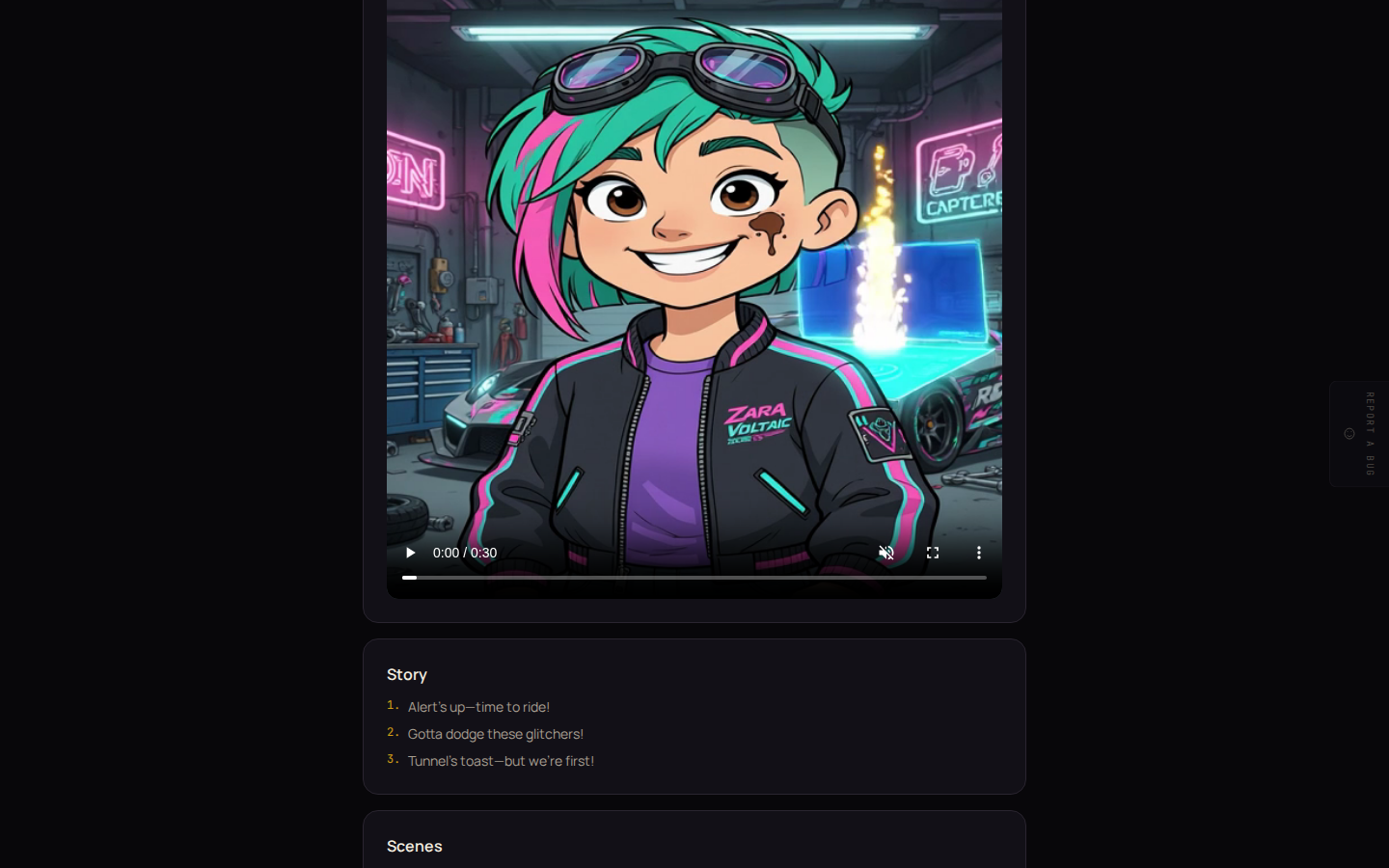
- The finished cartoon: the stitched final video, playable right there.
- Story: the beats the studio wrote, numbered in order.
- Scenes: every individual scene, each with its own clip and narration line, so you can see exactly what was built.
If it fails
If generation fails partway through, the page shows what went wrong in place of the progress line, and any credits for scenes that never rendered are refunded automatically, so you're only ever charged for the work that actually finished. See Credits and billing for the full picture.
What's next
- Want the same cast and style to reuse for a second episode? See Series and episodes.
- Curious what a saved character looks like before you cast it? See Character library.