
Getting started
Create your account
- Go to cartoons.devghouse.com and click Make a cartoon or Sign in, then Create an account on that page. You can also go straight to
/auth/register. - Fill in your name, email, and a password of at least 6 characters, confirm the password, then agree to the Terms and Privacy Policy, and click Create account.
- Your account signs in right away, with 100 signup credits already in your balance. That's enough to explore the studio, but not quite enough for even the cheapest cartoon (180 credits). See Credits and billing for what things cost and how to add more.
- You're asked for a 6-digit code sent to your email. Enter it once it's in your inbox and click Verify and continue, or click Skip for now to come back to it later. Verifying isn't required before you can start working either way: you're already signed in, and you land straight in the setup wizard below to make your first cartoon.
Your account is the same DevGhouse account used across every other product. If you already have one from another product, use Sign in instead.
The three-step setup
The home page's Make a cartoon button opens a short setup wizard that turns your choices into a ready-to-go builder screen.
- Your story. Choose From a photo or From an idea, and write a one-line premise (required for an idea, optional as a nudge for a photo).
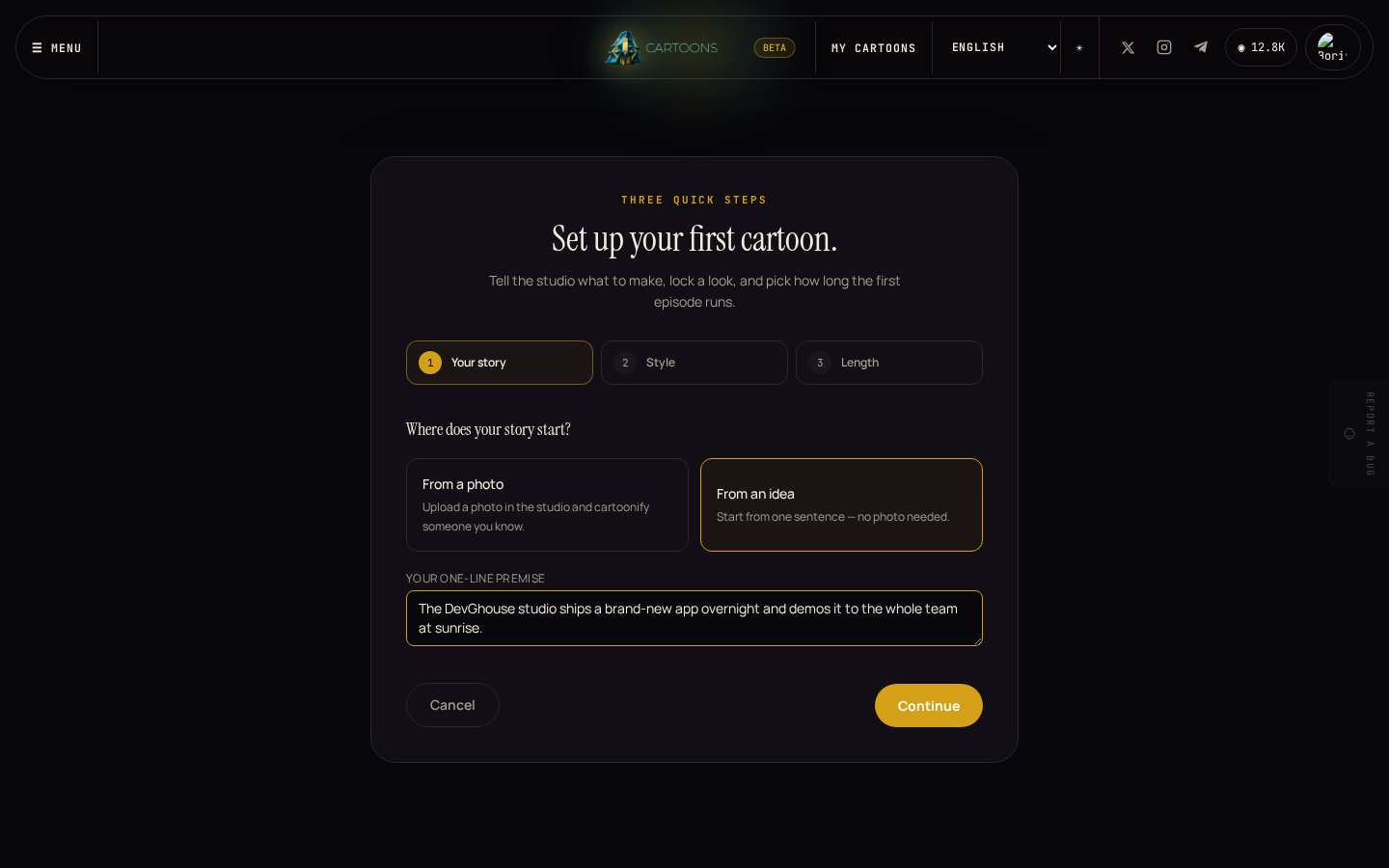
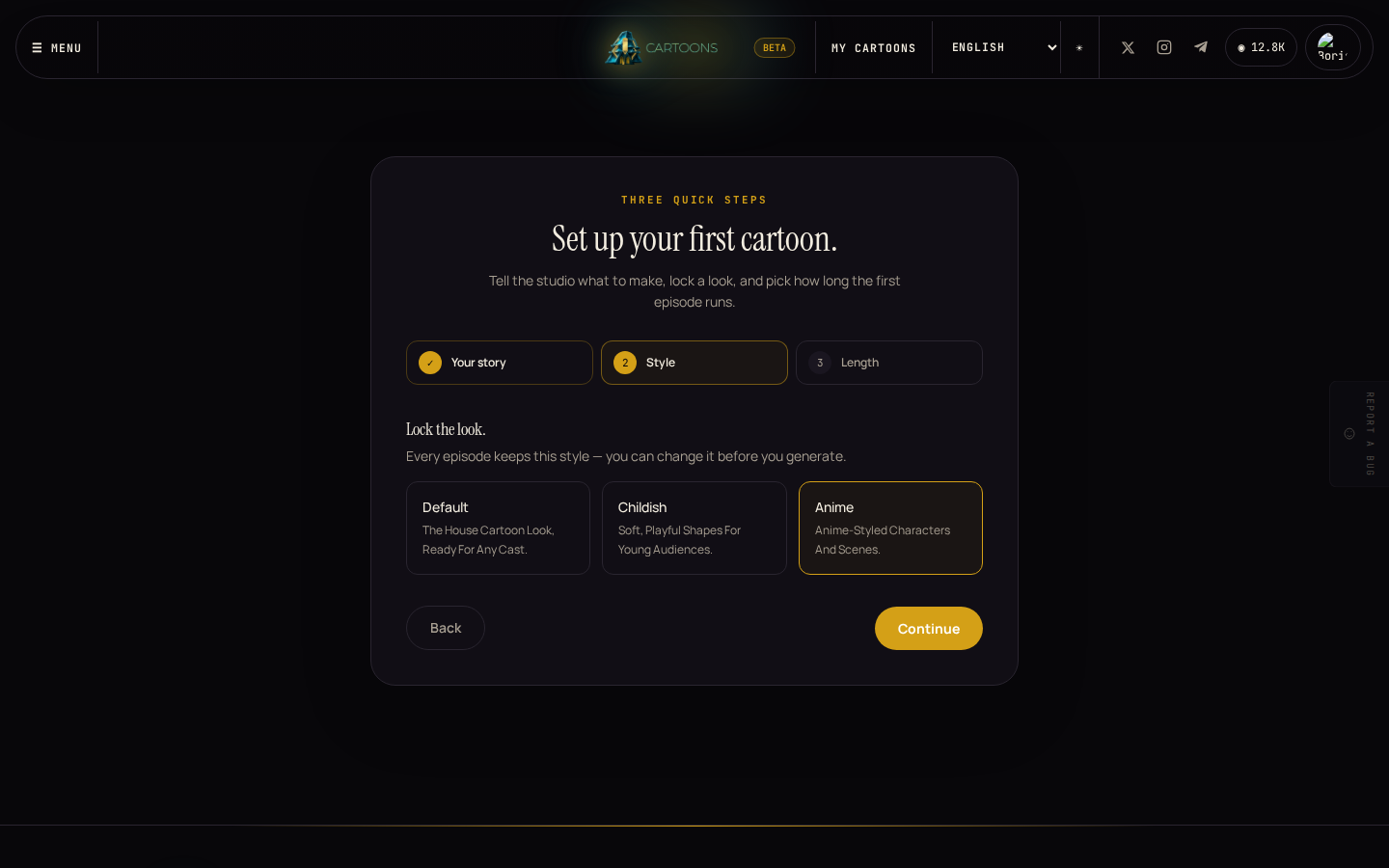
- Style. Pick the look every scene will use: Default, Childish, or Anime. You can still change it later in the builder.
- Length. Pick how long the first episode runs. Longer means more scenes and a higher cost. The exact price shows on the next screen before anything is generated.
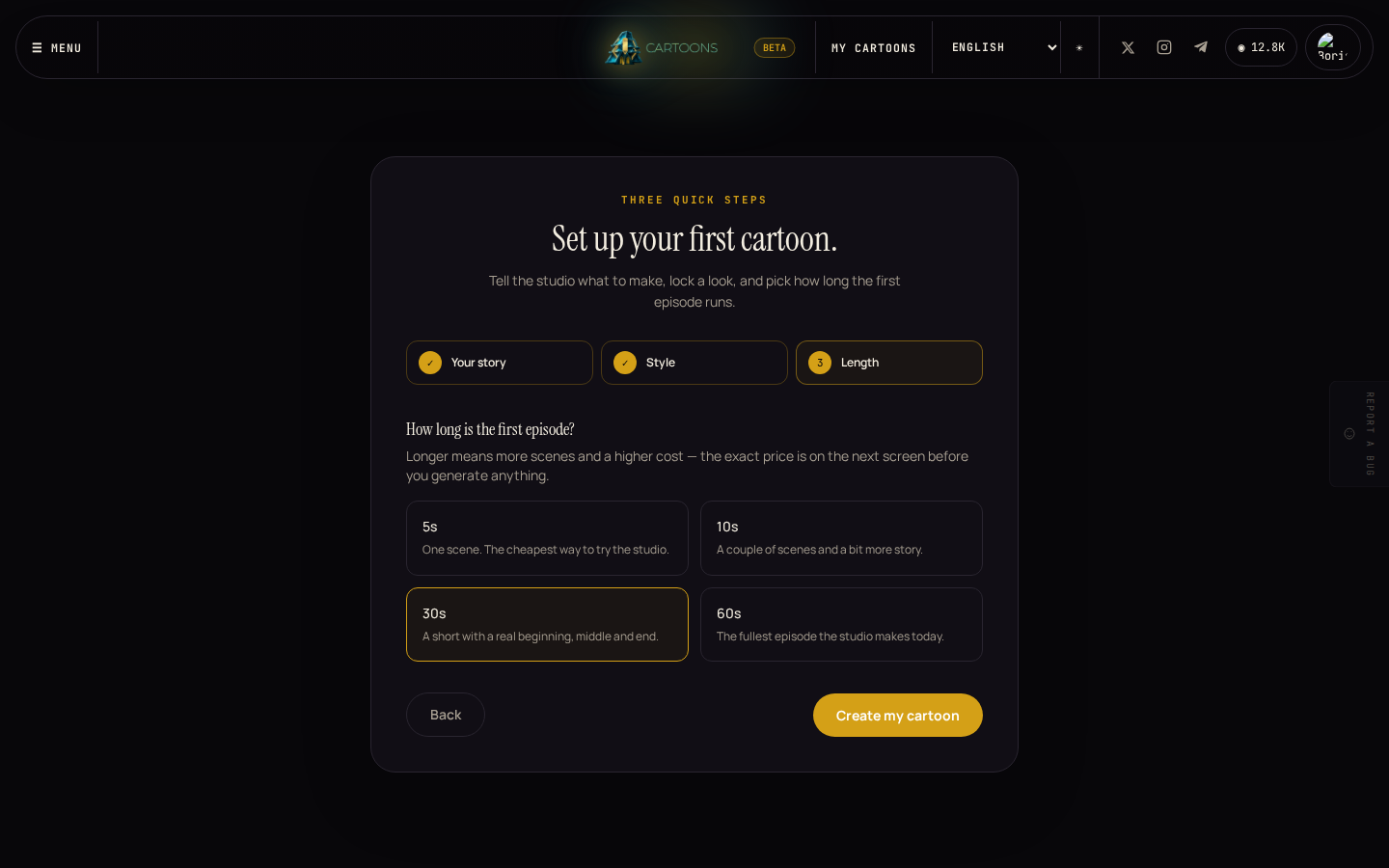
Click Create my cartoon and your choices carry straight into the builder, ready to review and generate. See Making a cartoon for what happens from there.
Find your way around the studio
Once you're signed in, the header on every studio page carries:
- The credits pill in the top right, showing your current balance. Click it to buy more.
- My cartoons, Series, and Cast, the three places your work lives.
- Dashboard, which opens the main DevGhouse workspace hub: the same account, the same credit balance, every other product.
- A Report a bug tab on the right edge of the screen, if something looks wrong.
What's next
- Ready to make your first cartoon? See Making a cartoon.
- Want to know what's free and what costs credits first? See Credits and billing.