
Common problems
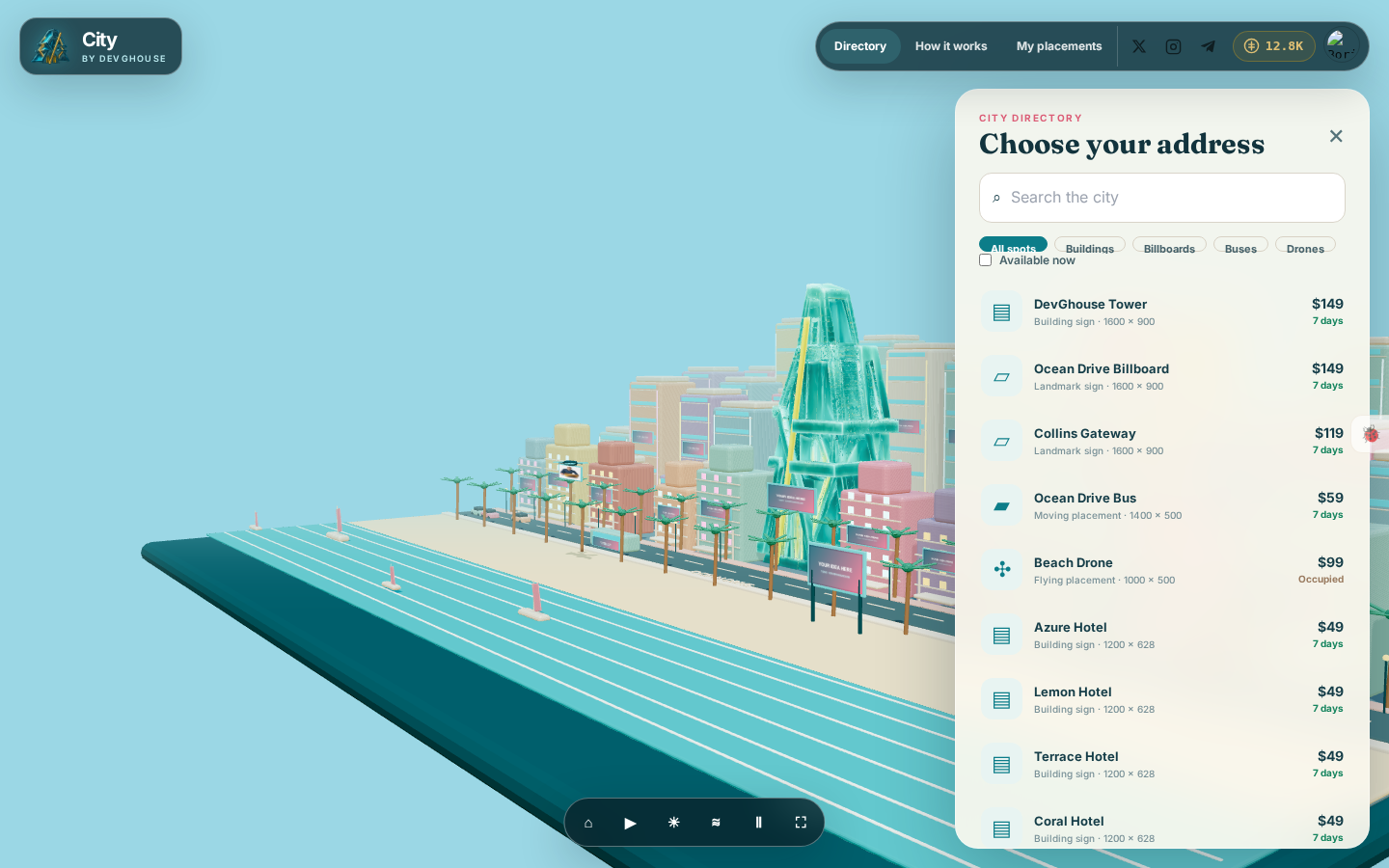
"The spot I want says Occupied"
Someone else's idea is live there for its seven days. Pick a different spot for now, or check back after it expires; an occupied spot returns to the directory the moment its term ends, first come first served.
"I don't have enough credits"
The purchase button stays disabled and shows your current balance next to a Top up credits link when your balance is short. Click it, or see Credits and topping up, then come back to the same spot to finish.
"My placement is gone"
Every placement runs for exactly seven days from the moment you pay. Once that ends, it comes down automatically and the spot becomes available again for anyone, including you, to take. Check My placements for the exact end date, and renew before it runs out if you want to keep it.
"The source I want to promote isn't in the list"
The What are you promoting? dropdown only lists things tied to your currently active context. If you are looking for a workspace website or coin and do not see it, open your account menu and check Switch context to make sure you are in the right personal account or workspace first.
"My image looks cropped"
Each spot has a fixed size, shown next to Creative in the form. If your image is a different shape, City fits it to that size, which can crop the edges. The preview shown while you build your placement is exactly what will appear on the spot, so check it there before you pay rather than after.
"I signed in but nothing changed"
Make sure you are signing in with the DevGhouse account you meant to use. If you belong to more than one workspace, your account menu's Switch context shows which one is active; your balance and any sources you can promote depend on that choice.