
Placing your idea
This is the form you see once you open a free spot while signed in: here it is for Sunrise Hotel, prefilled from a real DevGhouse profile.
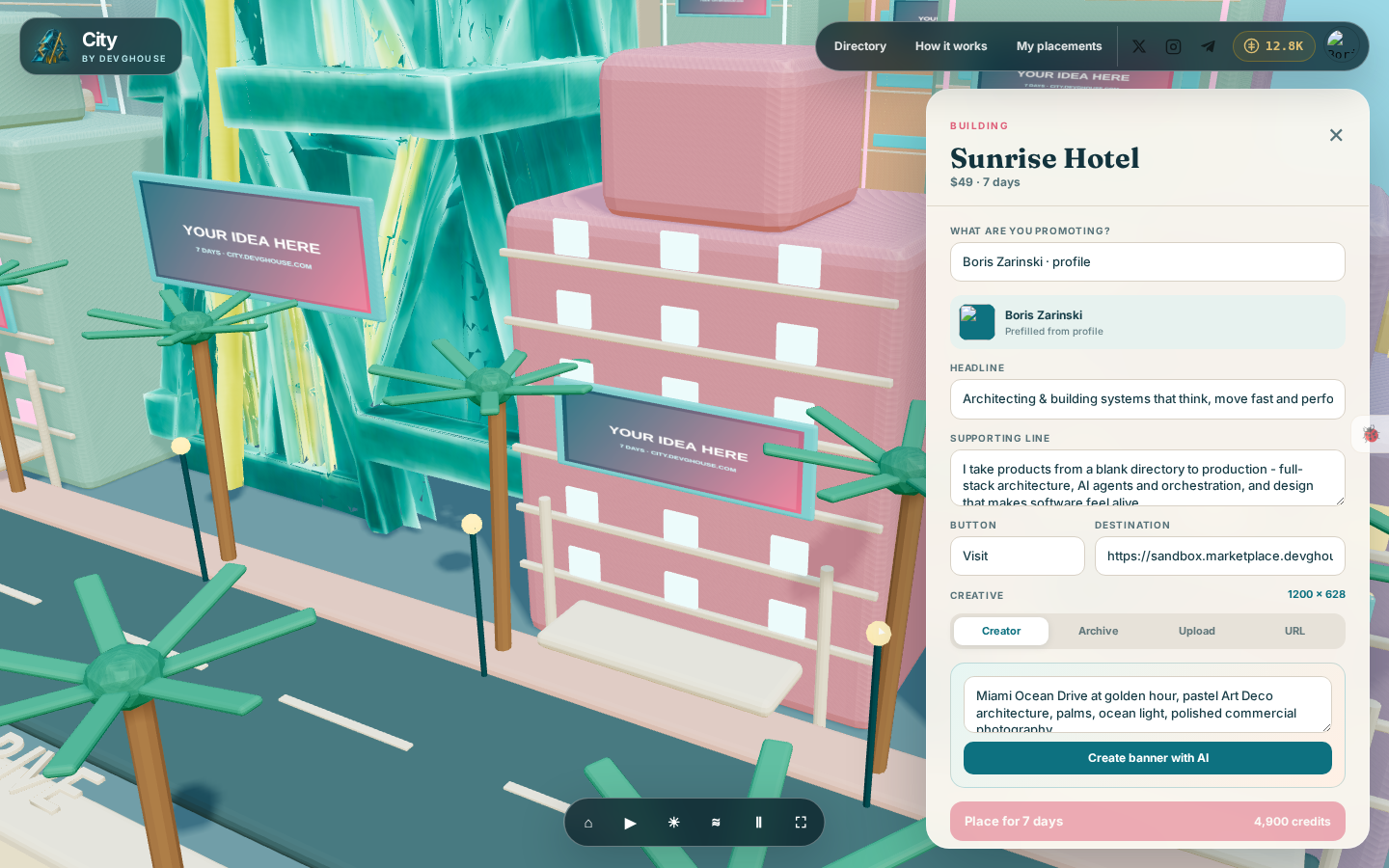
1. Choose what you are promoting
The What are you promoting? dropdown lists things already tied to your account: any website you run on DevGhouse, a coin you launched, a workspace you belong to, or just your own personal profile. Pick one and City fills in a starting headline, logo and destination link from it, so you have something to work with right away.
You can change any of these before you pay:
- Headline, up to 160 characters.
- Supporting line, a short second line under the headline.
- Button, the label on the call-to-action (defaults to "Visit").
- Destination, the link people land on after clicking through from the city.
2. Make or pick the image
Every spot has an exact image size, shown next to Creative at the top of this section. You have four ways to fill it:
- Creator: describe a background (for example, "Miami neon, ocean reflections, clean space for copy") and click Create banner with AI. City generates a background at the right size and lays your headline, supporting line and logo on top of it automatically.
- Archive: pick from images you have generated or uploaded before, anywhere on DevGhouse.
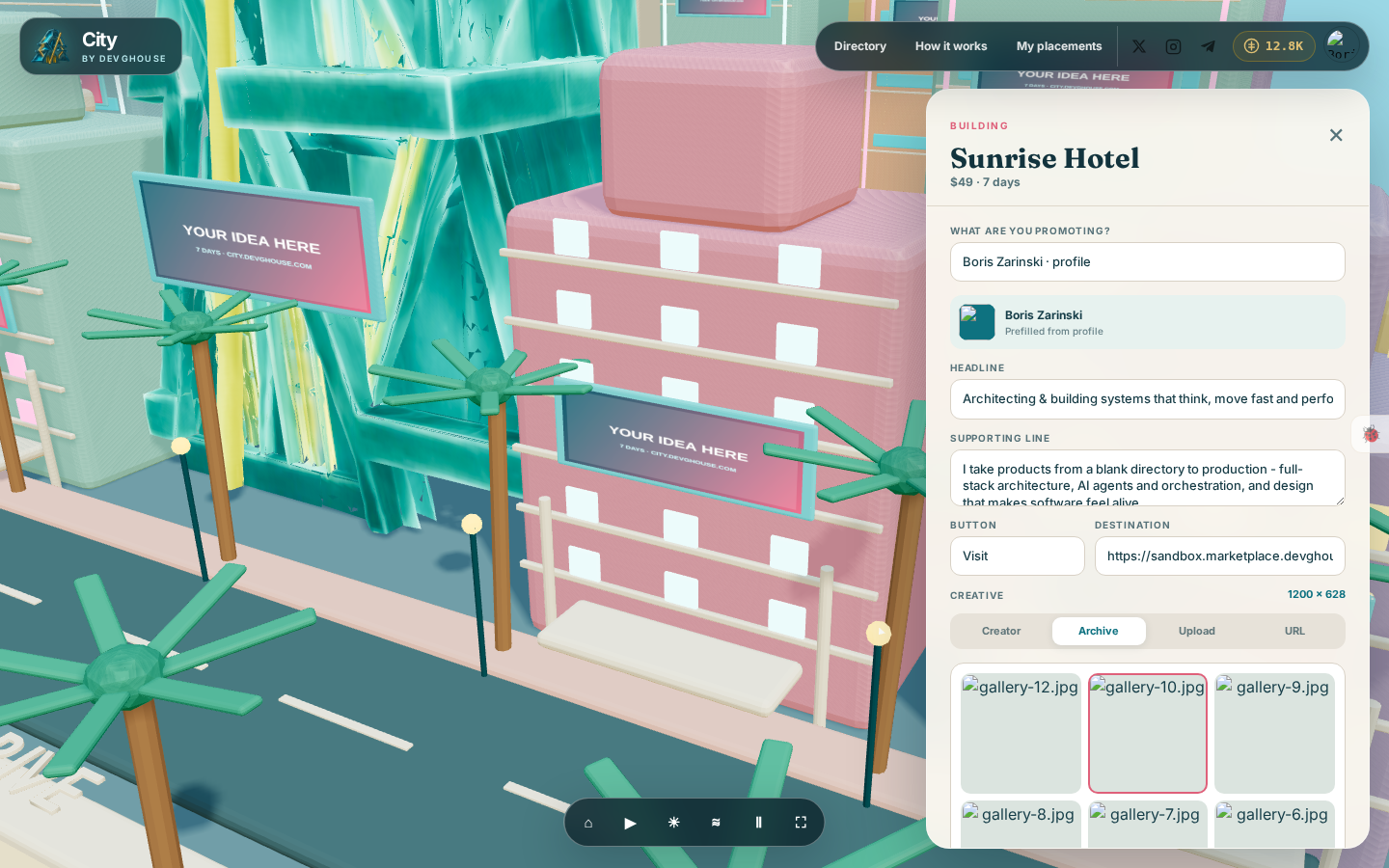
- Upload: choose a JPG, PNG, WebP or GIF from your device, up to 20 MB.
- URL: paste a link to an image you already have hosted somewhere.
Whichever way you fill it, a live preview appears below at the spot's real aspect ratio, so you can see exactly how it will look before you pay.
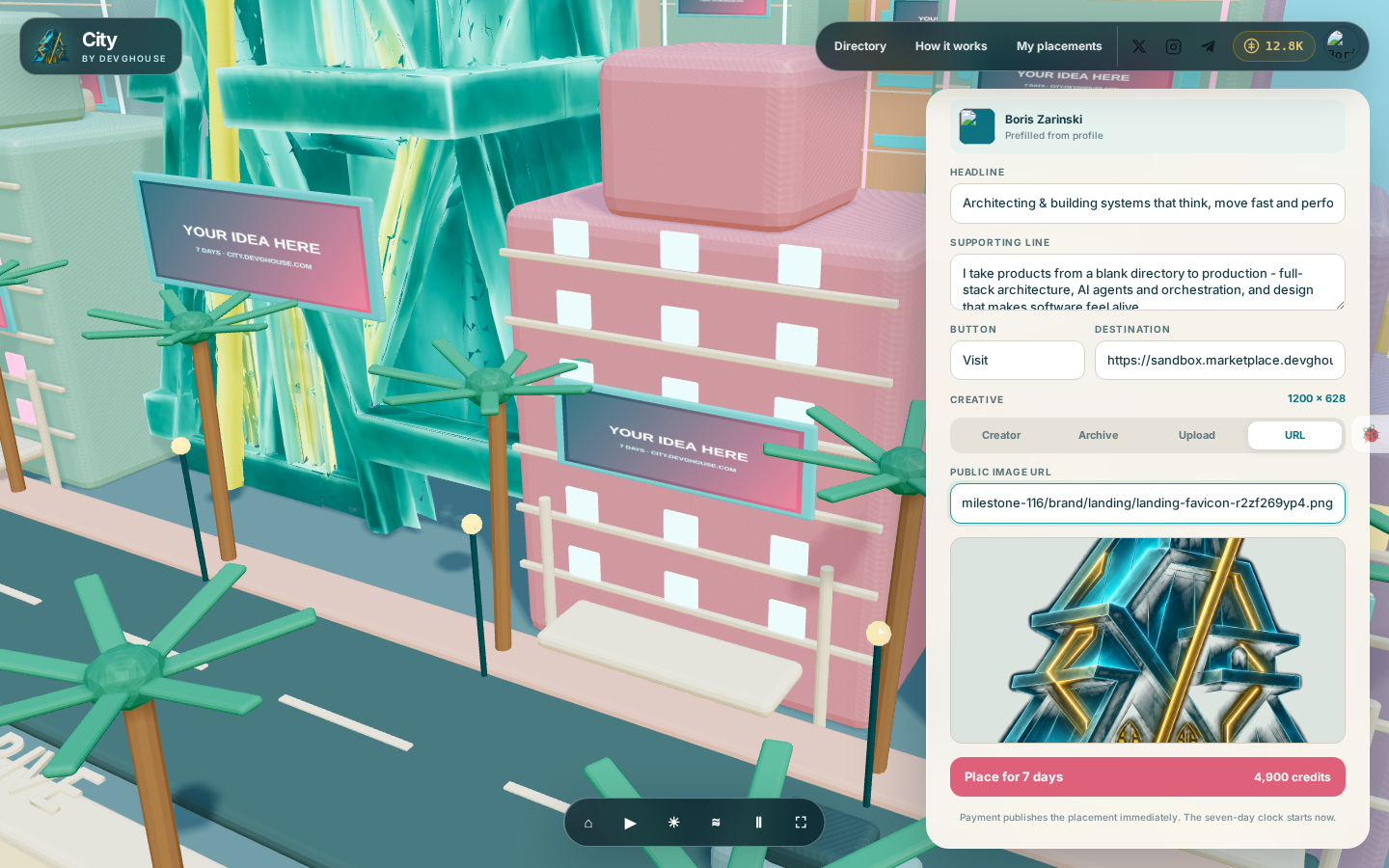
3. Pay and go live
The button at the bottom shows the price in credits for this spot's seven-day term.
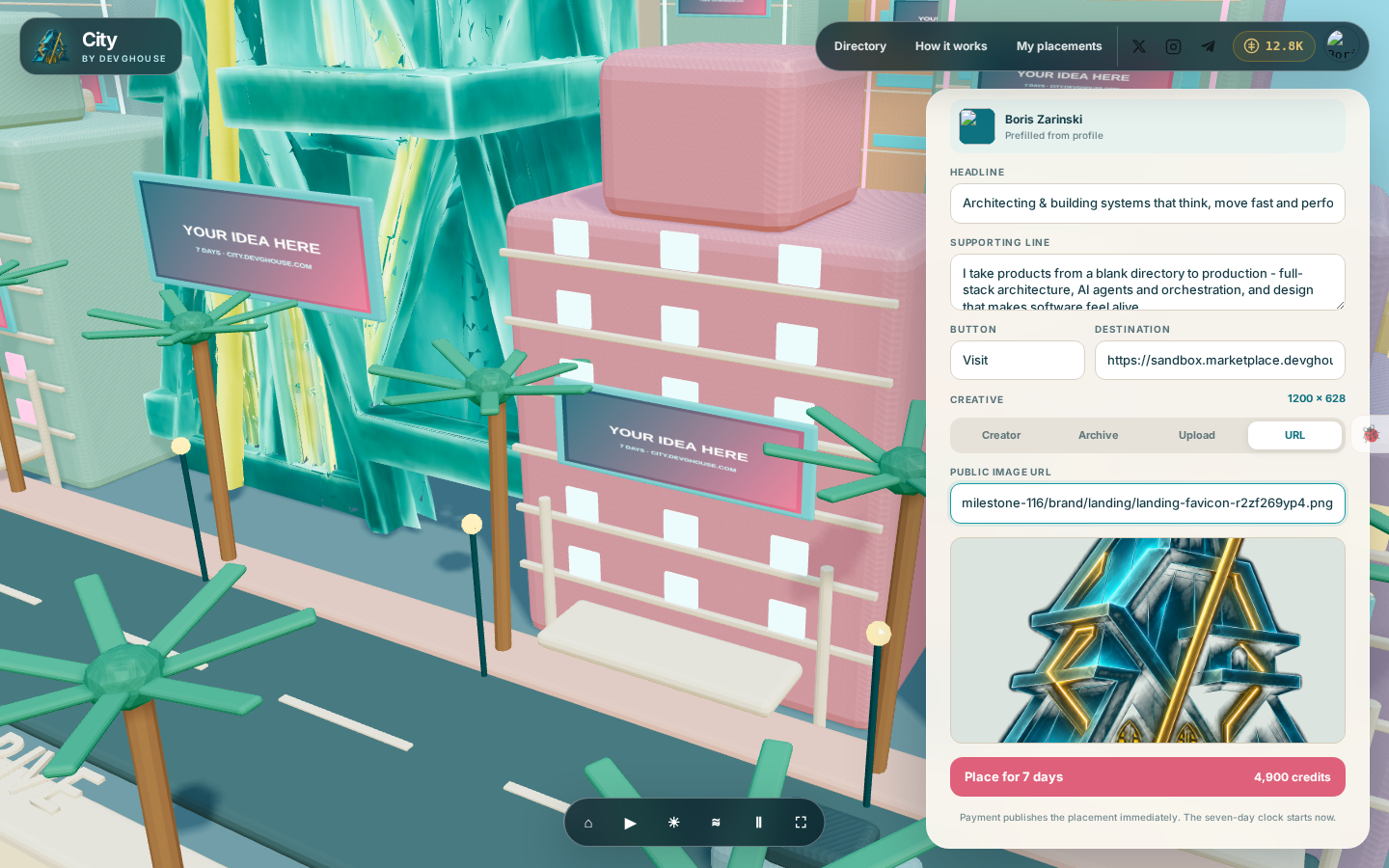
- If your balance covers it, click it to pay. Your idea goes live in the city immediately, on that exact building, billboard, bus or drone, and your seven days start counting from that moment.
- If you do not have enough credits, the button stays disabled and a message shows your current balance next to a link to top up. See Credits and topping up.
There is no waiting period and no review queue: once payment goes through, your idea is visible to everyone who visits the city.
What happens after
Close the panel and your placement appears on its spot in the scene for the rest of your visit and for every future visitor, until the seven days end. You can check on it any time from My placements, and add more time before it runs out.