
My placements
Open your placements
Click My placements in the header. This is only visible once you are signed in.
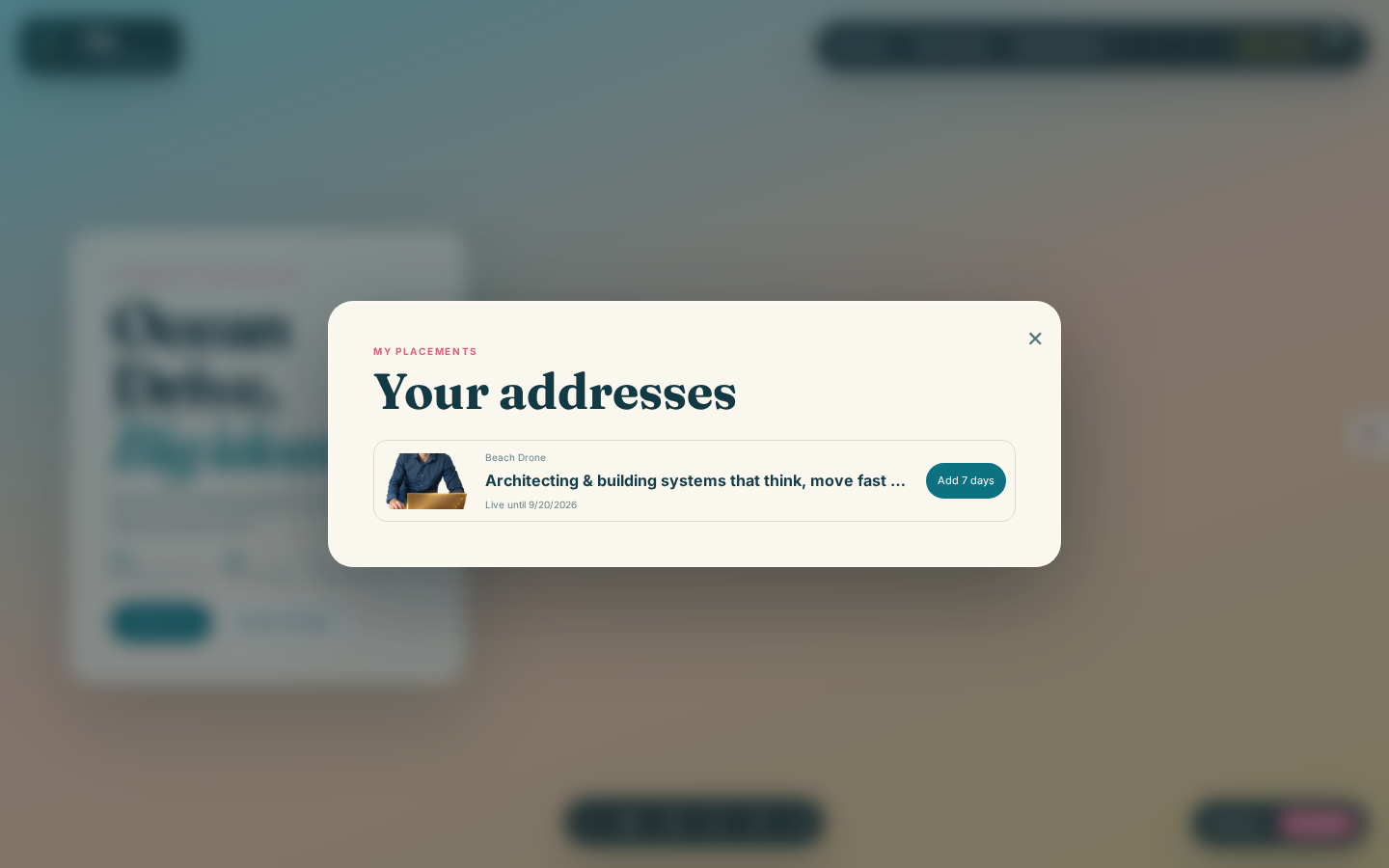
Each row shows the image you placed, which spot it is on, your headline, and how much time it has left, for example Live until 9/20/2026. If you have not placed anything yet, this list says so plainly and points you back to the directory.
Renew a placement
While a placement is still active, its row carries an Add 7 days button. Click it to charge another seven-day term at the spot's current price and push the end date back by seven more days. There is no need to wait until the last moment: you can renew as early as you like, and each renewal simply adds seven days on top of whatever is left.
If a placement's seven days have already run out, that spot returns to the directory and becomes available for anyone (including you) to take again from scratch, through Placing your idea.
A note on credits
Renewing spends credits from the same balance as a new placement, at the same price shown in the directory for that spot. If your balance is not enough, the renewal fails and nothing changes until you top up. See Credits and topping up.