
Buying a program
Browse programs
Open Workout programs from the menu, or go to fitness.devghouse.com/programs, to see every program a trainer has published for sale.
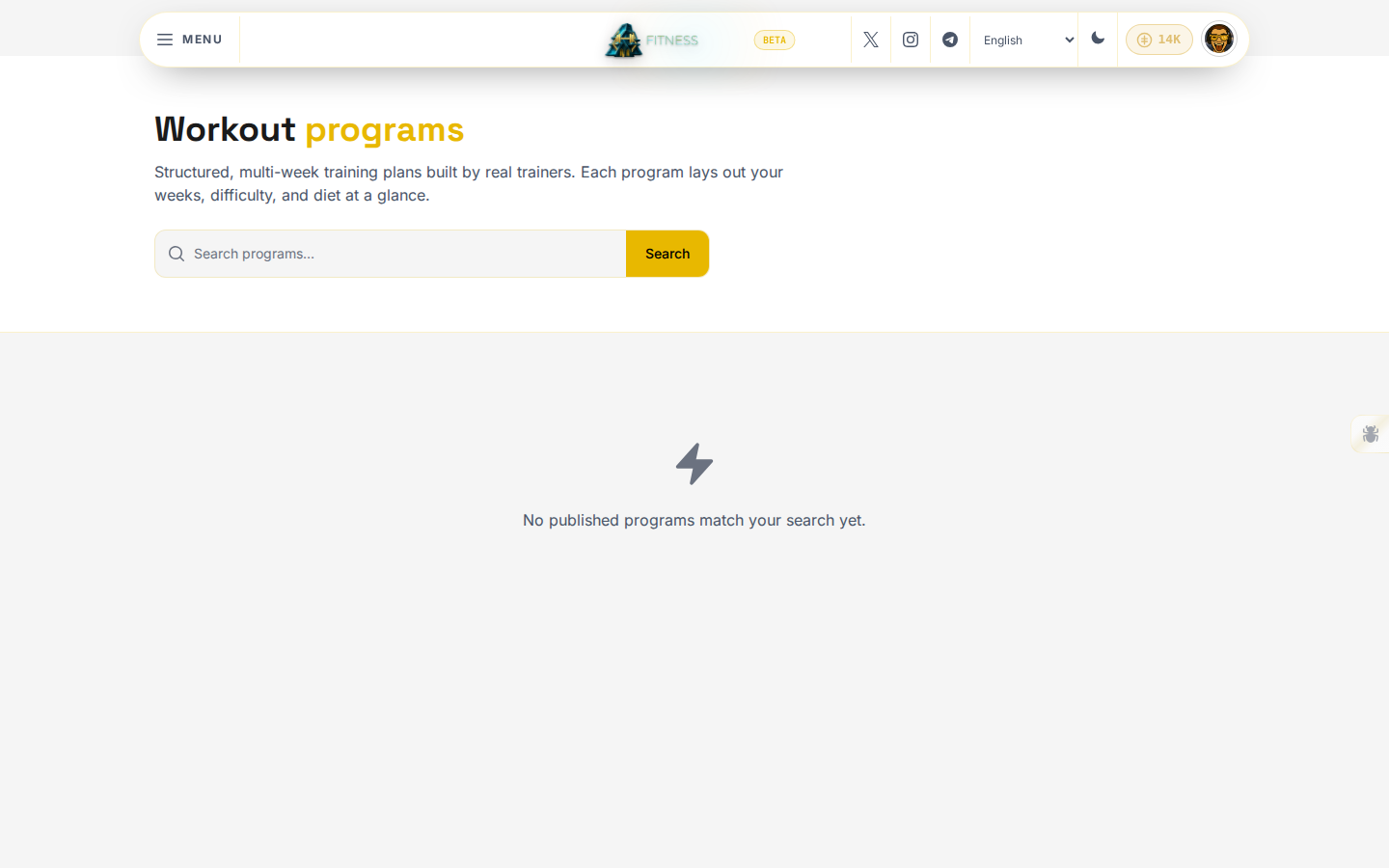
Type a keyword and click Search to narrow the list. Click a program's card to open its full page.
Check what you are buying
A program's page shows everything before you spend anything:
- The weeks, exercise count, difficulty, category, and whether a diet plan is included, as a row of stats under the title.
- The full description, written by the trainer.
- Reviews left by people who already bought it, if any have been left yet.
- The price, or Free if the trainer chose not to charge.
- A link to the trainer's own profile.
Buy it
- Click Buy this program. If you are not signed in, you are sent to sign in first and brought straight back.
- Pick what you pay with (USDC, SOL, or DGH) and review the escrow terms before you confirm.
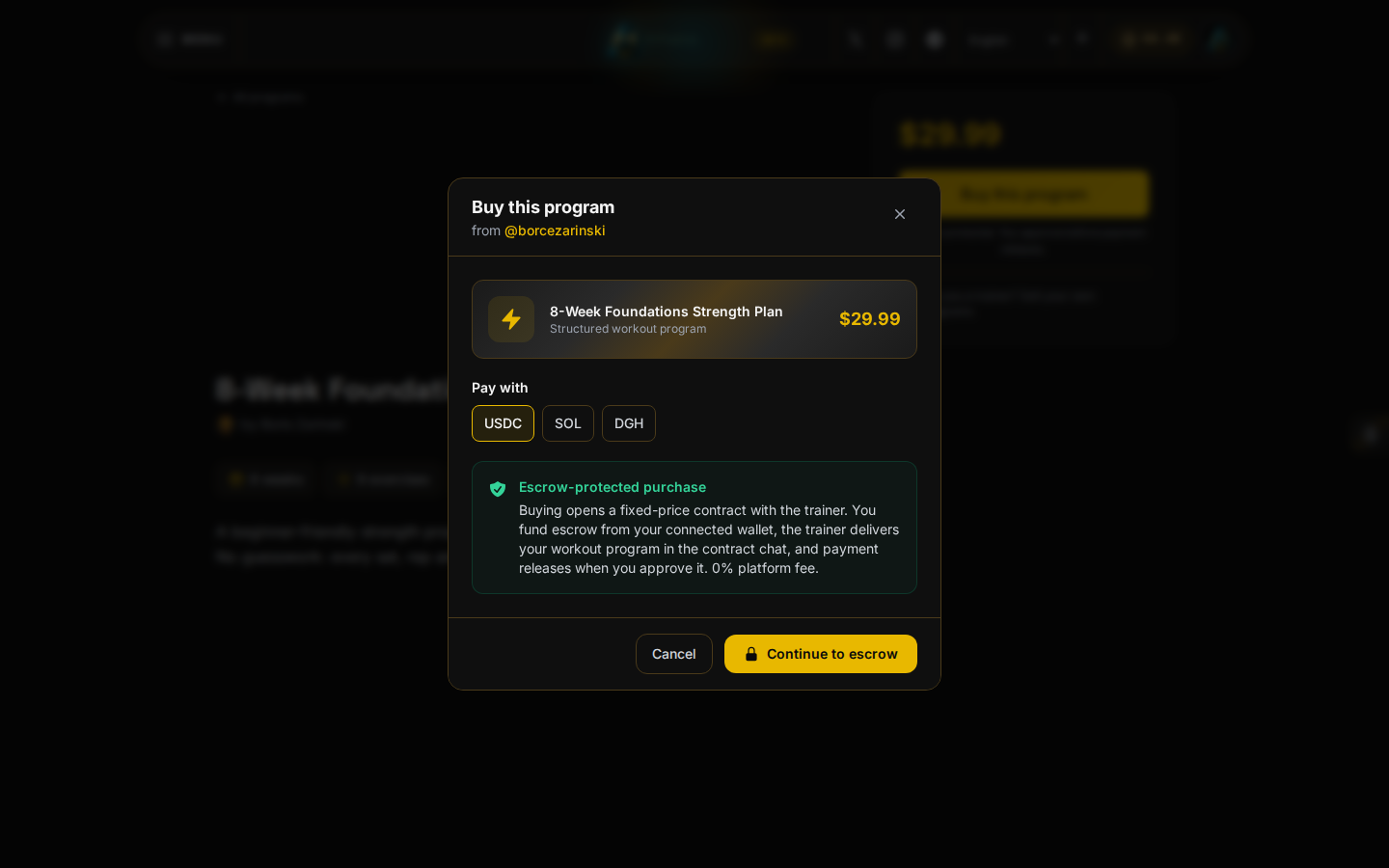
- Click Continue to escrow. This opens a fixed-price contract with the trainer; payment is held in escrow and only releases as the trainer delivers the program.
- Once purchased, message the trainer directly on the contract if you have questions, and follow the workout and any diet plan they deliver.
There is no subscription and no calendar booking today; every purchase is a single structured program, bought once.
Find what you bought
Open My Purchases from the menu at any time to see every program you have bought, with the trainer, the date, and the amount paid. If a purchase does not show up right away, open the program's own page again; it also reflects a completed purchase there.