
Finding a trainer
Search the directory
Open Find a trainer from the menu, or go to fitness.devghouse.com/trainers. Every trainer shown here is currently accepting new clients; a trainer who turns that off in their settings disappears from the list until they turn it back on.
- Type a name, a specialty, or a location into the search box (for example "strength").
- Click Search, or press Enter.
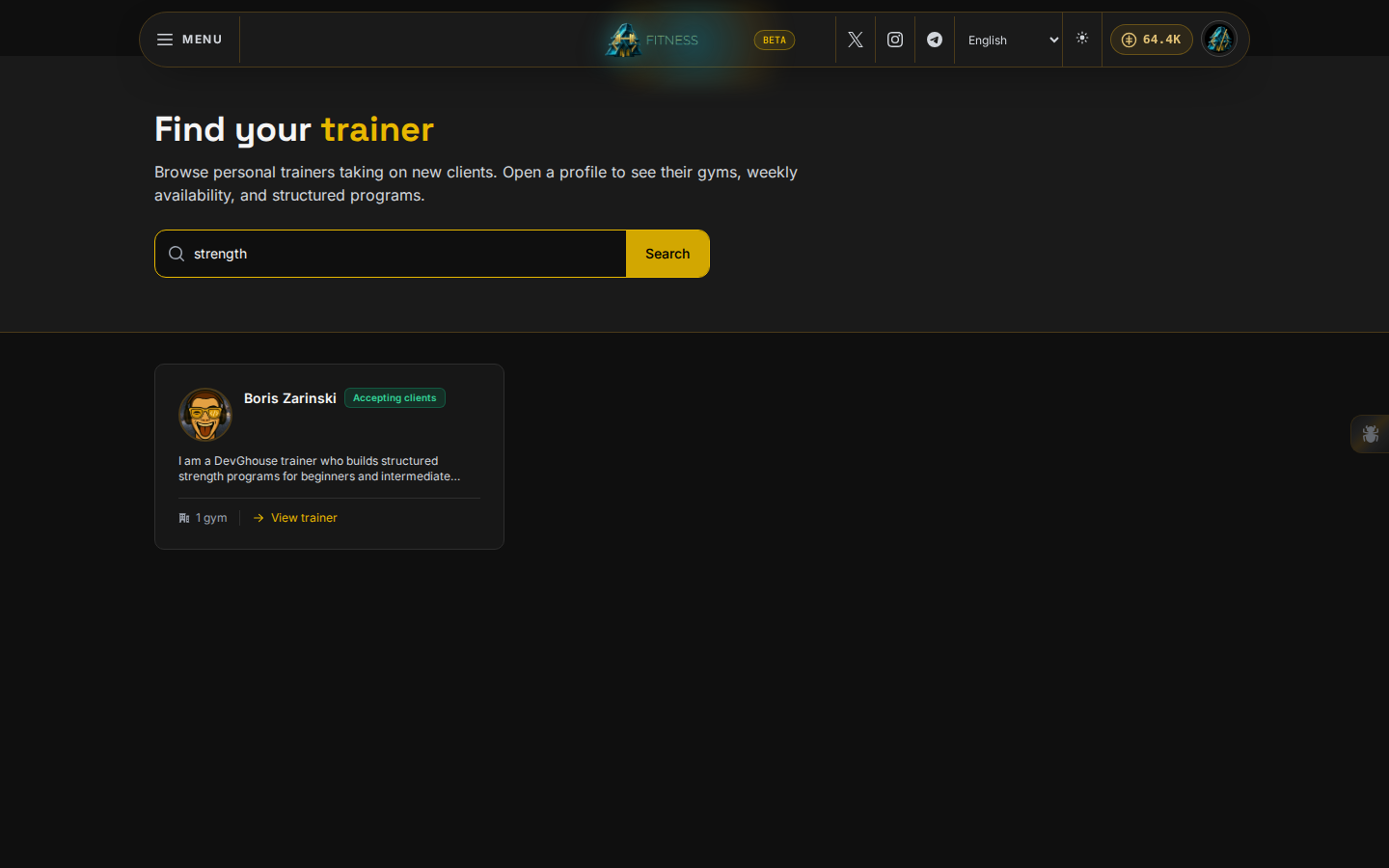
- Click a trainer's card to open their full profile.
Read a trainer's profile
A trainer's profile page tells you what you need before you buy anything from them:
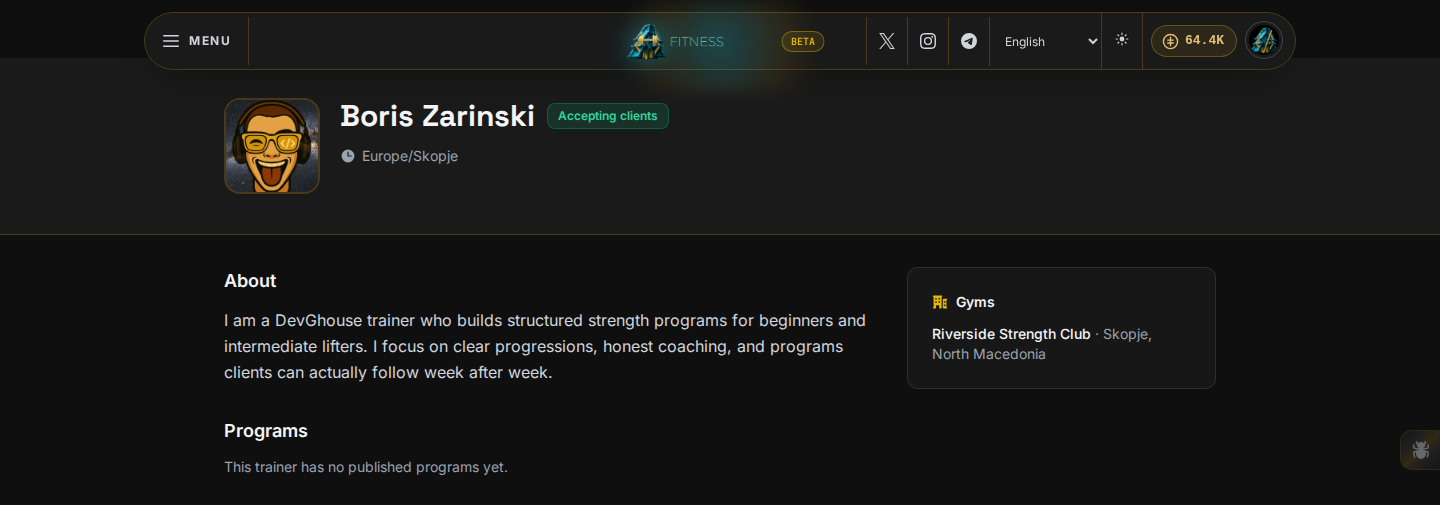
- Accepting clients or Fully booked, right next to their name.
- About, their bio in their own words.
- Programs, every workout program they have published for sale. Click one to see the full price and details; see Buying a program.
- Gyms, the locations they train clients at, if they added any.
- Weekly availability, shown for reference only; there is no booking calendar yet, so use the program's contract chat to arrange anything time-based.
- What clients say, reviews left by people who bought from this trainer before.
A trainer with no published programs yet still shows their profile; check back later, or message them once you have an open contract together.