
Friends
Friends is your own network of other DevGhouse users, not your Twitter followers or Instagram contacts. It comes on automatically with Social, and you'll find it in your sidebar under Friends.
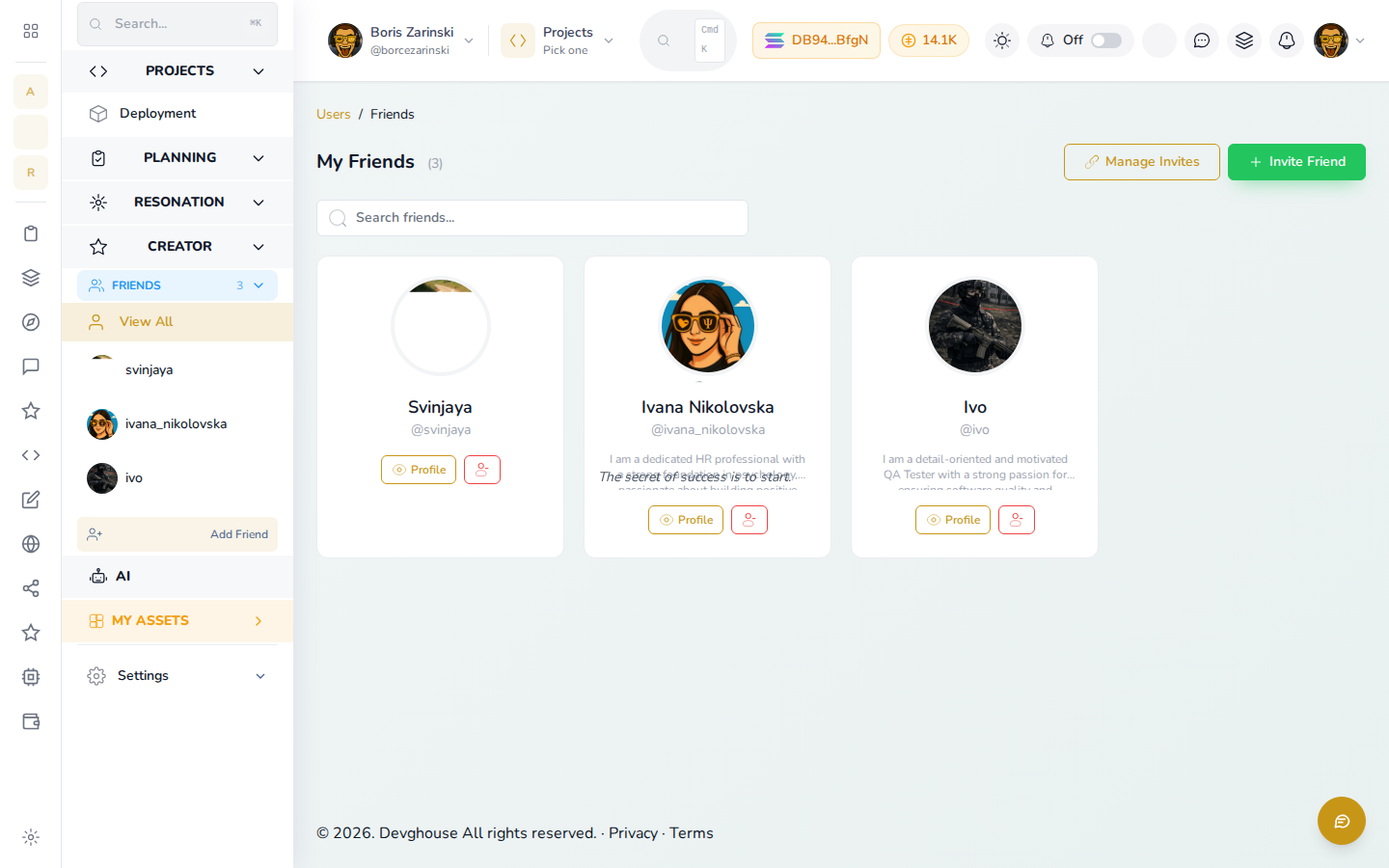
Add a friend
- Open Friends, then click Invite Friend.
- Search by name or username for someone already on DevGhouse.
- Select them, then click Create Invite to generate an invite link.
- Share the link however's easiest, WhatsApp, Telegram, Messenger, Instagram, or your device's own share menu, or copy it and send it yourself.
If they accept, they show up in My Friends the next time you check.
Manage pending invites
Click Manage Invites to see invites you've sent that haven't been accepted yet, and to cancel one you no longer want open.
View or remove a friend
- Click Profile on a friend's card to open their public DevGhouse page.
- Use the small icon next to Profile to remove them from your friends list.
- The search box above the list filters by name or username once your list grows.