
Enrolling and paying
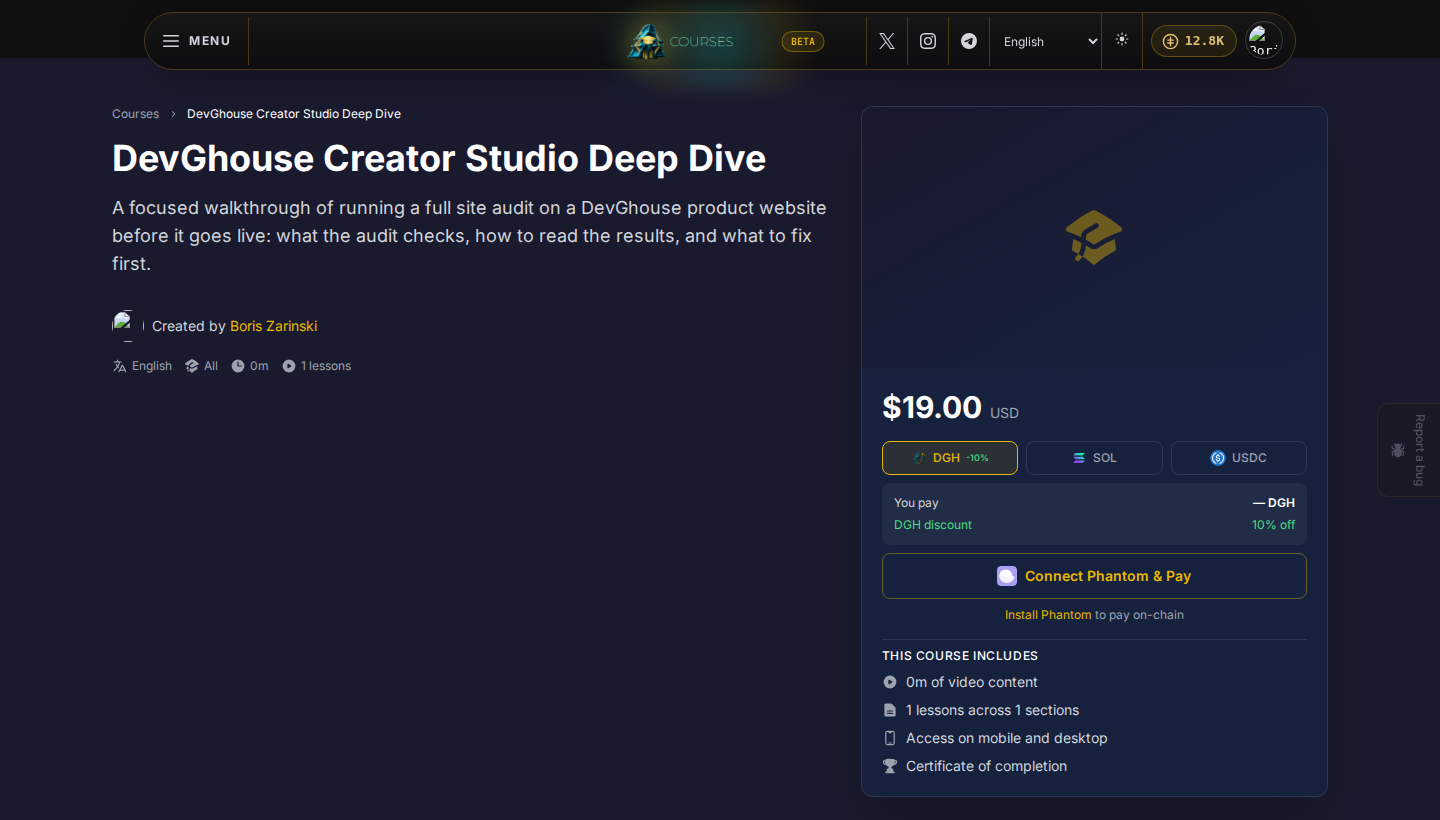
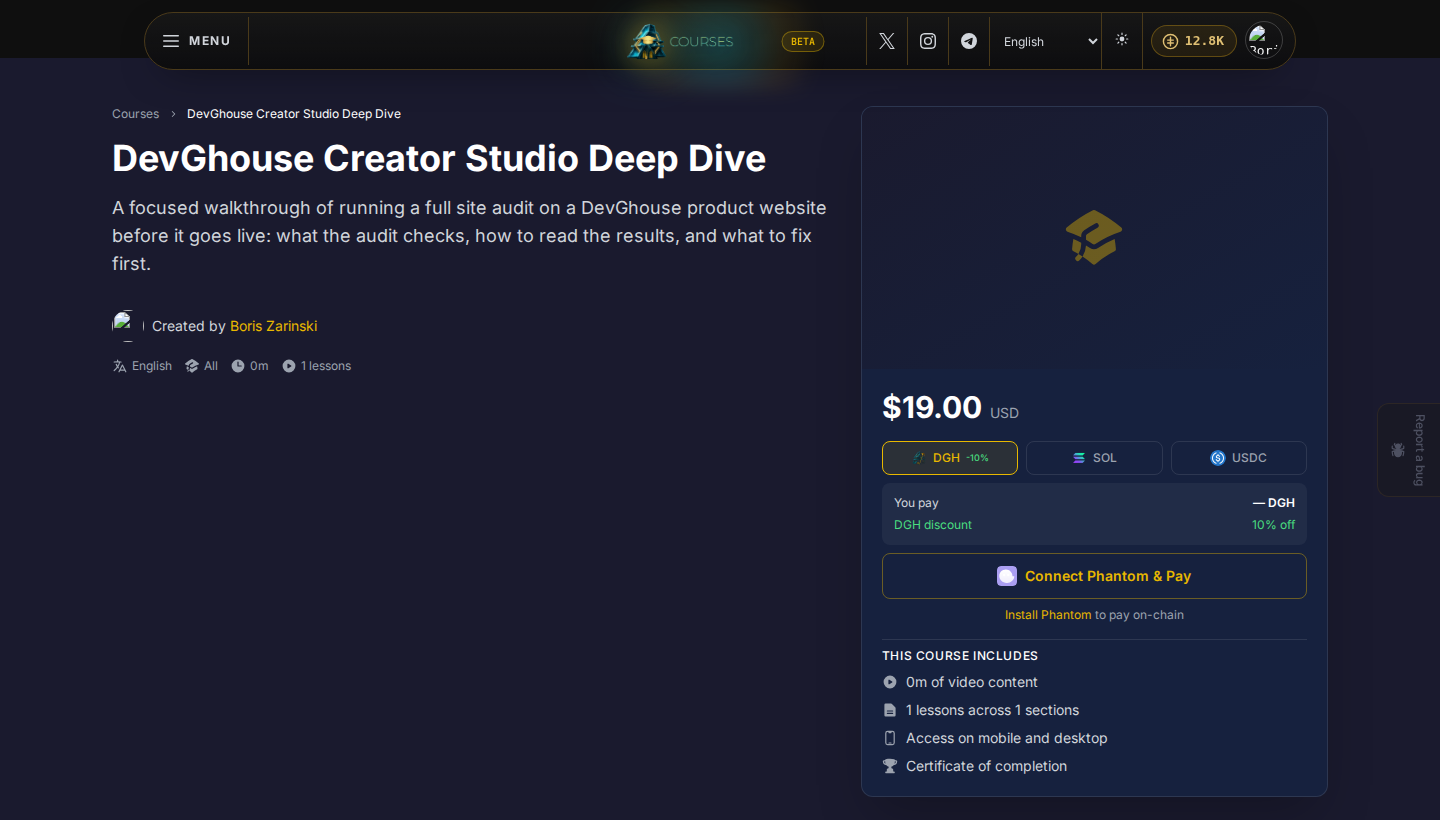
The price and the enroll button live in a card on a course's page. What it shows depends on the course and whether you are signed in.
If you are signed out
The panel shows Sign in to enroll. Clicking it takes you to sign in (or sign up, if you have no account yet) and brings you straight back to the same course afterward.
Free courses
If the instructor priced a course at $0, the panel shows Free and a single Enroll for free button. Click it and you own the course immediately, no payment step at all.
Paid courses
For a paid course, the panel shows the price and two ways to pay:
- Choose a token. Pick DGH, SOL, or USDC. Paying with DGH gets a discount, shown next to the token.
- Pay with your DevGhouse wallet balance, the same balance shown in the top bar everywhere on DevGhouse. Click Pay amount token. If your balance is too low, the button says so and a link appears to add funds.
- Or pay with Phantom instead. Click Connect Phantom (installing the Phantom browser extension first if you do not have it), approve the connection, then click Pay amount token again. This is a real on-chain payment from your own wallet, separate from your DevGhouse balance.
Either way, once the payment completes you see You are enrolled and a Start Learning button, and the course appears in My Learning. A completed on-chain payment also shows a View transaction link to see it on Solscan.
How pricing works
There is no separate fee just to browse or buy on Courses. Each course sets its own price, shown before you enroll; a free course always says Free. The credit-to-dollar rate ($1 = 100 credits) and any platform-wide fee settings are set by DevGhouse, not by individual instructors.
What owning a course gets you
Once you own a course, whether it was free or paid, it is tied to your DevGhouse account for good:
- It shows up in My Learning and My Purchases.
- Your lesson progress is saved and picked up on any device you sign in on.
- You keep access even if the instructor later changes the course's price or visibility.