
My Learning and your library
Three pages, reachable from the menu, keep track of your account's relationship to every course.
My Learning
Go to courses.devghouse.com/my-learning for every course you have enrolled in or bought, with a Continue control that opens the player right where you left off.
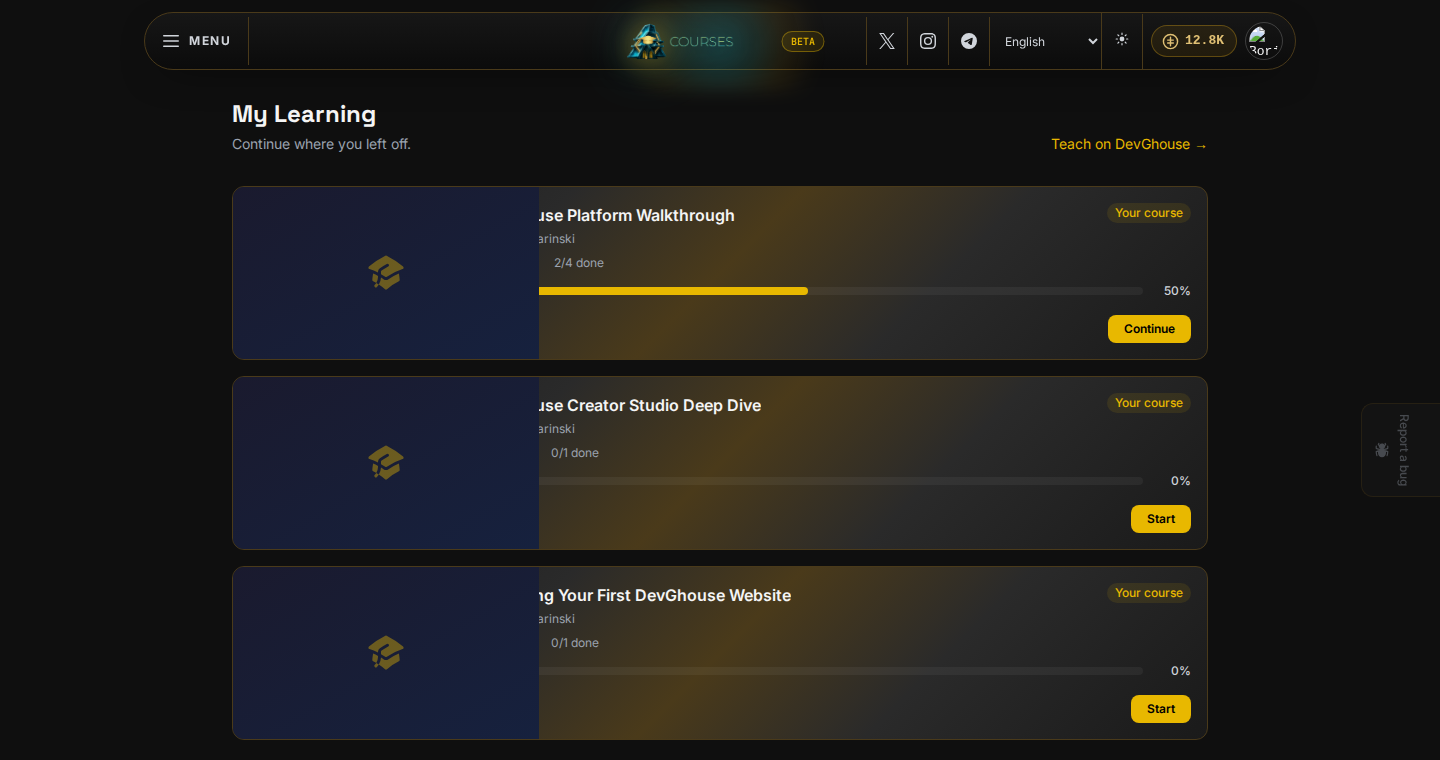
Until you own a course, this page tells you so and points you at the catalog.
My Purchases
Go to /my-purchases for a receipt-style history of every course you have paid for: what you bought, when, how much, and the seller. If you paid on-chain, each row links to the transaction on Solscan.
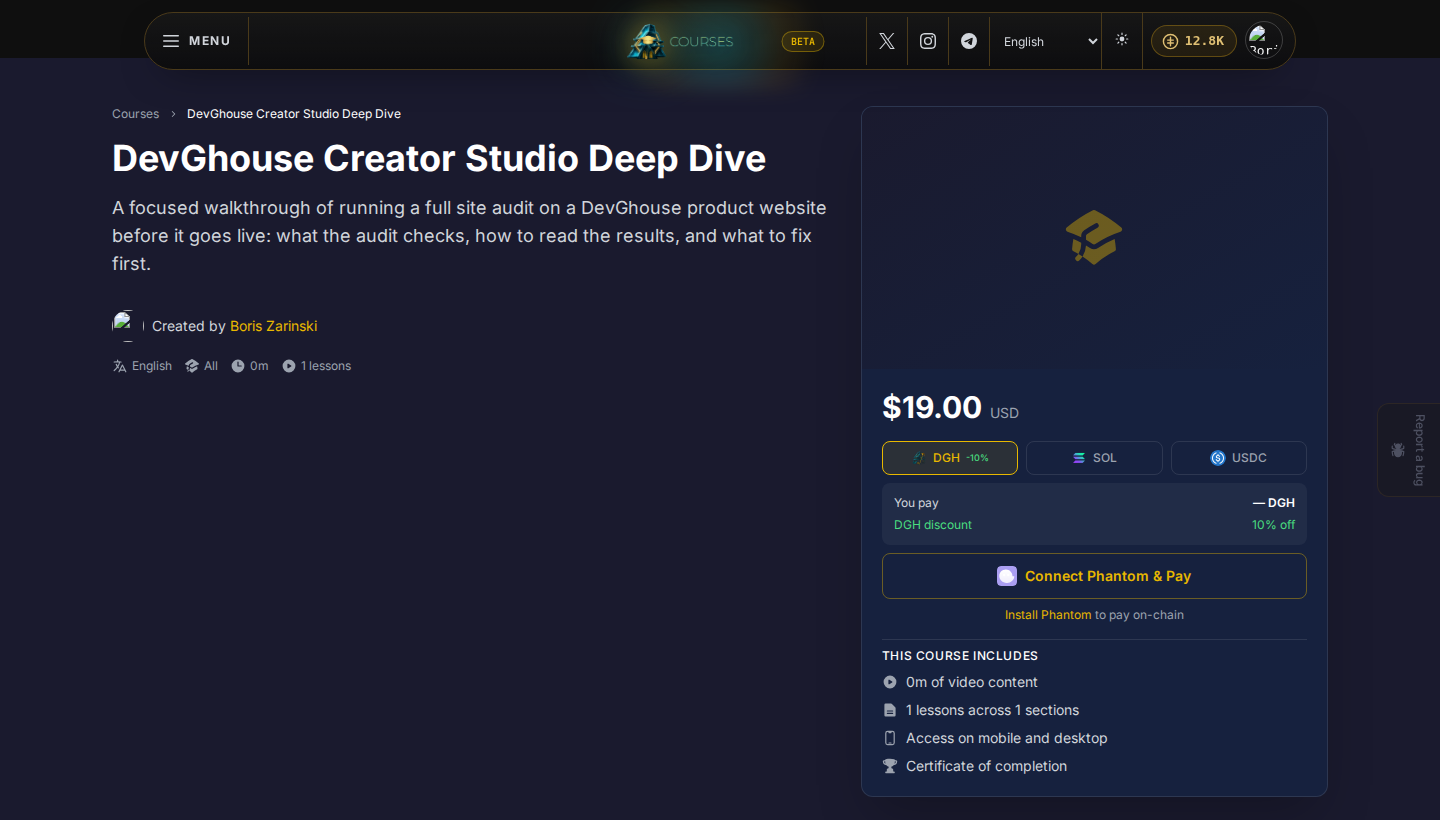
Free enrollments do not create a purchase record here since no payment happened; look for them in My Learning instead. A row only appears here once a payment actually clears, which is why this guide shows the confirm step rather than a receipt: no purchase in this account has completed a real payment yet.
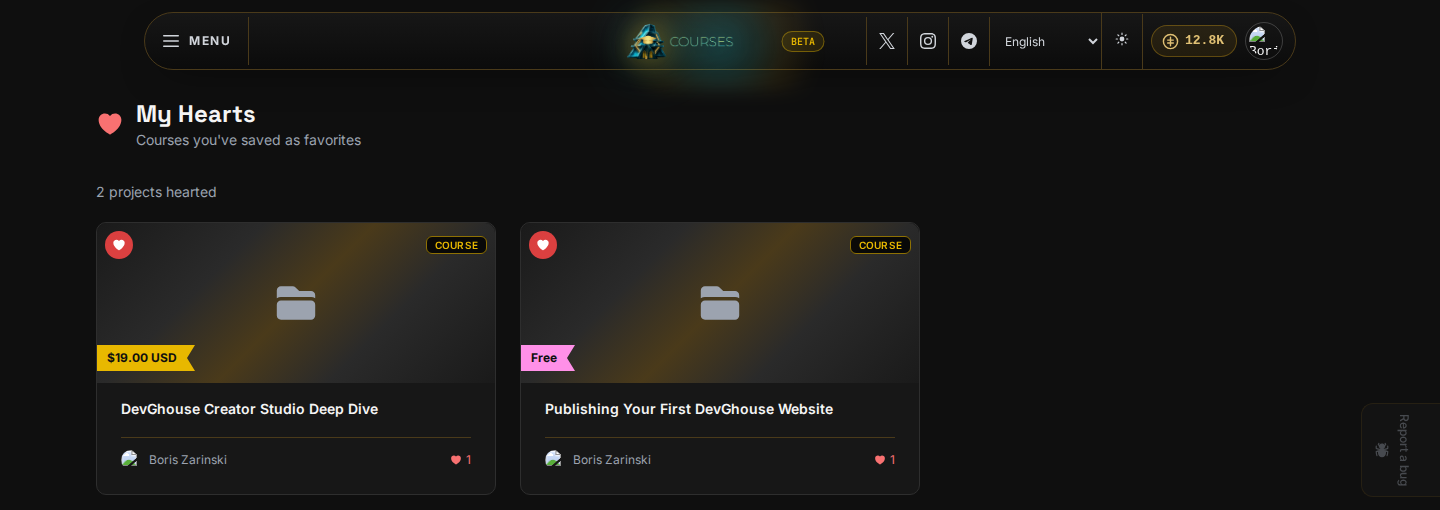
My Hearts
Go to /my-hearts to see every course you have hearted. Heart a course from its card in the catalog or from its own page to save it for later without buying it yet.
Your credit balance
The number next to the coin icon in the top bar is your DevGhouse credit balance, not something specific to Courses. It is the same balance you see on Marketplace, the workspace, and every other DevGhouse product. Click it to manage credits from your account settings in the main workspace.