
Getting started
1. Create your account
- Go to courses.devghouse.com/auth/register.
- Fill in your name, a username, your email, and a password, tick the agreement checkbox, and click Create Account. You can also sign up with GitHub, Google, X, or a crypto wallet instead of a password.
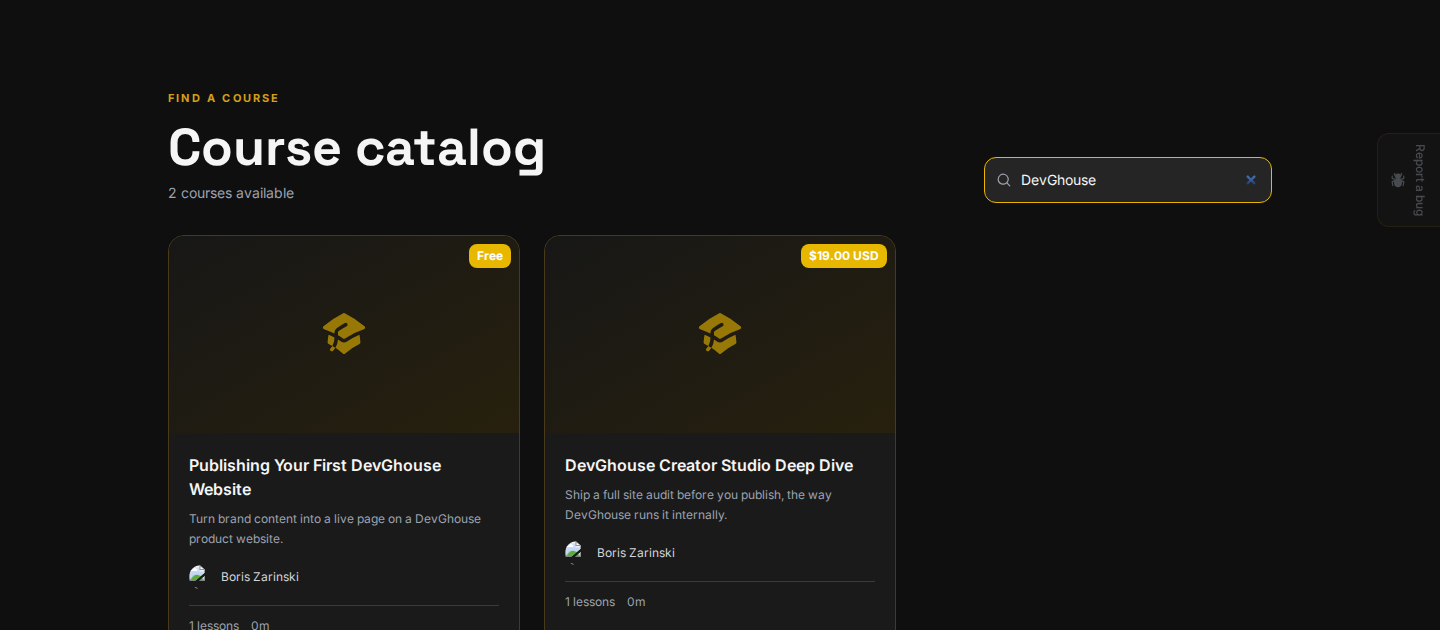
Your account starts with a small balance of free credits, shared across every DevGhouse product, and you are signed in to Courses right away, with the real catalog in front of you and your credit balance in the top bar:
If you already have a DevGhouse account from another product, skip this step and use Sign in instead.
Once you are signed in on any DevGhouse product, click your avatar in the top corner to see your username and account menu, right next to your credit balance:

2. Get past the one-time setup step
The first time you use a DevGhouse product that touches the marketplace, you land on a short setup wizard. It is not specific to Courses; the same wizard runs on every product, and once you finish it here you will not see it again anywhere else.
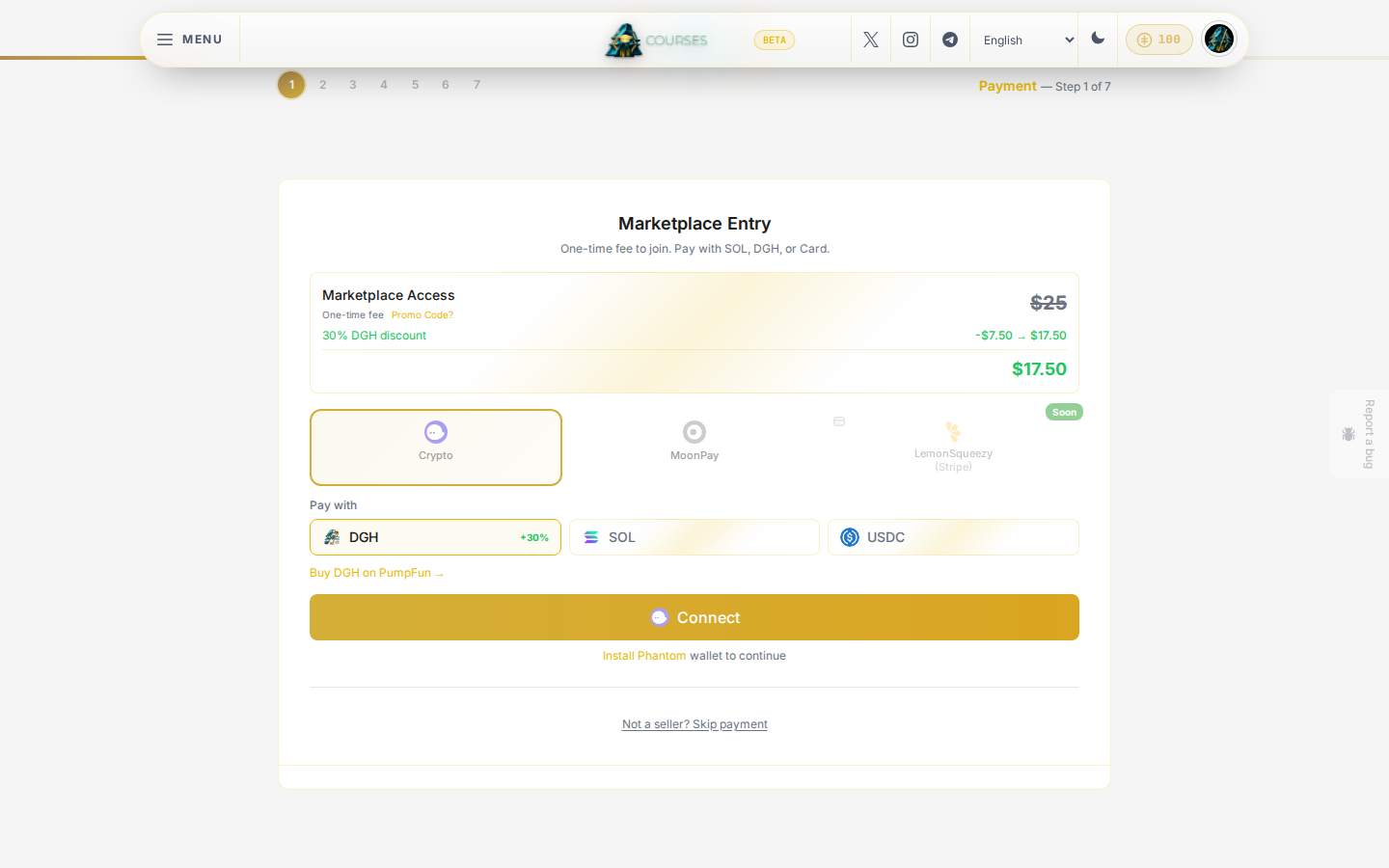
- Only here to buy or enroll? Click Not a seller? Skip payment underneath the payment box. You do not need to pay anything to browse or enroll in courses.
- Planning to sell your own services or products too? Pay the one-time fee shown, with SOL, DGH (a discount applies), or a card. This also unlocks selling on Marketplace elsewhere on DevGhouse.
3. If you skipped payment, skip the rest too
After Skip payment, you land on a step asking what kind of work you do. This is only used to suggest relevant content later.
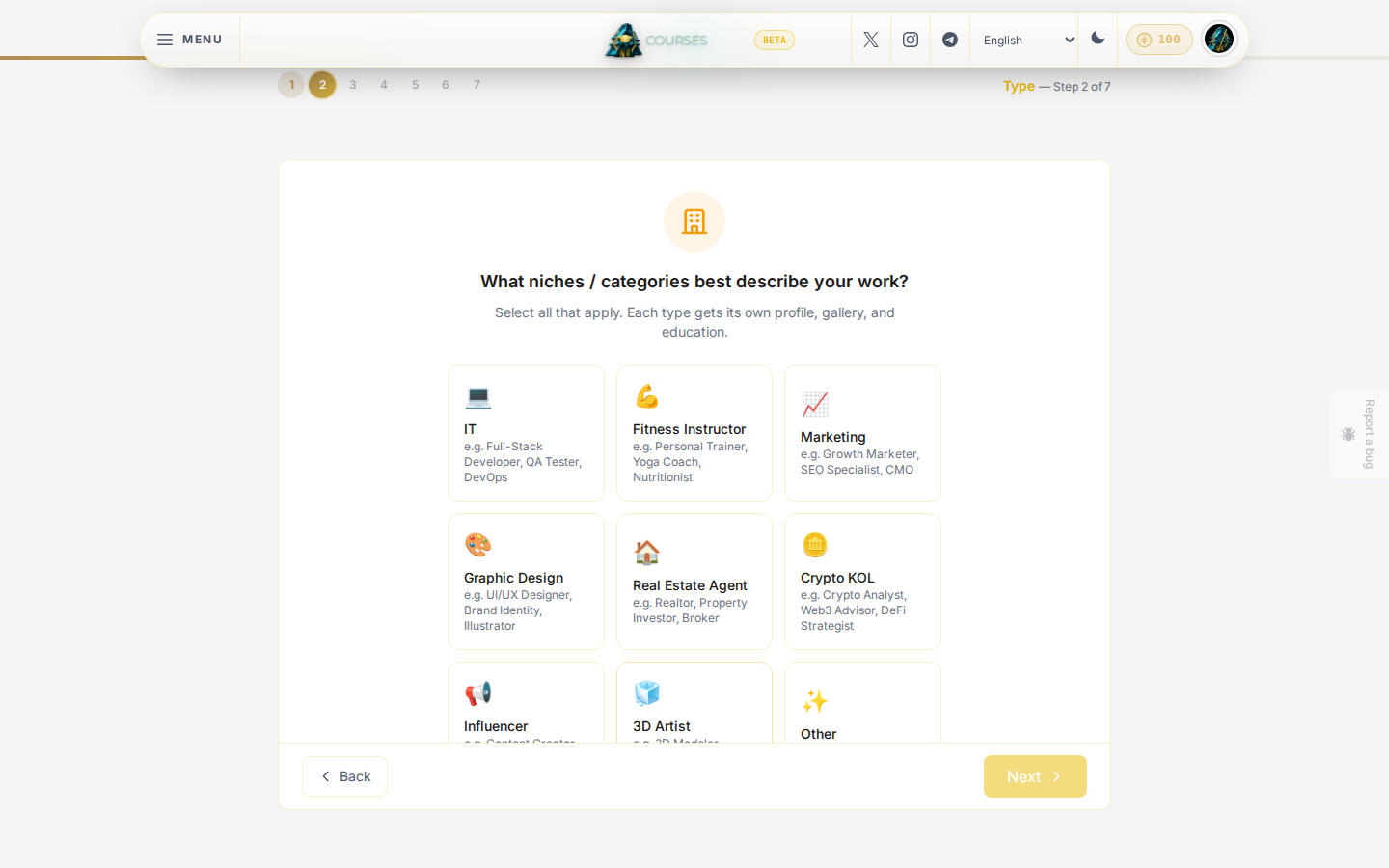
Scroll down and click Continue as Buyer Only. You are set up as a buyer immediately, with no seller profile created, and the whole catalog opens up.
4. Where you land
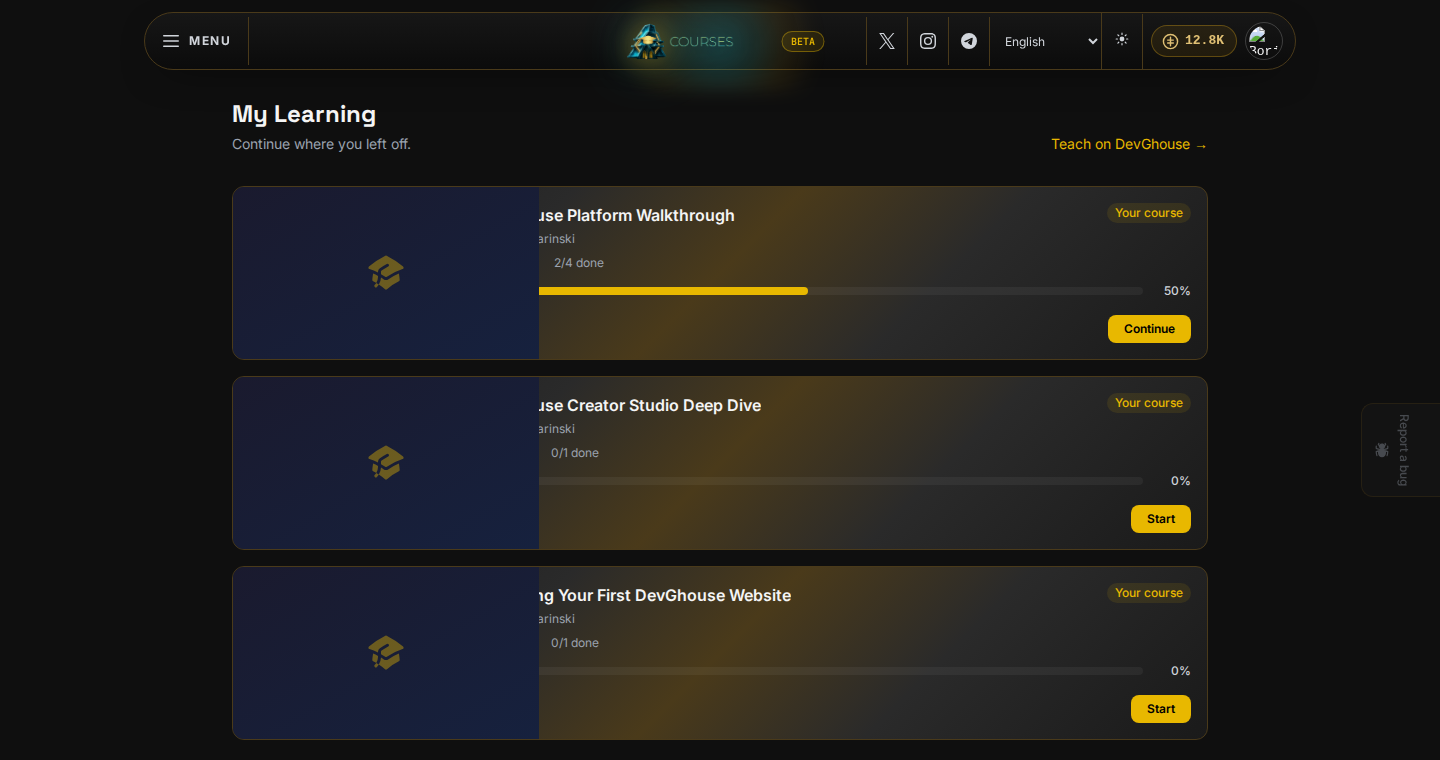
You are signed in with the full catalog unlocked. If you already own or have started a course, go straight to My Learning to see it, with its progress and a Continue or Start button:
Open the catalog from the menu, or head straight to Browsing courses to see how to search and read a course's page before you enroll.