
Credits and your own AI account
Music spends from your regular DevGhouse credit balance, the same balance every other DevGhouse product uses. $1 equals 100 credits.

What things cost
| Action | Cost |
|---|---|
| Write a song from a description (Generate Song) | 8 credits |
| Reimagine a song from a reference track (Change a Song) | 8 credits |
| Generate a new AI character for a video | 30 credits, one time. Skip it by uploading your own photos or reusing a character image. |
| A video's motion clips and scene stills | Priced per video, based on its length and your motion-clip budget. Always check the live estimate on Build a video on your own track, or the total shown after you press Create on Write a song from scratch. |
Nothing is charged for browsing, checking an estimate, or watching a project's progress. If a render fails partway through, the credits for the unfinished part are refunded automatically; see Your projects.
Buying more credits
- Click the credits pill in the header, next to your avatar.
- This opens Buy credits directly in Music, or takes you to your credits page in the main workspace if it isn't available on the page you're on.
- Once you've topped up, the balance in the header updates right away.
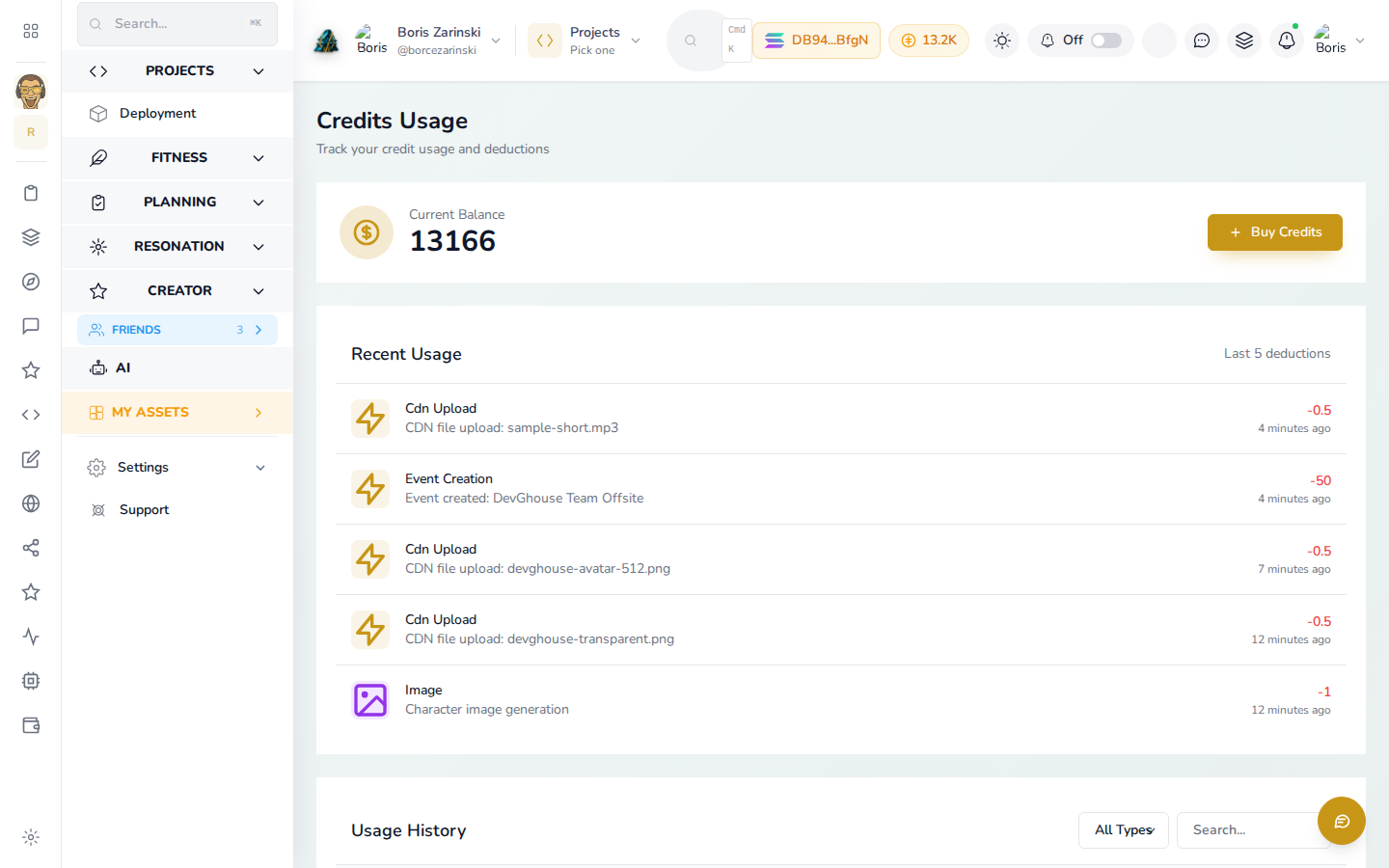
You can also reach your balance and purchase history from your account menu, which opens the same Credits Usage screen the main workspace uses: current balance, then a running log of every charge, Music included.
Running Music on your own AI account
Music's quick start and home page mention connecting your own Claude, Codex, or Kimi account so your usage runs on your own subscription instead of DevGhouse's credits.
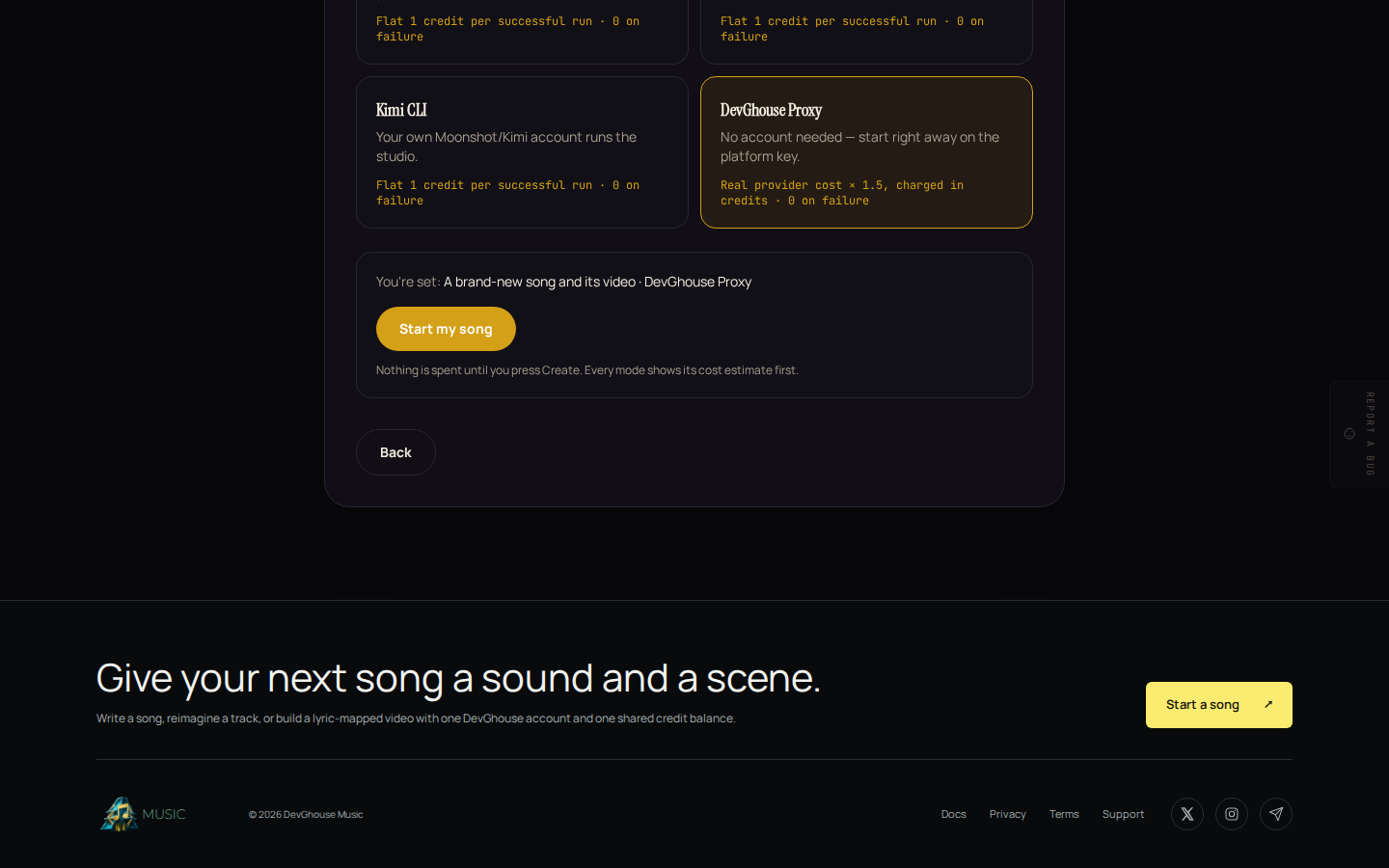
This is a DevGhouse-wide idea, and today it applies to AI assistants and automations connected through MCP, not to the Create buttons on Music's own pages. Picking a lane in the quick start personalizes that flow and doesn't change what writing a song, remaking a song, or rendering a video costs; every Create button always spends the amounts above from your DevGhouse balance. If you want to run Music through your own connected AI assistant instead, see Run it with an AI assistant on the overview page.