
Code and going live
Open a site from app.devghouse.com/websites, then Code in the sidebar. This section is for sites with their own codebase; if your site is just content managed here, you can skip it entirely.
Connecting GitHub
Connect your GitHub account once from here, then click Add repository to attach the repo (or repos, if your frontend and backend live separately) that make up this site. Attaching a repo is what lets a coding agent open sessions against your real code, and what a deployment target (below) actually ships.
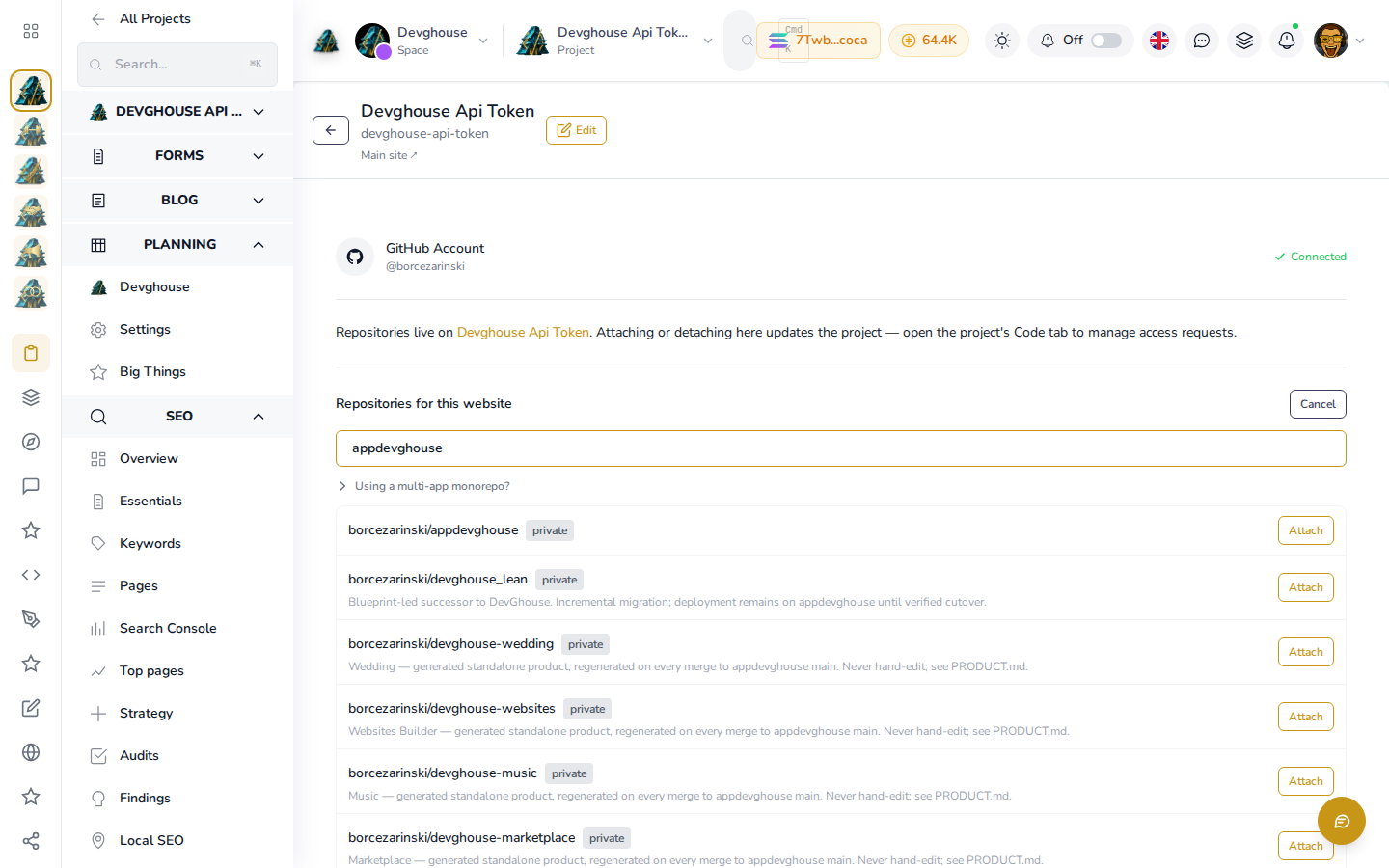
Search narrows the picker to the repository you want, each row showing whether it is public or private and any description it carries; click Attach on the one that matches this site.
The API key your site reads from
Open Settings > Website settings.
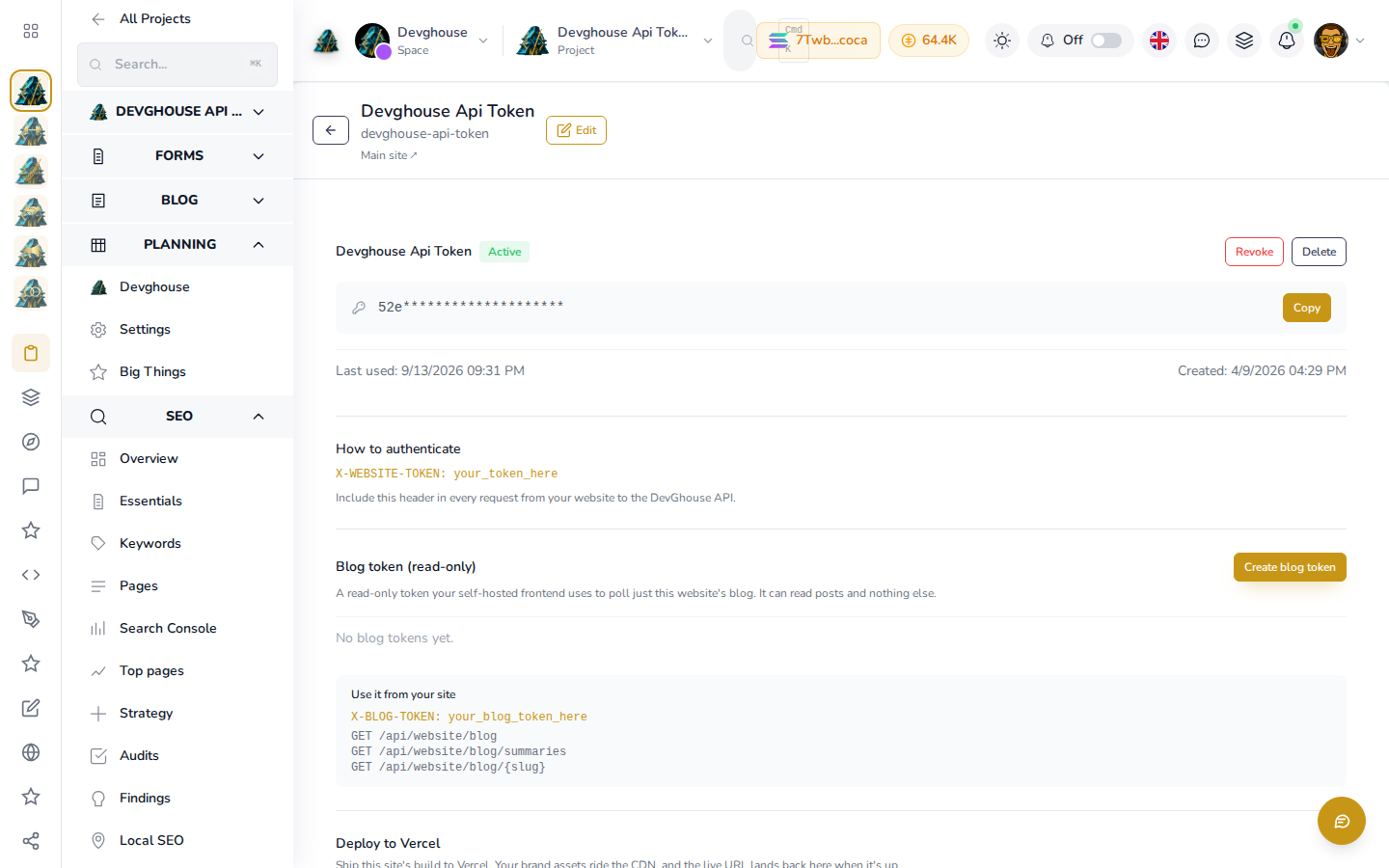
This is the credential your site's own code uses to read everything in this guide back out: brand, page titles, FAQs, testimonials, forms and more, over a plain read API. Copy it and set it as an environment variable in your site's code (as X-WEBSITE-TOKEN on every request), and your published site will show whatever you save here with nothing else to deploy. Last used updates every time your site actually calls the API with it, so a real production site shows a recent timestamp there, not "Never".
Treat this key like a password: anyone with it can read your site's content through the API. If you ever suspect it has leaked, Revoke it and issue a new one; your site will need the new value the next time it deploys. Below it, Create blog token issues a second, narrower read-only token (X-BLOG-TOKEN) that can only poll this site's blog, for a self-hosted frontend that wants blog content without the rest of the website API.
Uploading files
Open Assets > Library to host a file your site needs to link to directly, such as a downloadable price list or a real product photo: a plain, fast, permanent URL with no expiry, up to 10 MB per file.
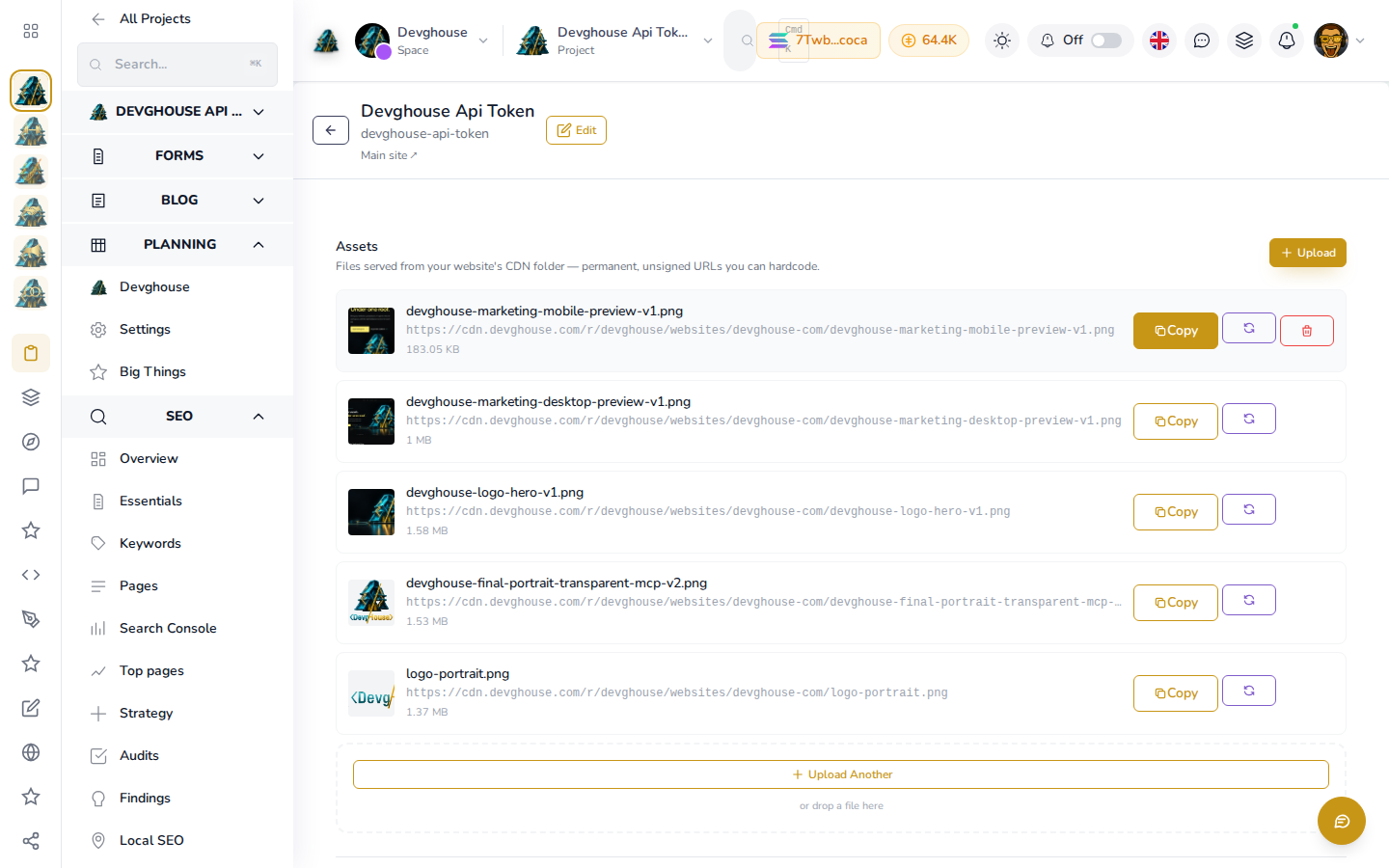
Each uploaded file gets its own thumbnail, file name, size and a permanent cdn.devghouse.com URL. Click Copy on any row to grab that URL for pasting straight into a page, an email template, or your site's own code.
Domains and deployment
A brand new site needs somewhere to actually live. From Code > Integrations you can claim a free yourname.devghouse.com address to demo on immediately, or connect your own Vercel project or server if you already host elsewhere. Once a target is set up, Deploy ships your latest code to it and stamps the live URL back onto your site's record.
If you already own a paid domain and want it pointed at your finished site instead of a devghouse.com address, ask your assistant to add and verify it for you (see the assistant tools). This is not yet available directly in this screen.