
SEO and search
Open a site from app.devghouse.com/websites, then use the sections under SEO and Research in the sidebar. Most of these need your site's URL saved first, from the checklist on the site's dashboard.
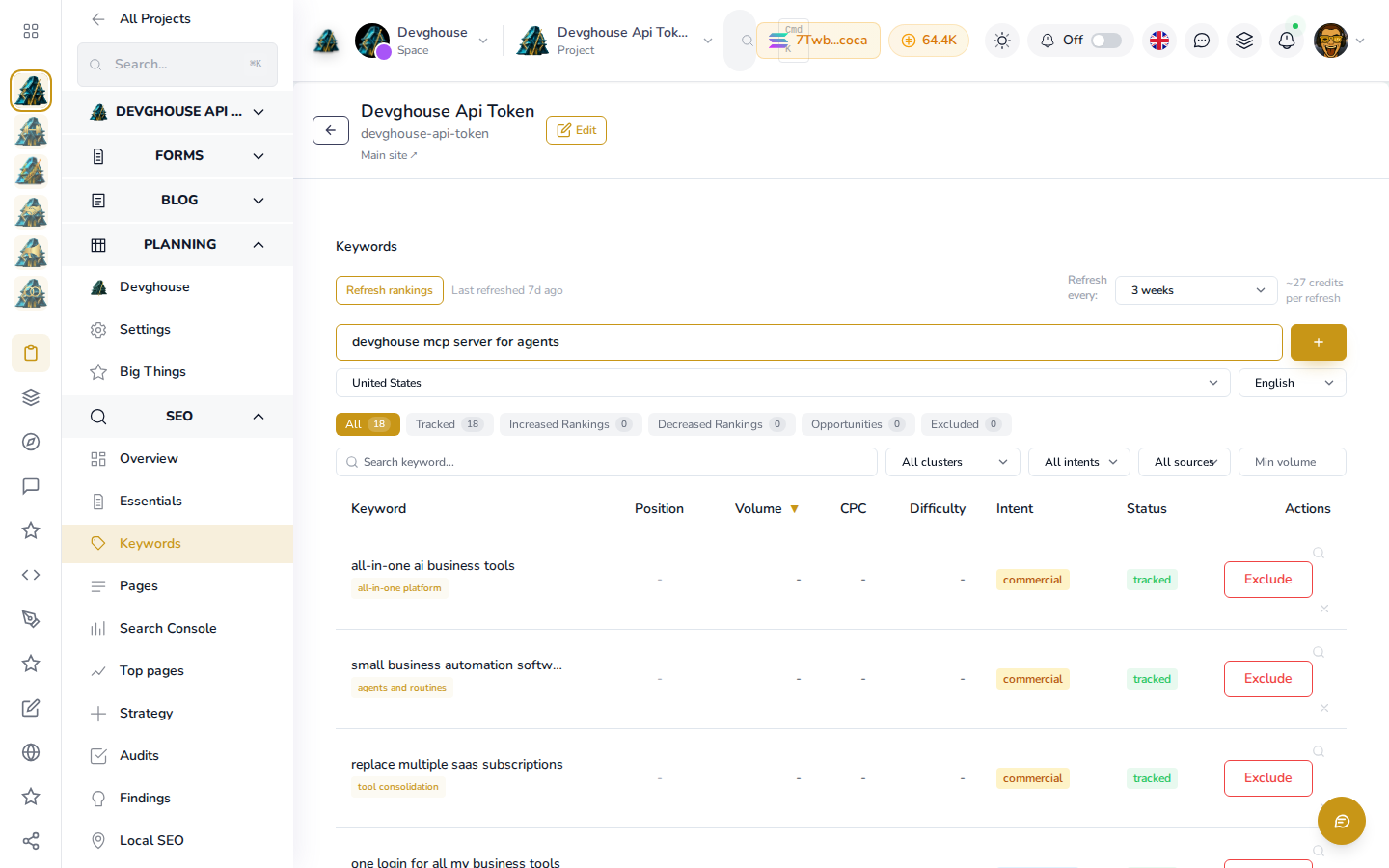
Keywords, competitors and audits
Open SEO > Keywords to log the search terms you care about and where you currently rank for each, or Research > Competitors to keep a running list of who you are up against, tiered as top-tier or a direct competitor. SEO > Audits stores the findings and recommended actions from a full SEO review, so you and anyone working on the site can see progress over time instead of a report that gets buried in an inbox.
Type a term into Add keyword and click the + button to start tracking it. Refresh rankings pulls fresh position, volume, CPC and difficulty numbers for every tracked keyword at once, at roughly 27 credits per refresh; until you run it (or after adding a brand new keyword), those columns show a dash. None of this is automatic, live tracking; it is a shared, permanent record you or an assistant update as you research, so the numbers survive between sessions.
Google Search Console
Open SEO > Search Console.
- Add your site as a property in Google Search Console if you have not already, and verify you own it (Google walks you through this).
- Come back here and click Connect Search Console. DevGhouse sends you straight into Google's own sign-in, asking to authorize DevGhouse to read your Search Console data for this site.
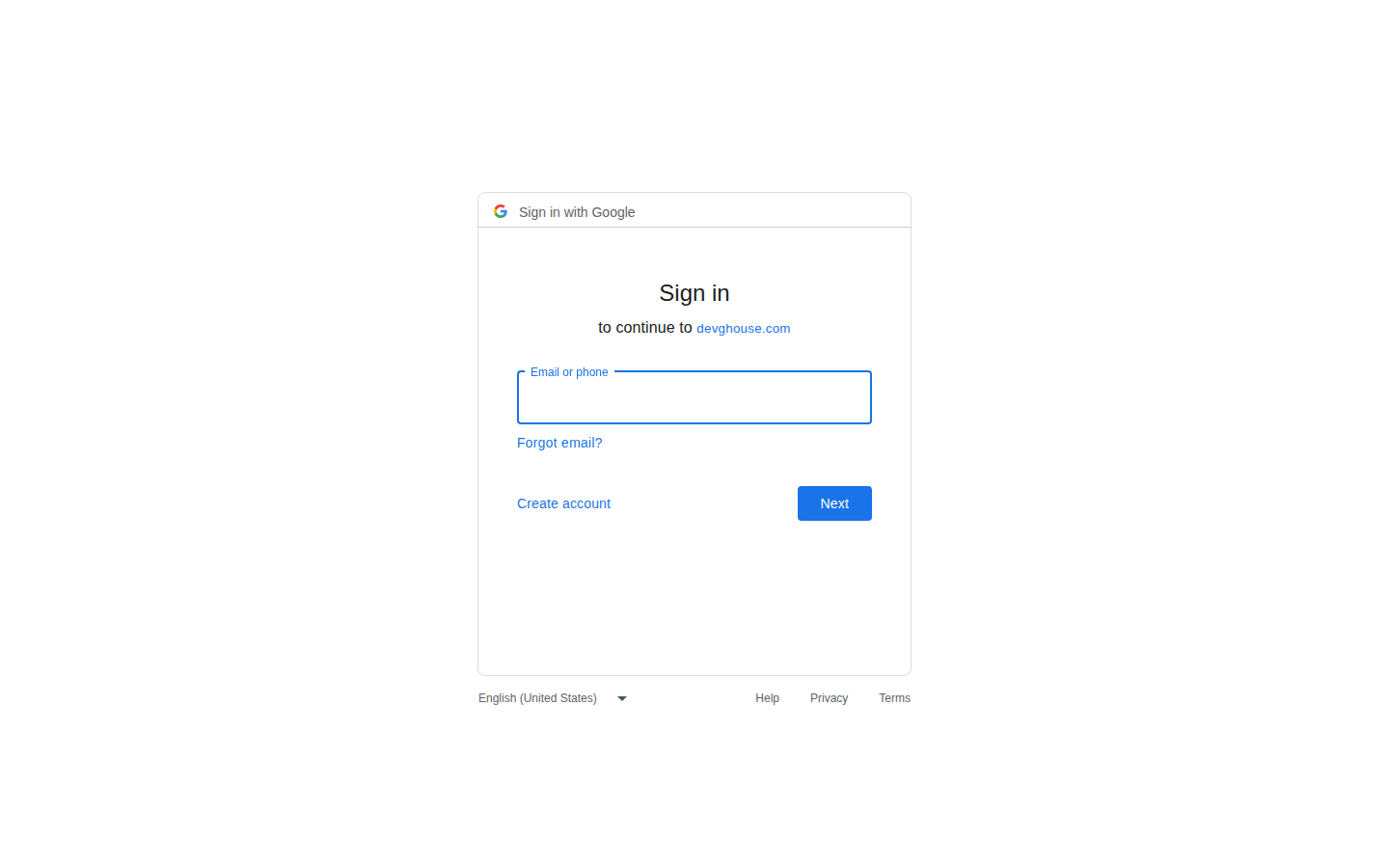
- Sign in and approve access with the Google account that owns the property.
Once connected, you can see which real searches are already sending you visitors, resubmit your sitemap after a big change, and ask Google to crawl a specific new page sooner rather than waiting for it to happen on its own.
Performance
Performance checks how fast your site loads, but this page has no sidebar link yet. Open it directly at https://app.devghouse.com/websites/91/performance (use your own site's ID from its address bar).
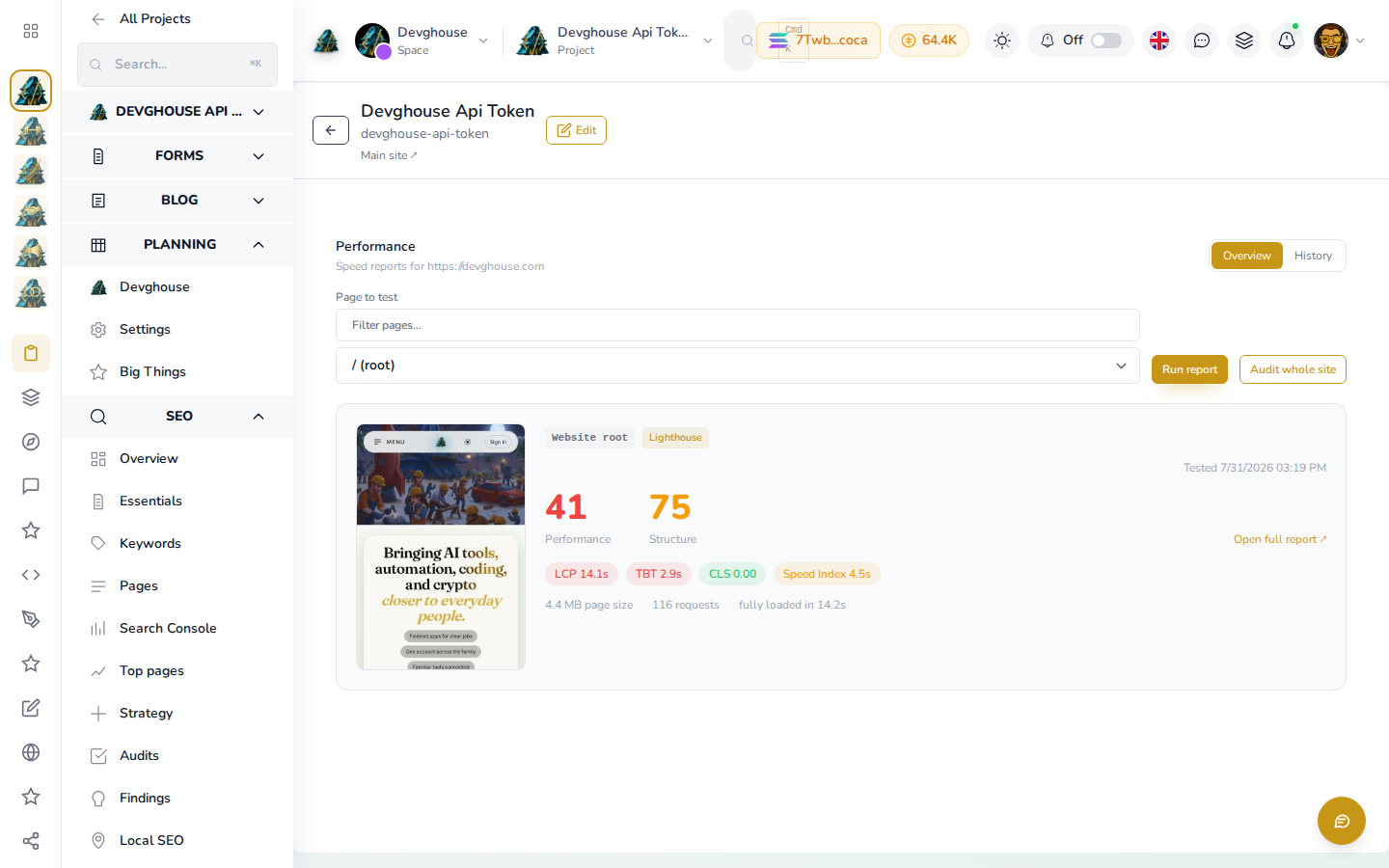
Pick a page from Page to test and click Run report for a single-page Lighthouse check, free of charge. Checking your whole site (every page in your sitemap) with Audit whole site costs 5 credits per page that completes; a page that fails to load is not charged. Each report shows a performance score, a structure score, Core Web Vitals (LCP, TBT, CLS, Speed Index), page size and request count, so you know exactly what to fix before you start paying for ads to that page. The History tab keeps every past run for the same page, so a page that gets heavier over time shows up as a trend, not a single snapshot.
Your assistant can run this too, with custom_website_performance_run.
Per-page titles
Beyond the site-wide title and description in Essentials (see Brand and content), SEO > In-page SEO lets you set a distinct title, description and preview image for any individual page on your site, such as one specific service or landing page you are promoting.