
Versions, preview, and export
Version history
Every time you click Save version, the whole project (pages, panels, layers, dialogue, translations, and asset settings) is saved as a new numbered revision. Nothing is overwritten.
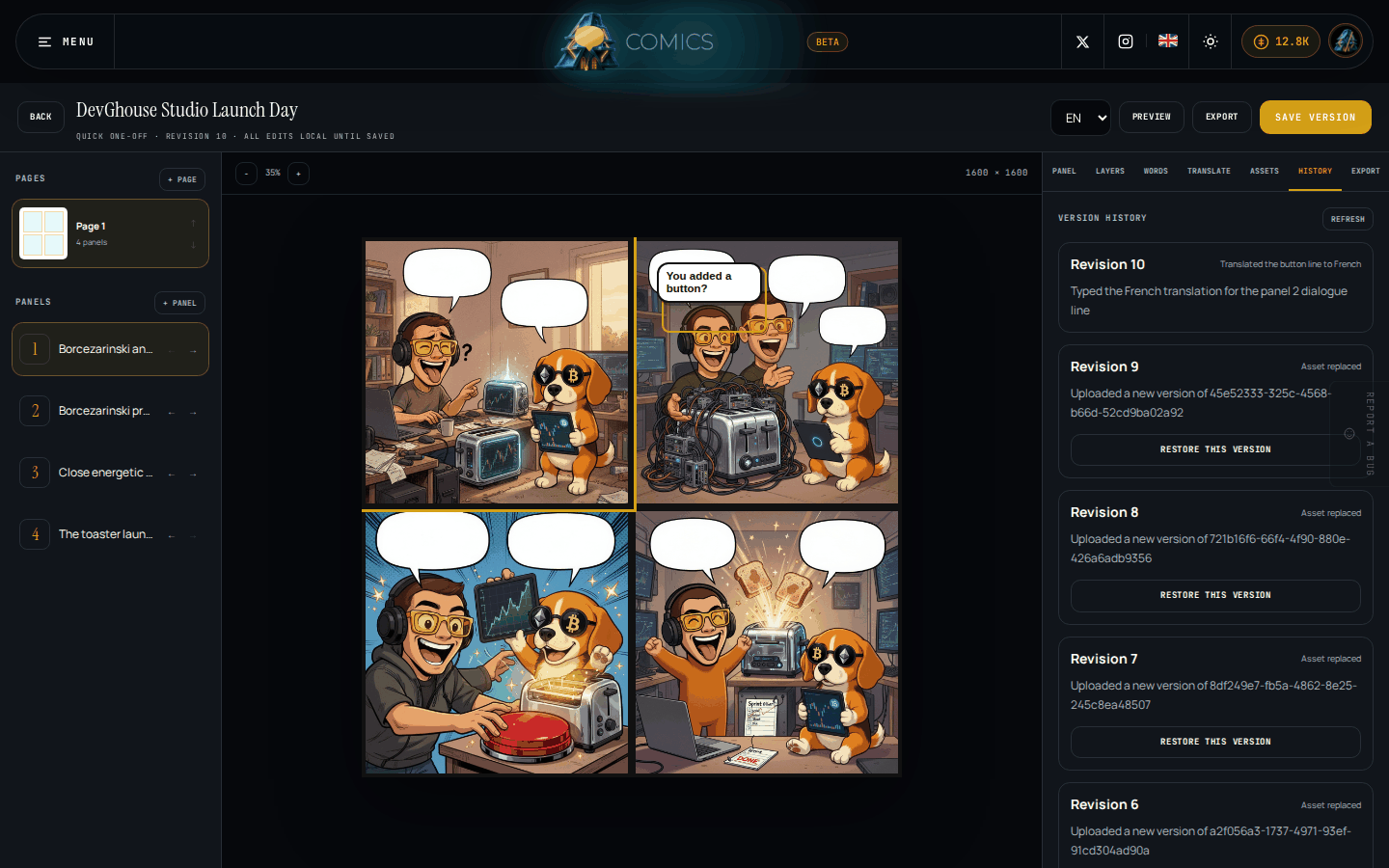
Open the History tab to see every saved revision, with a short note on what changed. Click Restore this version on any earlier one to bring it back as your working copy; your current revision stays in history too, so restoring never loses work.
Preview
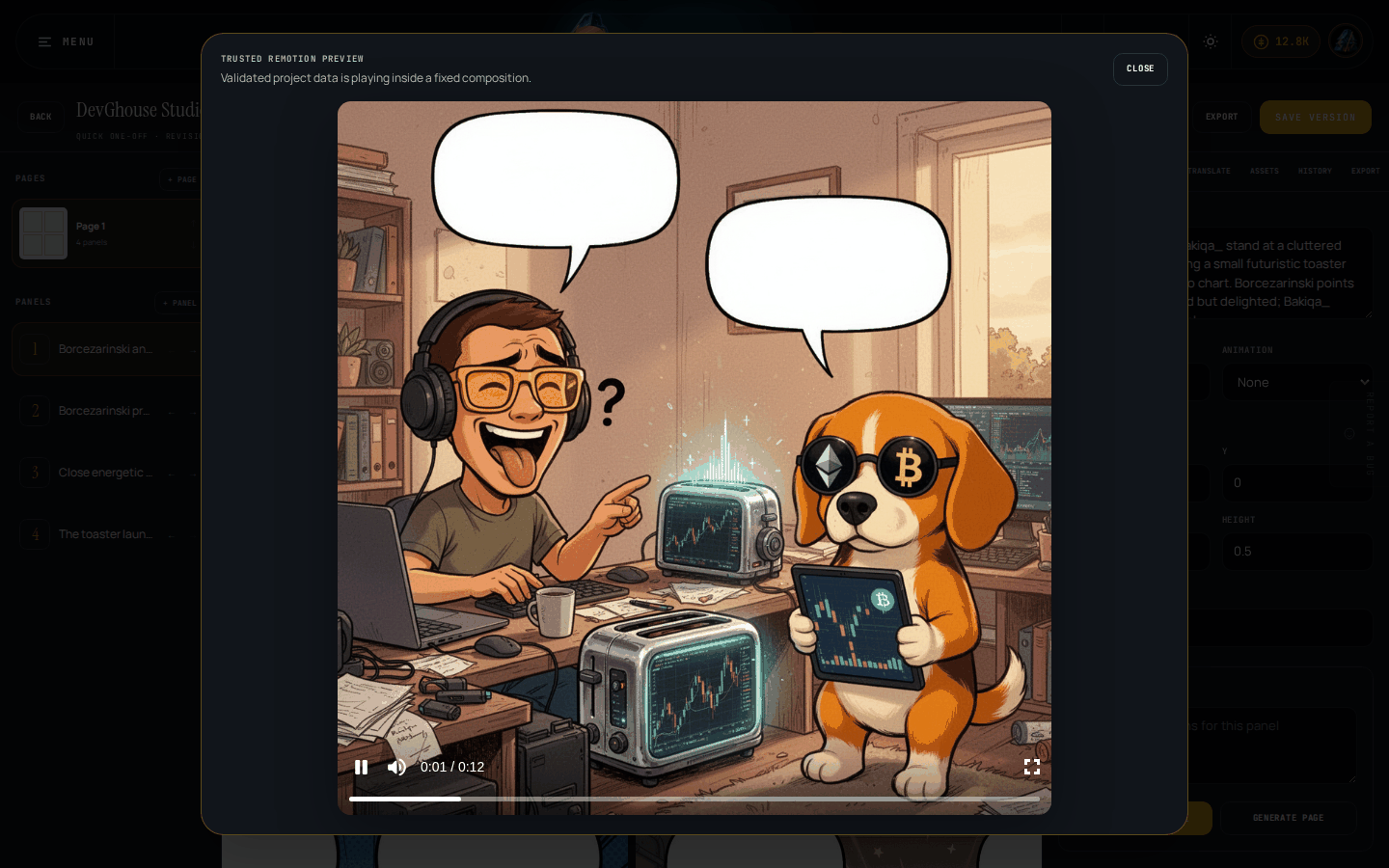
Click Preview in the toolbar to see your current page play as motion, using the panel durations, animations, and dialogue you've set. This is a trusted preview: it only plays back what's already saved in the project, so it's a safe way to check timing before you export.
Export
Open the Export tab to turn the current revision into a file.
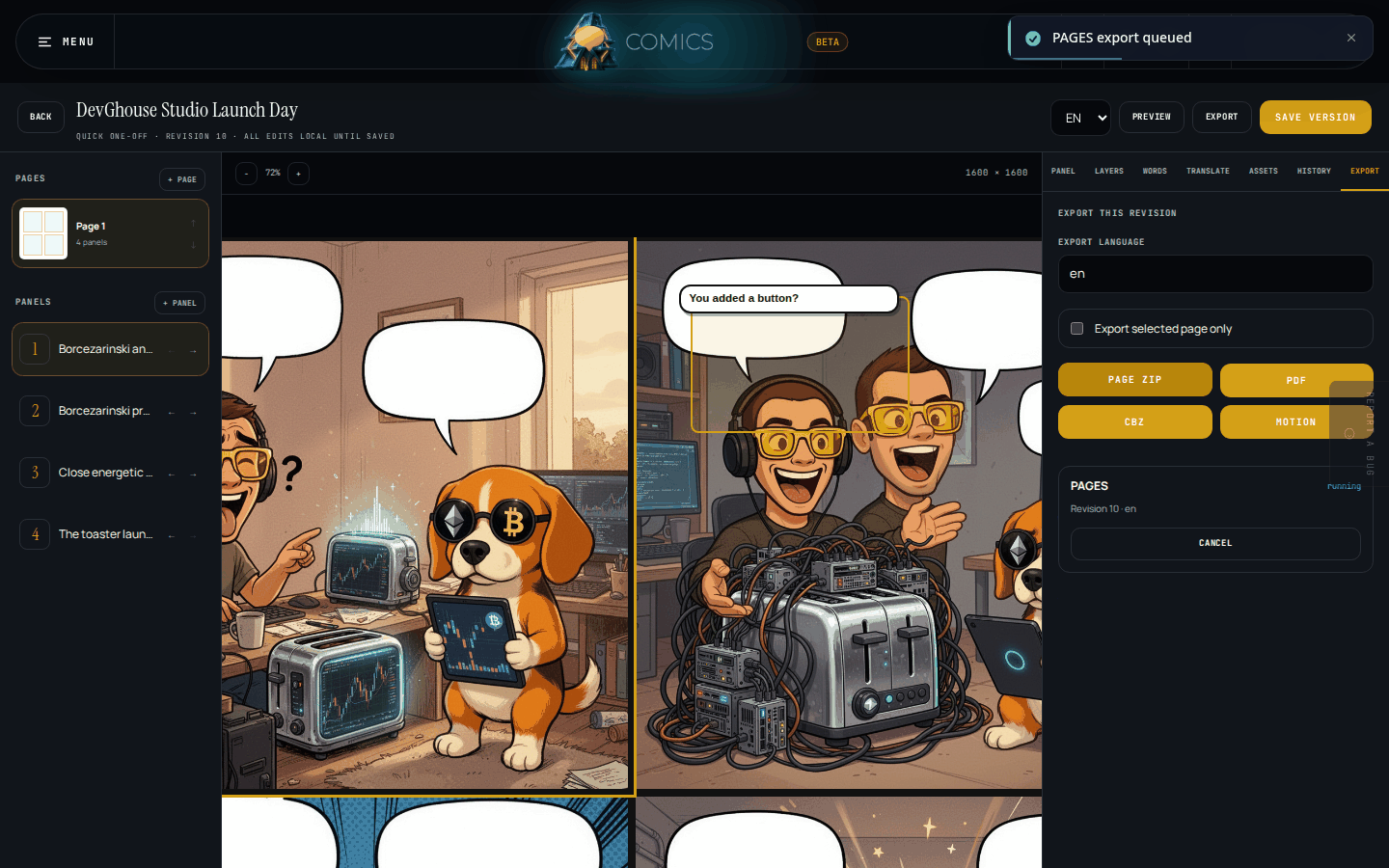
- Set the Export language, if the project has more than one.
- Tick Export selected page only if you only want the page you currently have open, rather than the whole project.
- Choose a format:
Format What you get Page ZIP The pages as separate image files. PDF A single PDF with every page in order. CBZ A comic-book archive, the standard format most comic readers open. Motion A rendered video using each panel's timing and animation. - The job appears in the list below with a status. Once it says finished, an Open file button appears; while it's still queued or running, you can Cancel it instead.
Exports always work from a saved revision, so if you've made changes since your last save, save first to export the newest version.
What's next
See Credits and billing for what generation, translation, and export actually cost.