
Social Media
The Social module manages your social accounts from one place. X (Twitter) is connected today; Instagram, Threads, and Facebook are on the same screen and open up the same way once DevGhouse turns them on for your account.
Open Social
- From your workspace home, turn on the Social module if it is not on already.
- Click the Social tile.
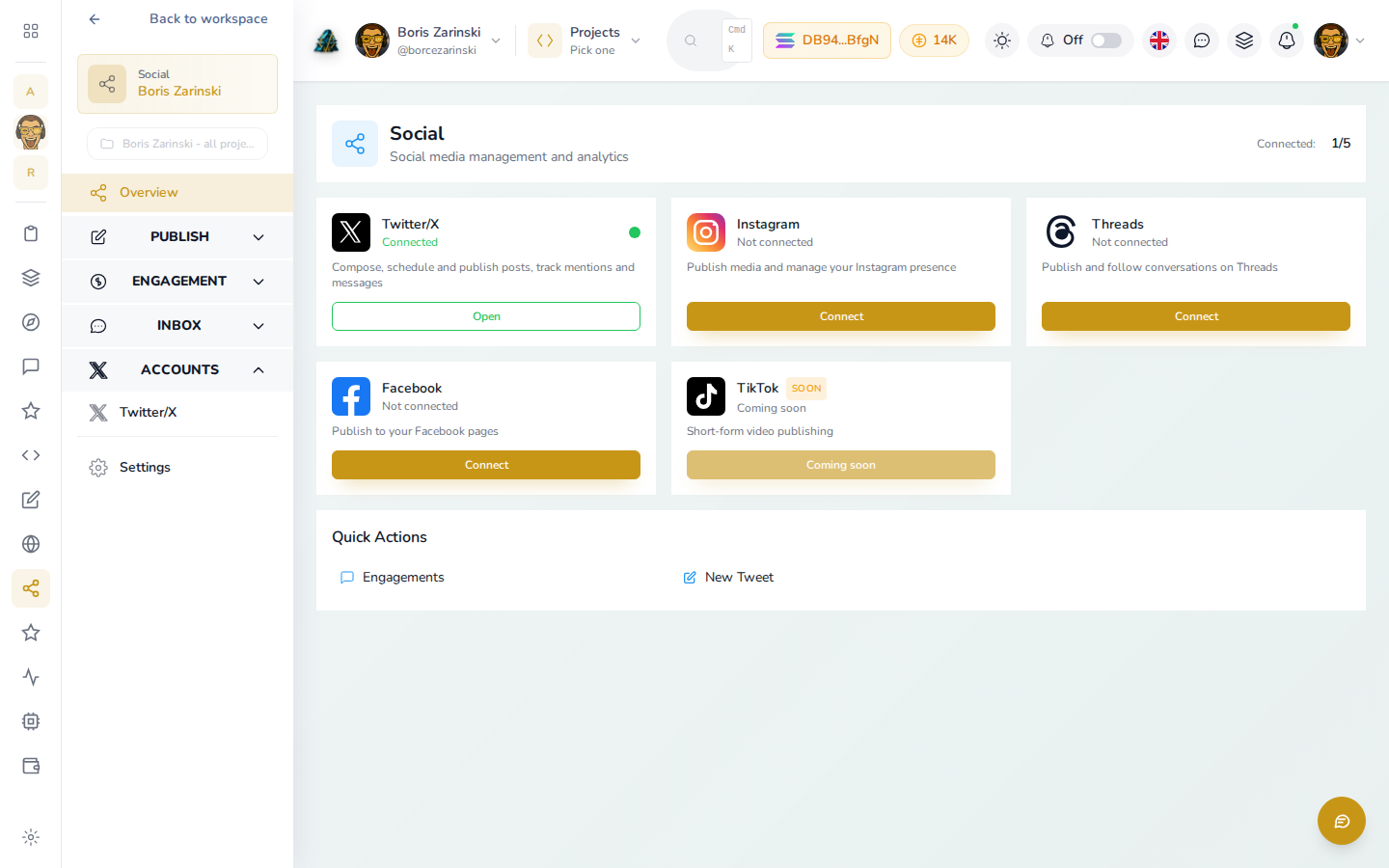
Each network shows as its own card: connected or not, with a short description of what connecting it unlocks.
Connect X (Twitter)
- On the Social dashboard, find the Twitter/X card and click Connect.
- Sign in to X and approve access.
- Once connected, the card reads Connected, and clicking Open takes you to compose, schedule, and publish posts, track mentions, and read direct messages, all without leaving DevGhouse.
For agents and routines
Once X is connected, an assistant with your MCP Server connected can draft and file a post with social_post_create, hand it to the publisher with social_post_queue, or post immediately with twitter_post_tweet. It can also read your mentions with twitter_get_mentions and reply to a direct message with twitter_send_dm. Filing a post never publishes it by itself; queuing or scheduling it does.