
Browsing markets
You do not need an account to browse. Anyone can look at market prices, rules, and history; you only need to sign in to trade, comment, or create a market yourself.
Browse and filter the board
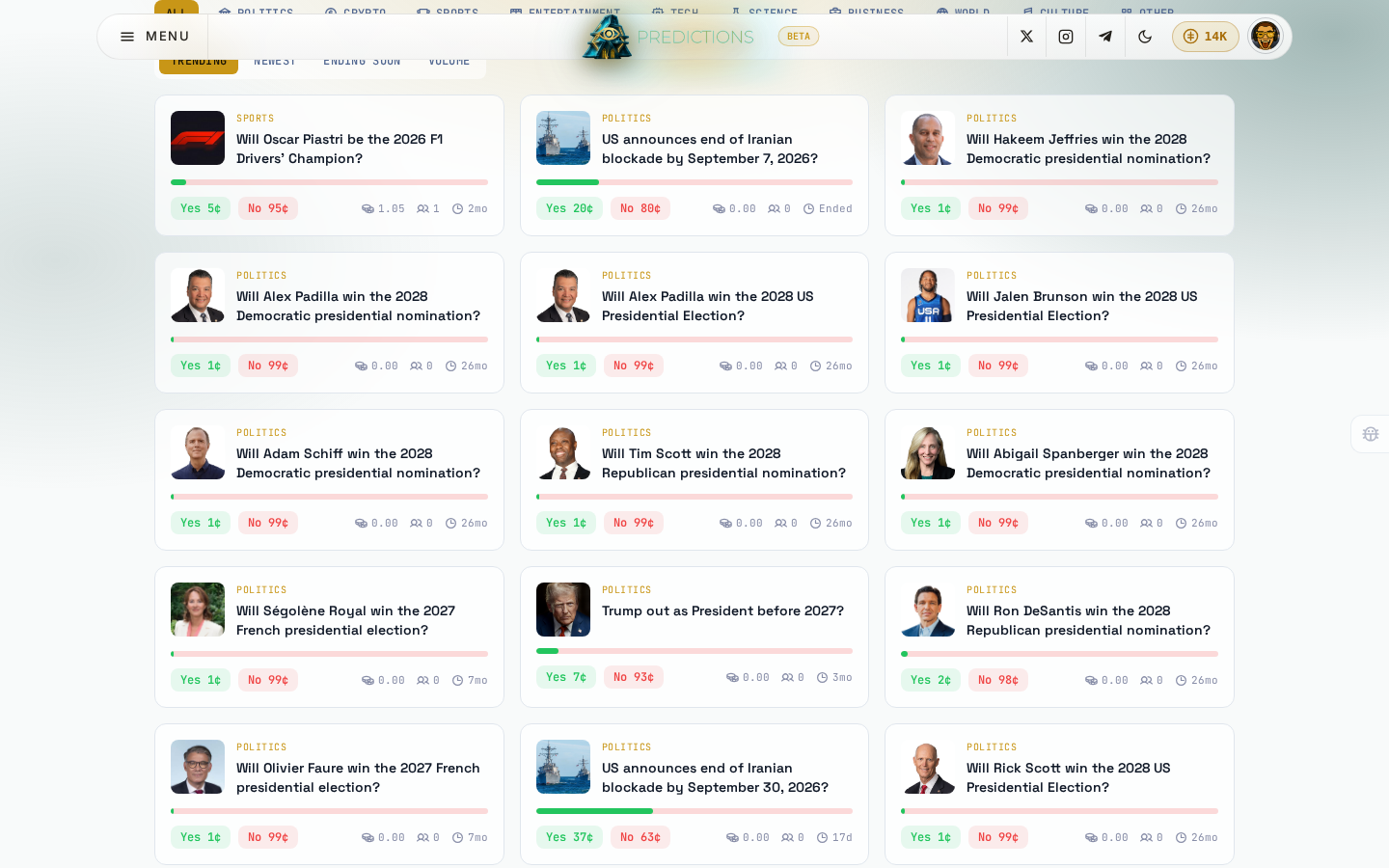
On the home page, under Browse markets:
- Use the category row (Politics, Crypto, Sports, Entertainment, Tech, Science, Business, World, Culture, Other) to narrow the board to one topic, or leave All selected.
- Use the sort tabs to reorder the board: Trending, Newest, Ending soon, or Volume.
- Click Load more at the bottom to bring in more markets as you scroll.
Each market card shows its category, question, current Yes and No prices, total volume, number of traders, and how much time is left.
Read a market's full page
Click any market card to open it.
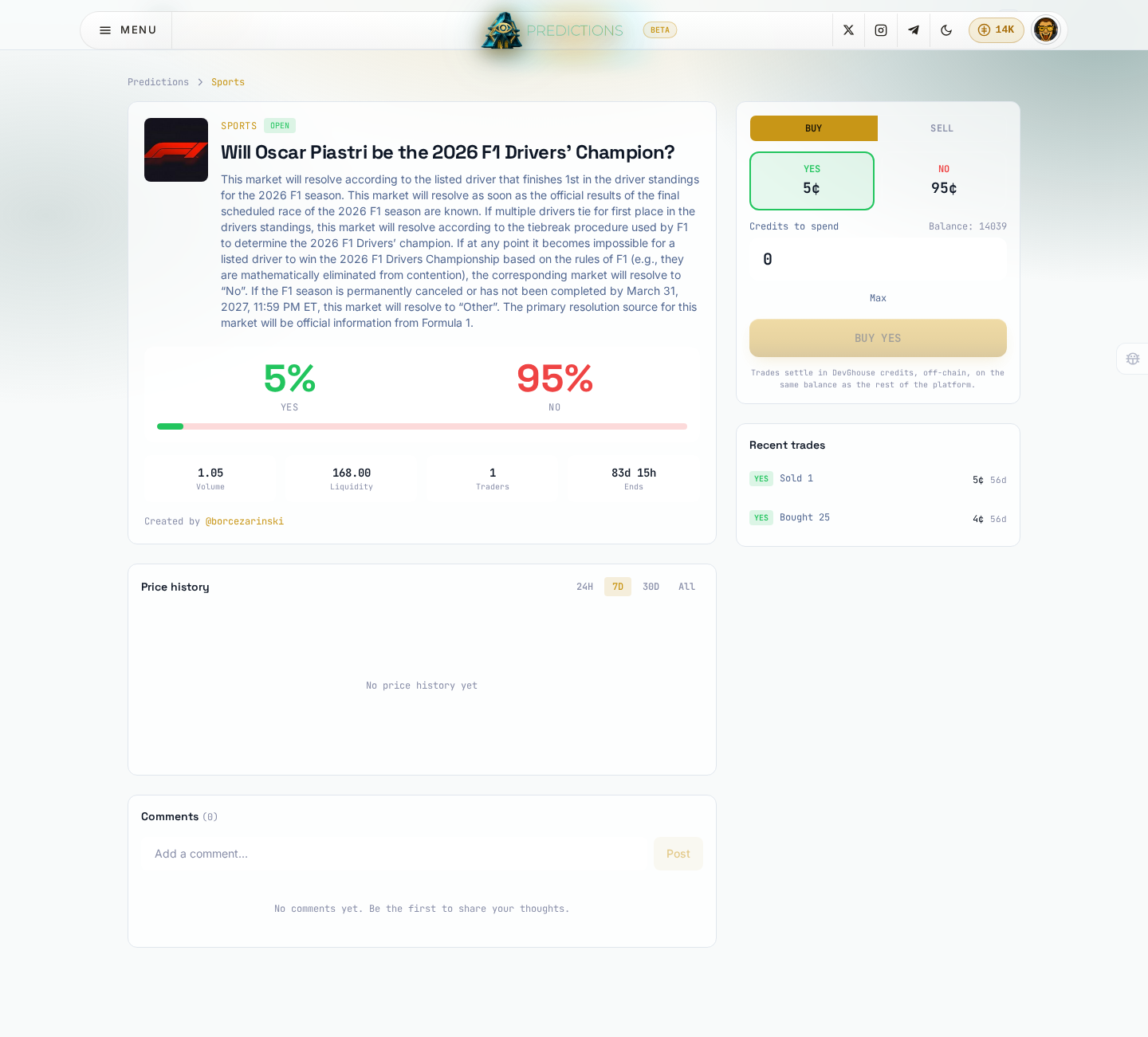
The page has three parts:
- The question and rules: the full description a creator wrote, including exactly how and when the market resolves, plus who created it and, if given, the source it will resolve against.
- Odds and stats: the current Yes and No price as a percentage (they always add up to 100), and total volume, liquidity, number of traders, and time left or ended.
- Price history: a chart of how the odds have moved, switchable between 24 hours, 7 days, 30 days, and all time. A brand-new market with no trades yet shows No price history yet until someone makes the first trade.
- Comments: anyone signed in can leave a comment; comments update live for everyone looking at the same market.
A market shows a Resolved banner once its creator has settled it, with the final Yes, No, or Invalid outcome. A resolved or closed market can still be read in full; it just cannot be traded any more.
When you are ready to act on what you read, see Trading to buy or sell shares, or Creating a market to ask your own question.