
Getting started
1. Create your account
- Go to predictions.devghouse.com and click Sign up (or Get started in 3 steps on the home page, then Create your free account at the end).
- Fill in your name, username, email, and a password, and accept the terms. You can also sign up with Google, GitHub, X, or a Phantom wallet instead of a password, using the row of buttons above the email form.
- Click Create account. You land back on Predictions, signed in, with 100 free credits to start trading, your balance already showing in the header.
Already have a DevGhouse account from another product? Use Sign in instead; it is the same account and the same credit balance, and it carries straight over.
2. Walk through the three-step setup
The Get started in 3 steps button on the home page (and the closing section further down the page) opens a short guided setup. It does not create anything or spend credits; it just points your first AI research run in the right direction.
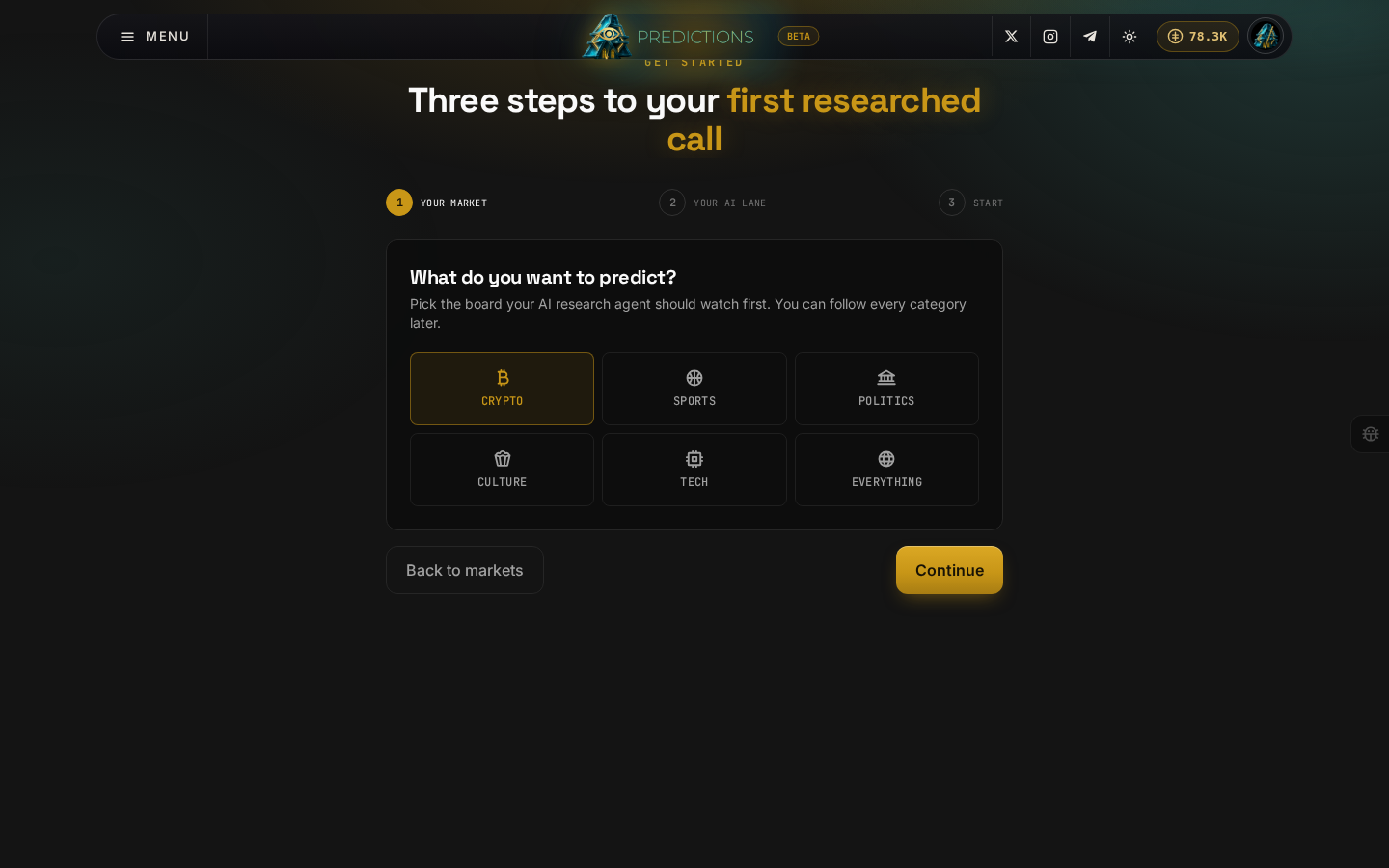
- Your market: pick the topic you want your AI research agent to watch first, crypto, sports, politics, culture, tech, or everything. Clicking a tile highlights it and lights up Continue; here, Crypto is picked. You can follow every category later regardless of what you pick here.
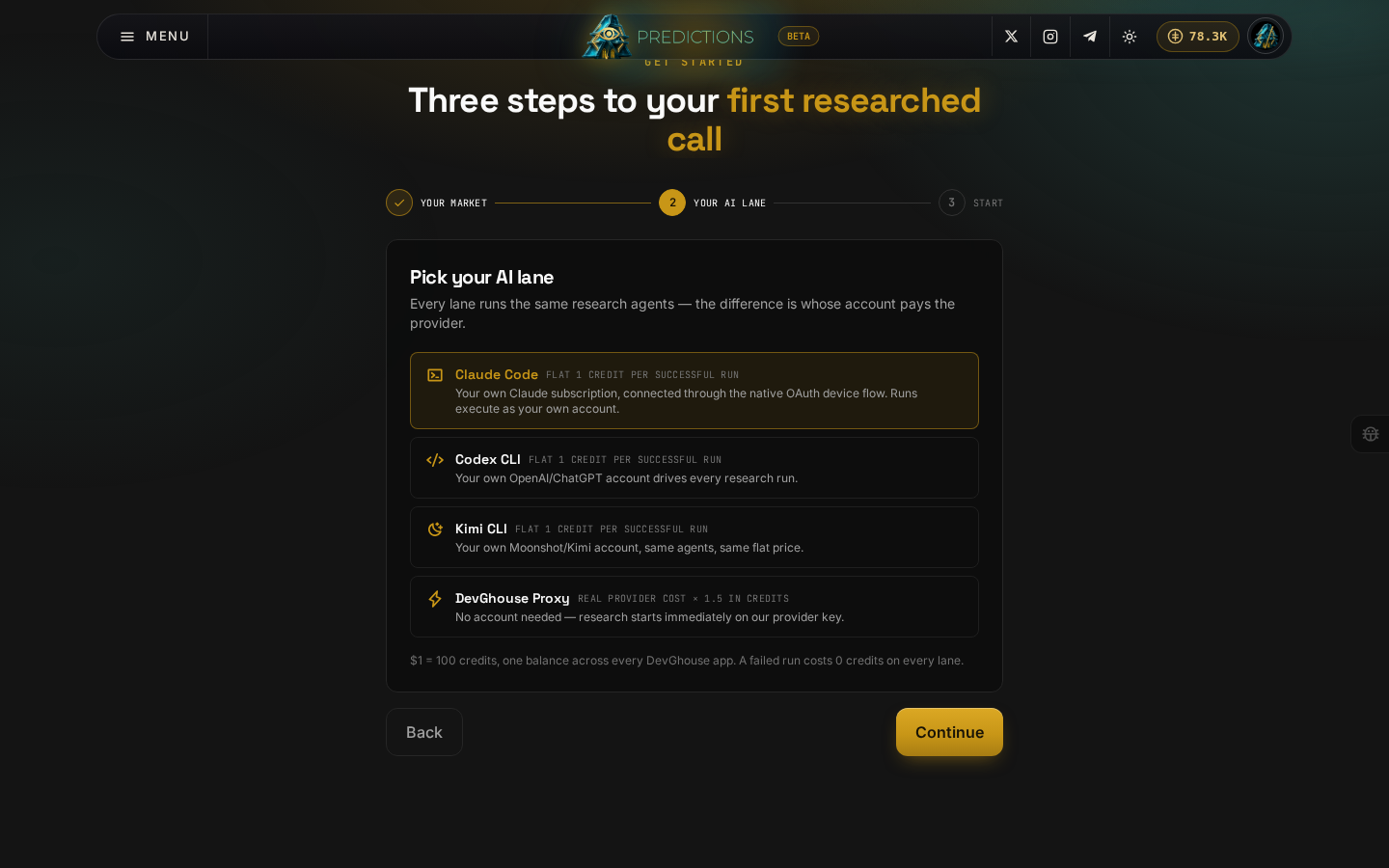
- Your AI lane: choose whose account pays for AI research. Claude Code, Codex CLI, and Kimi CLI run on your own subscription for a flat 1 credit per successful run; the DevGhouse Proxy needs no account of your own and costs the real provider price times 1.5 in credits. A failed run never costs anything, on any lane. See Connect an AI assistant for how to actually connect one.
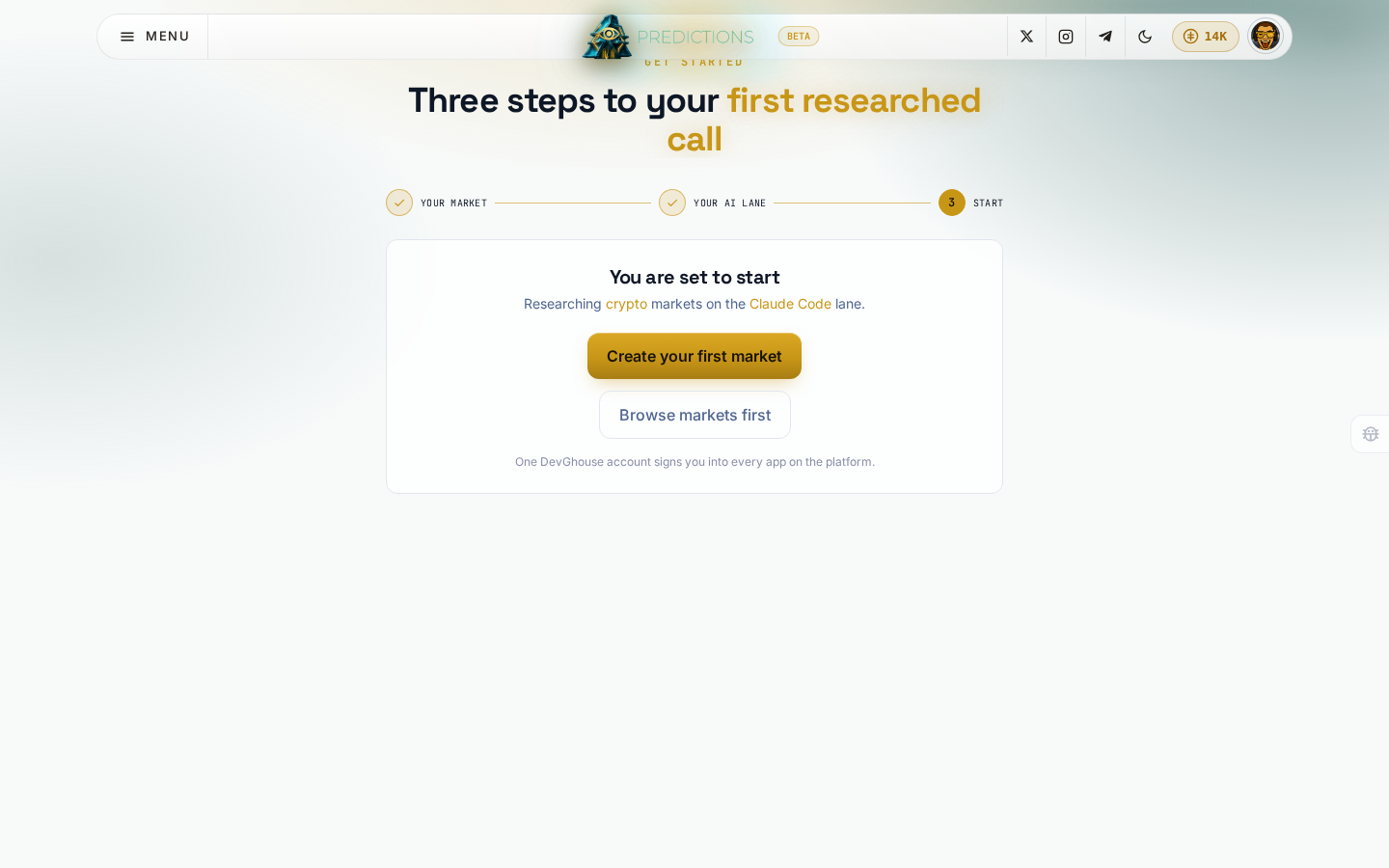
- Start: click Create your first market to go straight to creating a market, or Browse markets first if you would rather look around before doing anything.
3. Find your way around
Once you are signed in, the top bar is the same on every page:
- Predictions logo, centre: takes you back to the market board.
- Credits balance, top right: your current balance. Click it to top up.
- Your avatar, far right: opens your account menu, workspace switcher, and settings. See Credits and your account.
- Menu, top left: category links and the pages covered in this guide.
From here, Browse markets is the natural next step.