
Portfolio and leaderboard
Your portfolio
Open Portfolio from the menu, or predictions.devghouse.com/predictions/portfolio, to see everything you have traded.
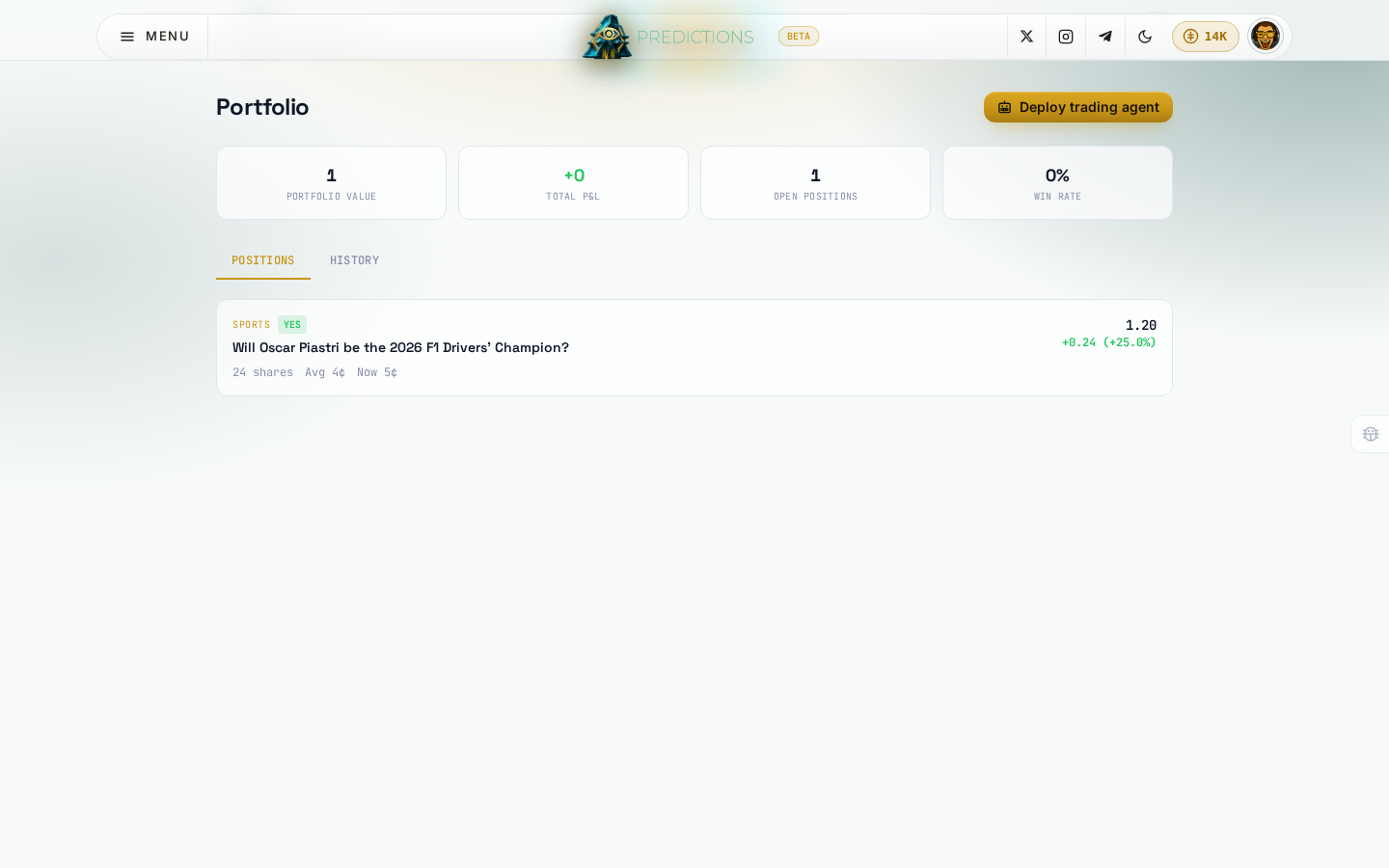
- Portfolio value, Total P&L, Open positions, and Win rate across every market you have traded.
- The Positions tab lists each open position: the market, your side, how many shares, your average buy price, and the current price.
- The History tab lists every individual trade you have made: market, side, shares, price, and total.
Click any position or trade row's market to jump straight back to that market's page and act on it, sell, add to it, or just re-read the rules.
Leaderboard
Open Leaderboard from the menu, or predictions.devghouse.com/predictions/leaderboard, to see every trader ranked by profit.
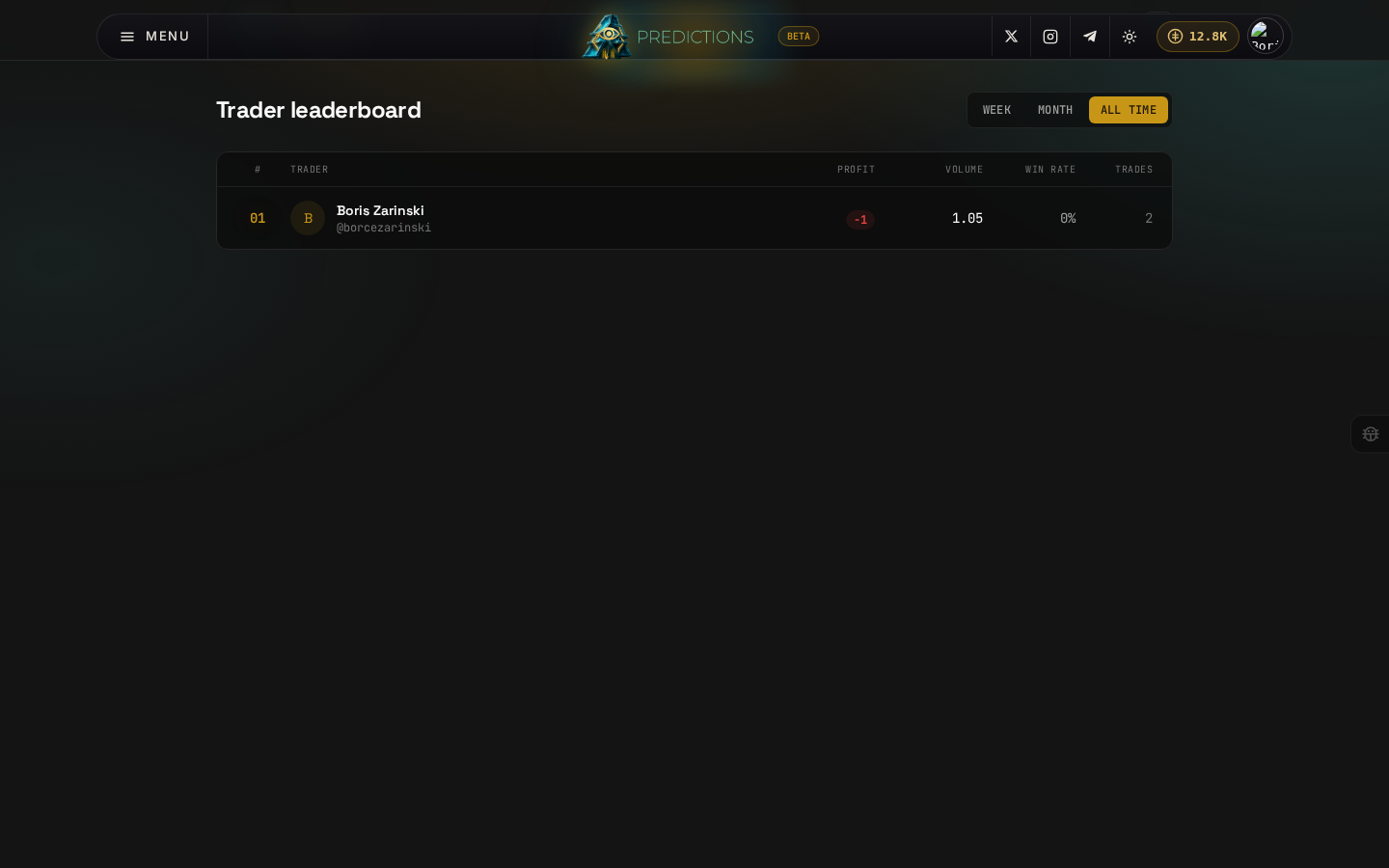
Switch between Week, Month, and All time to change the ranking period. Each row shows a trader's rank, name, total profit, trading volume, win rate, and number of trades. Only traders who have actually made a trade in the selected period appear, so Week or Month can come up empty if nobody has traded recently; All time is the one that reliably has rows once you have traded at all.
If you would rather have a standing agent build your positions for you instead of trading by hand, see Deploy a trading agent next.