
The shared album
Gallery, in the sidebar, is a shared photo and video album for the trip. Everyone who can see the trip can look through it; whether they can add to it is up to you.
Turning it on
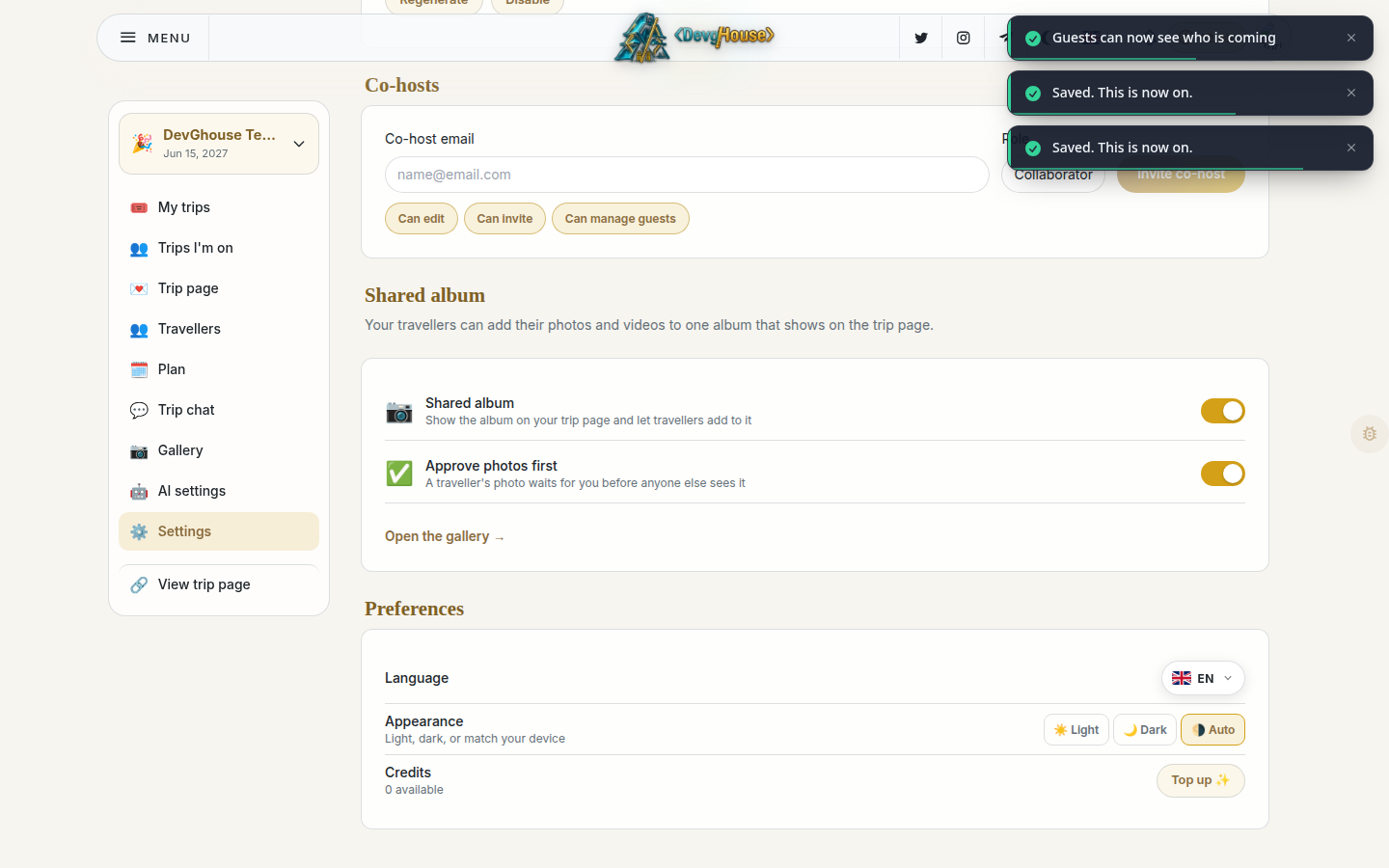
The album is off by default. Turn it on from Settings, in the Shared album section.
- Go to Settings and scroll down to Shared album.
- Turn on Shared album. It now shows up on the trip page for travellers to add to.
- Optionally turn on Approve photos first. With this on, anything a traveller adds waits for you to approve it before anyone else can see it. Photos you add yourself are never held back.
Adding and managing photos
Once the album is on, open Gallery in the sidebar.
- Click Add photos and pick one or more images or videos from your device.
- Each item shows who added it and its status: waiting, approved, or hidden.
- If Approve photos first is on, a traveller's upload sits under Waiting until you click Approve. Click Hide on anything you'd rather not show, at any point.
- Use the filter tiles at the top (All, Waiting, Approved, Hidden) to jump straight to a group.
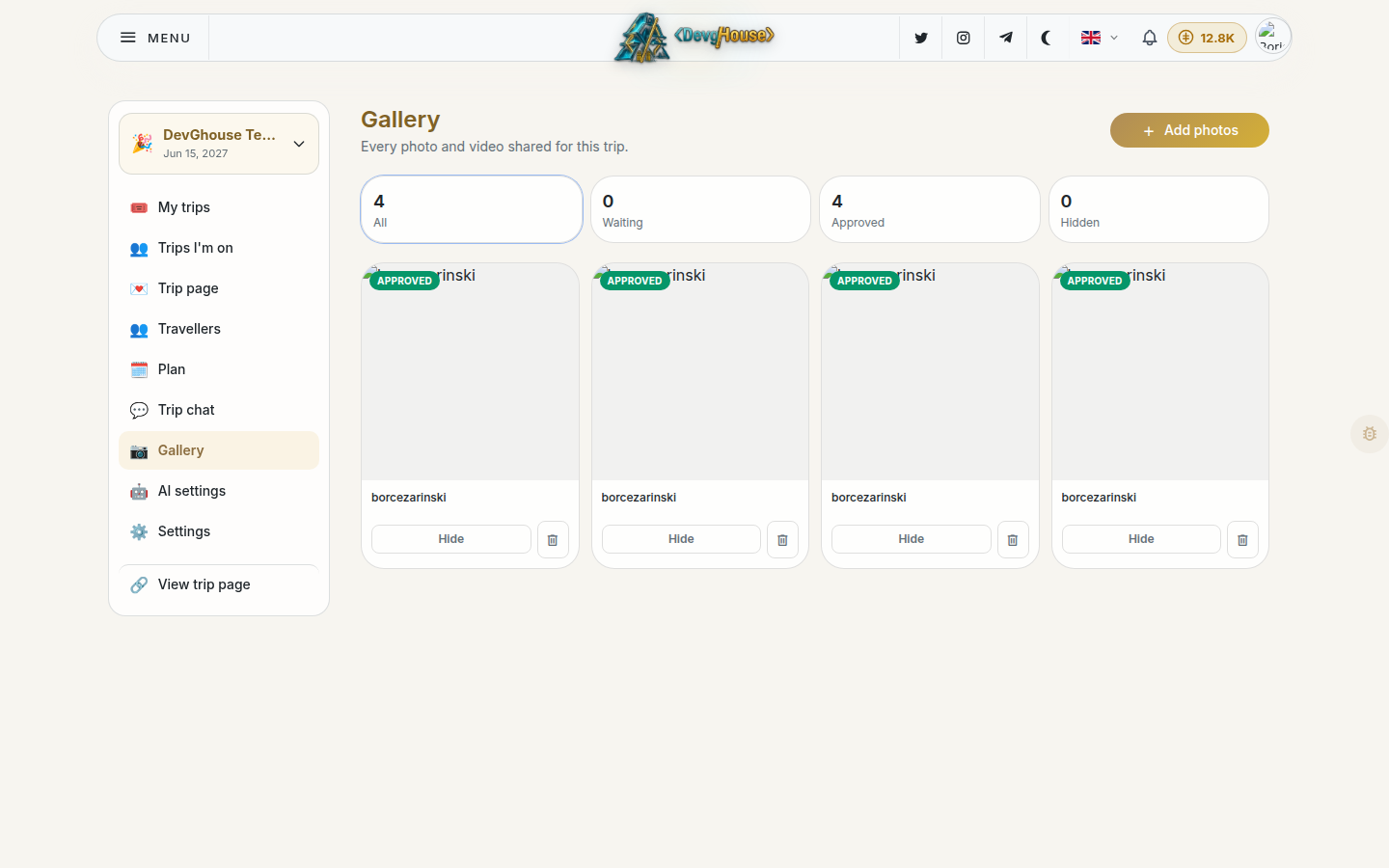
Removing a photo (the trash icon) deletes it for good, for everyone, everywhere it showed up.
What travellers see
Anyone with the shared album turned on sees a photo section on the trip page where they can add their own pictures. If you've turned on approval, their photos appear to everyone else only once you've approved them; they can usually still see their own pending upload while it waits.