
Settings and the AI assistant
Settings, in the sidebar, is where the details you set during the create wizard live on, along with a handful of things the wizard never asked about.
Trip details
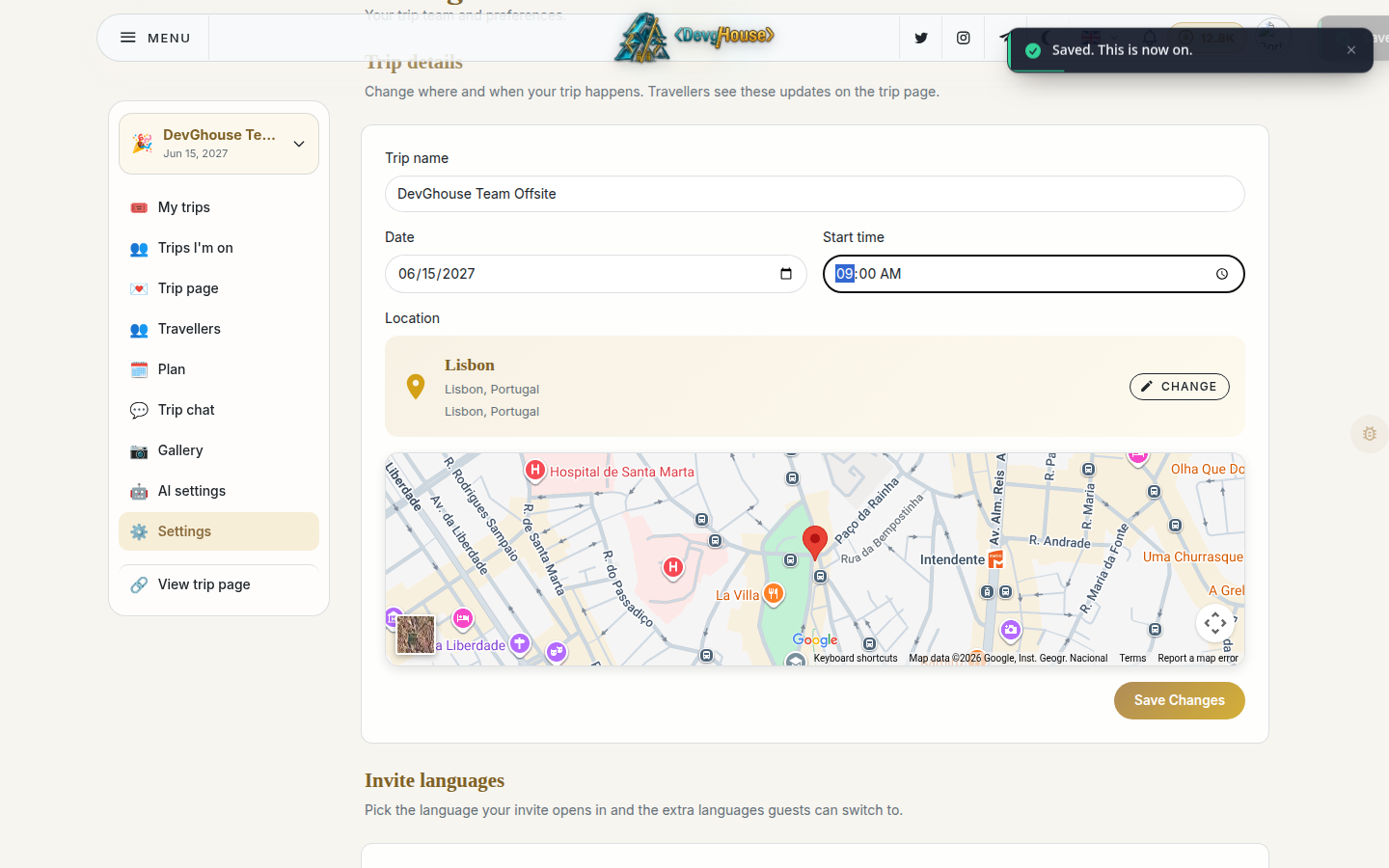
At the top of the page you can rename the trip, change its date and time, and update the location. Update it here and travellers see the new details wherever the trip shows up for them, including the trip page.
Languages, RSVP, and privacy
A little further down:
- Invite languages sets the default language the trip page opens in, plus any extra languages travellers can switch to.
- RSVP options lets travellers reply "Maybe" as well as Yes and No, if you turn it on.
- Invite privacy controls whether travellers can see each other (as avatar rows on the trip page) and whether the trip has a live guest chat. Both start off.
None of these are required reading before your first trip. They matter more once you're running trips regularly and want a specific group to see specific things.
Further down still is Shared album, which turns on a group photo album for the trip; that one gets its own page, see The shared album.
Co-planners
Further down the page, under Co-hosts, you can invite someone by email and give them a role: Collaborator, with edit, invite, or guest-management permissions you pick yourself. Once accepted, they show up on the Plan page too, under Co-planners; it's the same access, just visible from two places.
The AI assistant
AI settings, one level up in the sidebar, decides what powers the @devghouse mention in your trip chat.
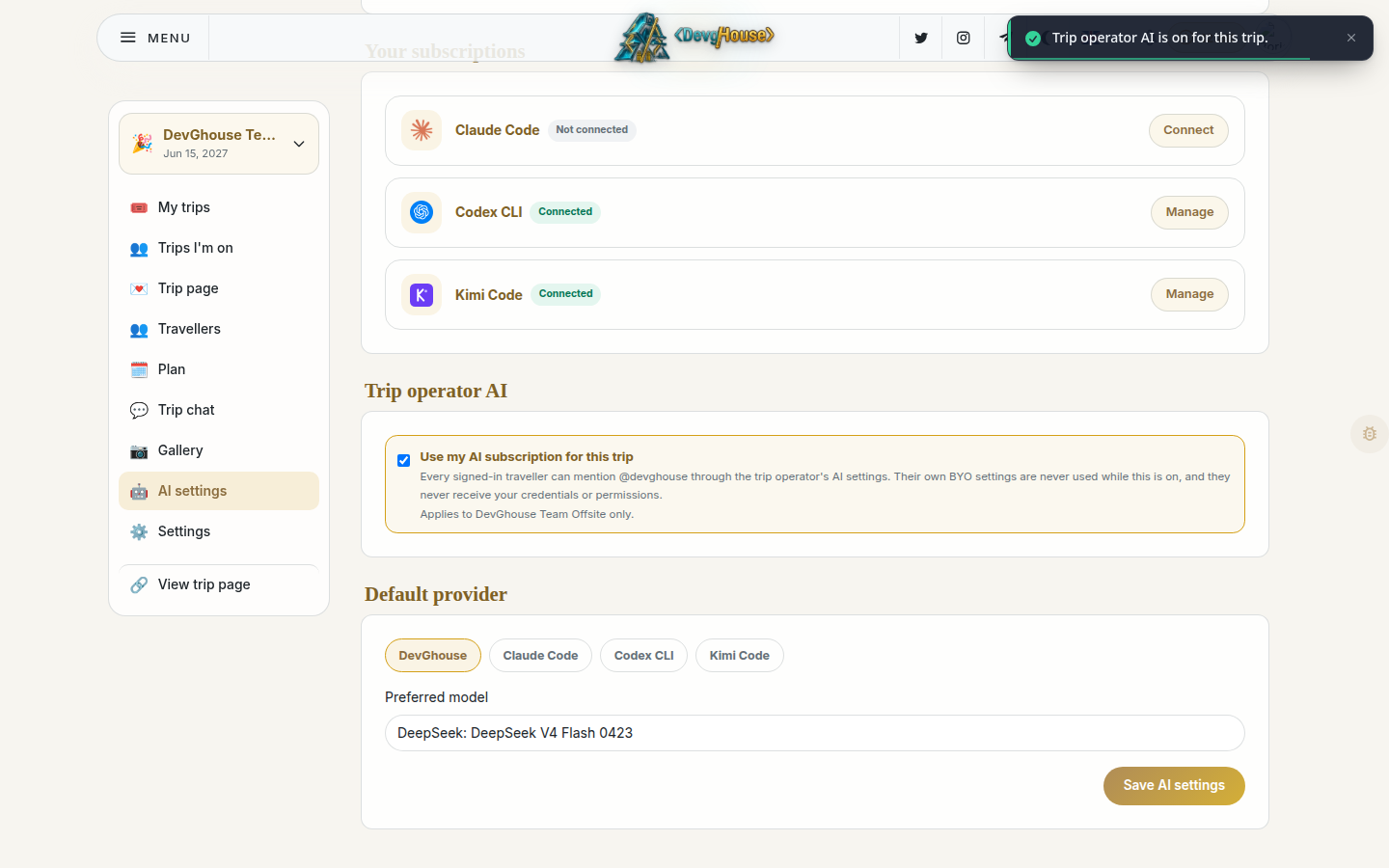
You have two choices:
- DevGhouse metered. Works immediately, no setup. Every run the assistant makes is billed in credits from your balance.
- My own subscription. If you already pay for Claude, Codex, or Kimi, connect that account instead. The assistant then runs on your subscription rather than your DevGhouse credits.
Further down, Trip operator AI lets you turn on the assistant for everyone on the trip at once, using your own settings, rather than asking each traveller to connect something themselves.
Connecting an external AI tool
If you'd rather have your own assistant, like Claude Code or another tool you already run, plan the trip directly through its own commands, you can mint a trip-scoped access token from the trip's AI agent page (an advanced tool you turn on from Settings). That token only sees and changes this one trip; it never has access to your other trips or anyone else's.