
Your invitation, guest side
This is the page your guests open when you send them your link. It works in any phone or desktop browser, with no account and nothing to install.
The cover
The invitation opens on a cover: an envelope with your wedding's color and style, and your own names once it unfolds into the hero section, no placeholder banner over any of it once your invitation is live.
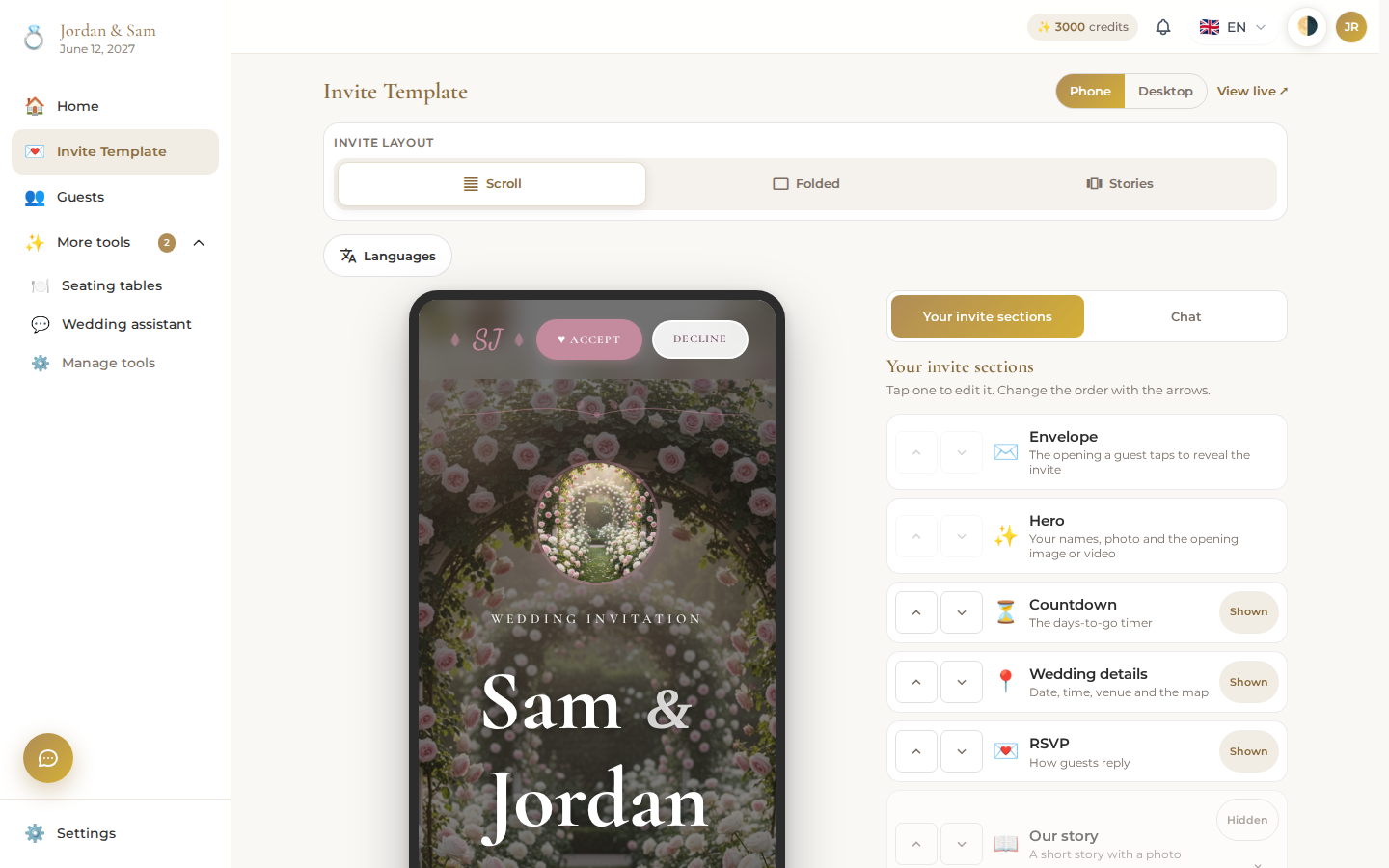
Guests tap the envelope to open the invitation, which unfolds into your hero section with your names and date front and center.
Your story and photos
Below the hero, guests scroll into whichever sections you've turned on: your story in your own words, and a photo gallery of the two of you. Write the story section yourself, and use your own photos in the gallery; guests see exactly what you wrote and uploaded, not template placeholder text.
Venue and RSVP
Further down, the venue appears on an embedded map with a Get Directions link, right above the RSVP form. A guest opening their own personal link (see Guests and RSVPs) sees the form addressed to them by name.
A guest picks Yes or No and clicks Send Response; nothing sends until they choose one. Their answer appears on your guest list right away, no refresh needed on your end.
Sharing the link
Every guest can be given their own version of the link (from Guests and RSVPs), which pre-fills their name on the RSVP form, or you can share one general link for anyone. Guests can also use the Get Directions and gallery photos without answering RSVP first; nothing on the page is locked behind a response.
Accept and Decline shortcuts
At the top of the page, next to your initials, Accept and Decline buttons jump straight to the RSVP section so a guest in a hurry doesn't have to scroll to find it.