
Credits and billing
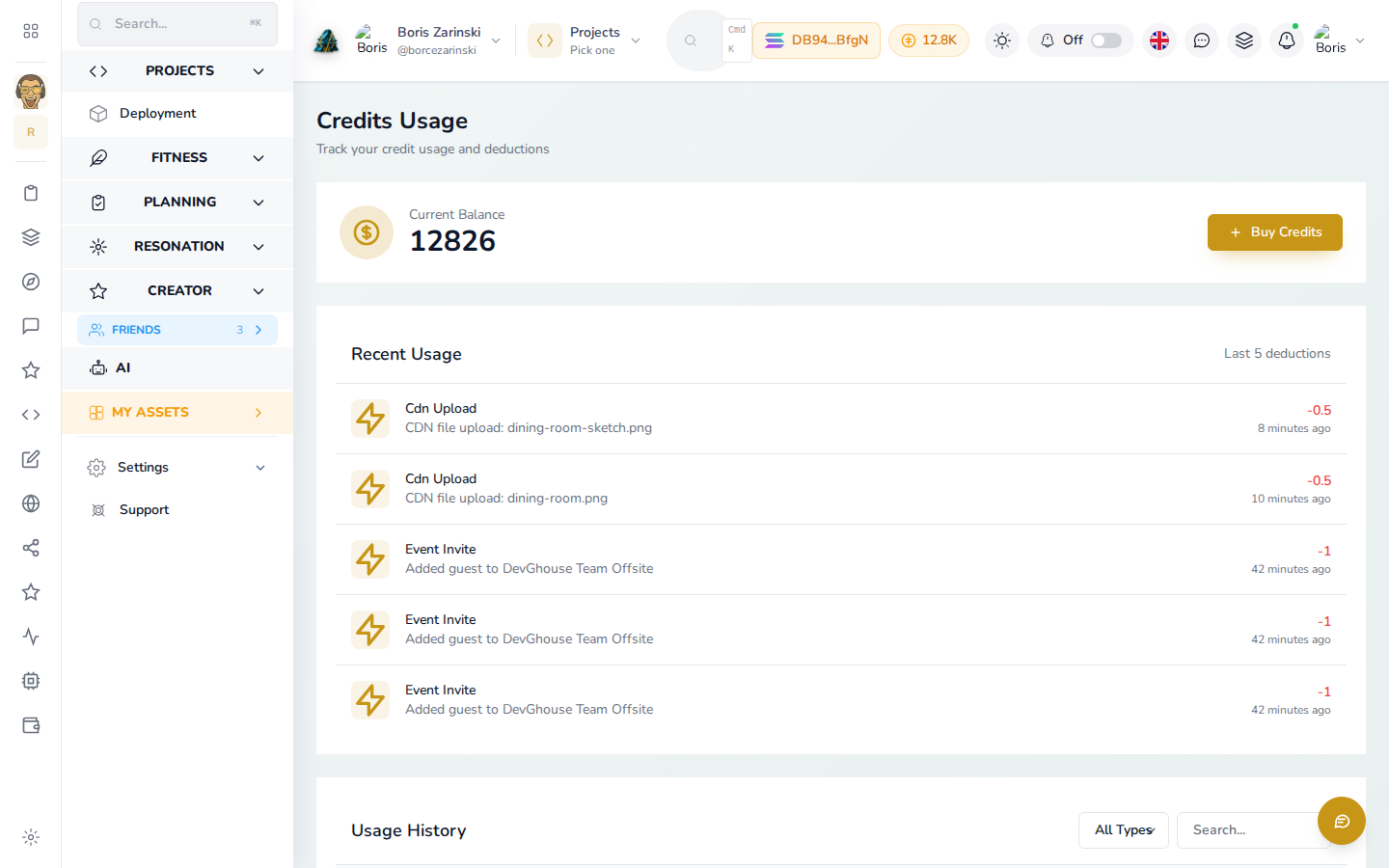
Events runs on credits, not a subscription. You buy a wallet once and spend from it as you use the app.
The basics
- $1 = 100 credits.
- New accounts start with 100 free credits, enough for your first couple of events.
- Top up any amount from Settings → Credits → Top up. No fixed packages, no minimum.
- Pay with USDC, SOL, DGH, or a card through MoonPay.
What credits cover
| Item | Cost |
|---|---|
| Event Invite (per guest) | 1 credit |
| Event Creation | 50 credits |
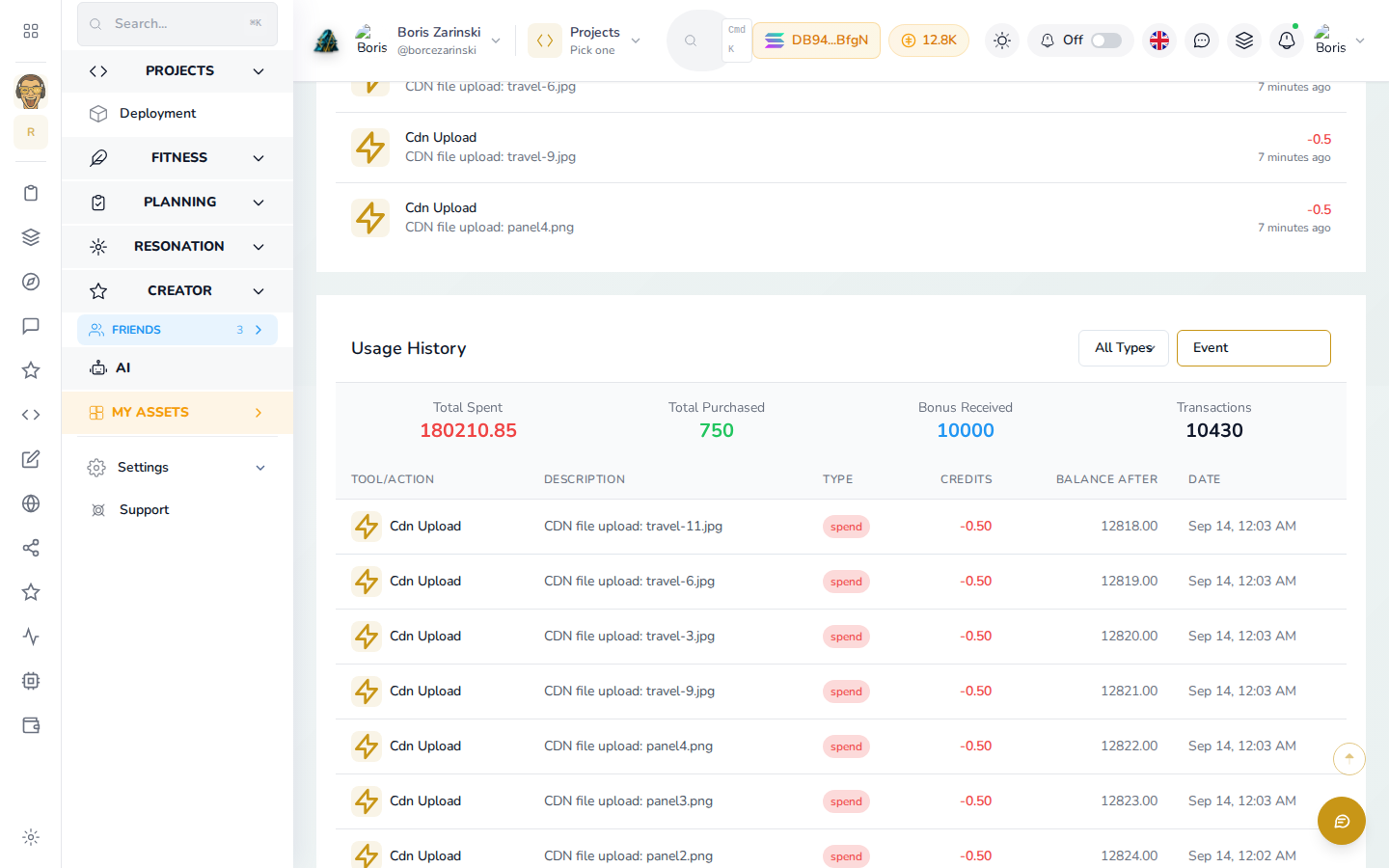
Everything else (the invite builder, planning, guest chat, the shared album) is included once your event is created.
AI assistant costs
Using the built-in AI assistant (in guest chat, the invite builder's AI Chat tab, or the AI agent connection) has its own, separate cost, set in AI settings:
- Connect your own Claude Code, Codex CLI or Kimi Code subscription and it runs there: 1 credit per successful run, nothing if it fails.
- No subscription connected: it runs on the DevGhouse-metered option instead, billed in credits from your balance.
Discounts
- A valid referral can knock a percentage off automatically.
- Have a promo code? There's a field for it at checkout.
If you run low
Guest replies and messages keep working with a low balance; actions that cost credits (like creating another event, or an AI run on the metered option) will ask you to top up first. Buy Credits opens from the credits pill in the header or from Settings any time.