
Settings
Settings is where a manager configures how your restaurant runs. It's the first place worth a visit after setup, since ordering and reservations both start switched off.
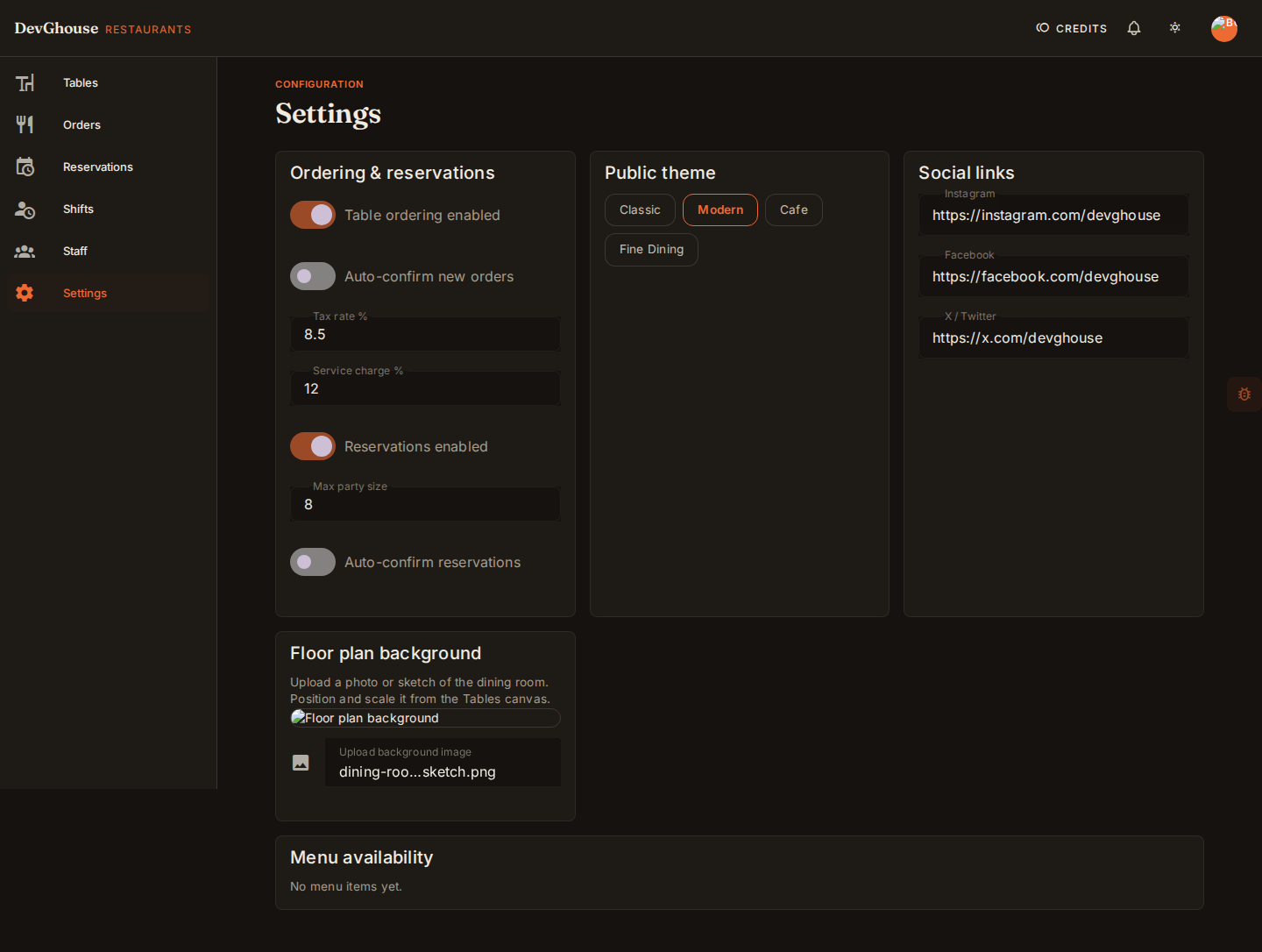
Ordering & reservations
- Table ordering enabled: turns on guest ordering by QR code at the table. Leave it off until your menu and tables are ready.
- Auto-confirm new orders: when on, a new order skips straight to Confirmed instead of waiting for a staff tap.
- Tax rate % and Service charge %: added to every order's total.
- Reservations enabled: turns on guest booking from your public site, once that site ships.
- Max party size: the largest group your booking form will accept.
- Auto-confirm reservations: when on, a new booking is confirmed automatically instead of sitting as pending.
Public theme
Pick the look of your public-facing site: Classic, Modern, Cafe, or Fine Dining. This changes only your guest-facing pages, never your dashboard.
Social links
Add your Instagram, Facebook, and X (Twitter) links to show on your public site.
Floor plan background
Upload a photo or sketch of your dining room so you can trace your table layout against it. Once uploaded, drag and scale it directly from the Tables canvas.
Menu availability
Your menu items are your restaurant's product catalogue. Once you've added items there, they show up here with an availability switch, so you can mark something sold out mid-service without touching the catalogue itself.