
Shifts
Shifts is your rota: a week-by-week grid of who's working when, switchable between the whole Team view and My Shifts, which shows only your own.
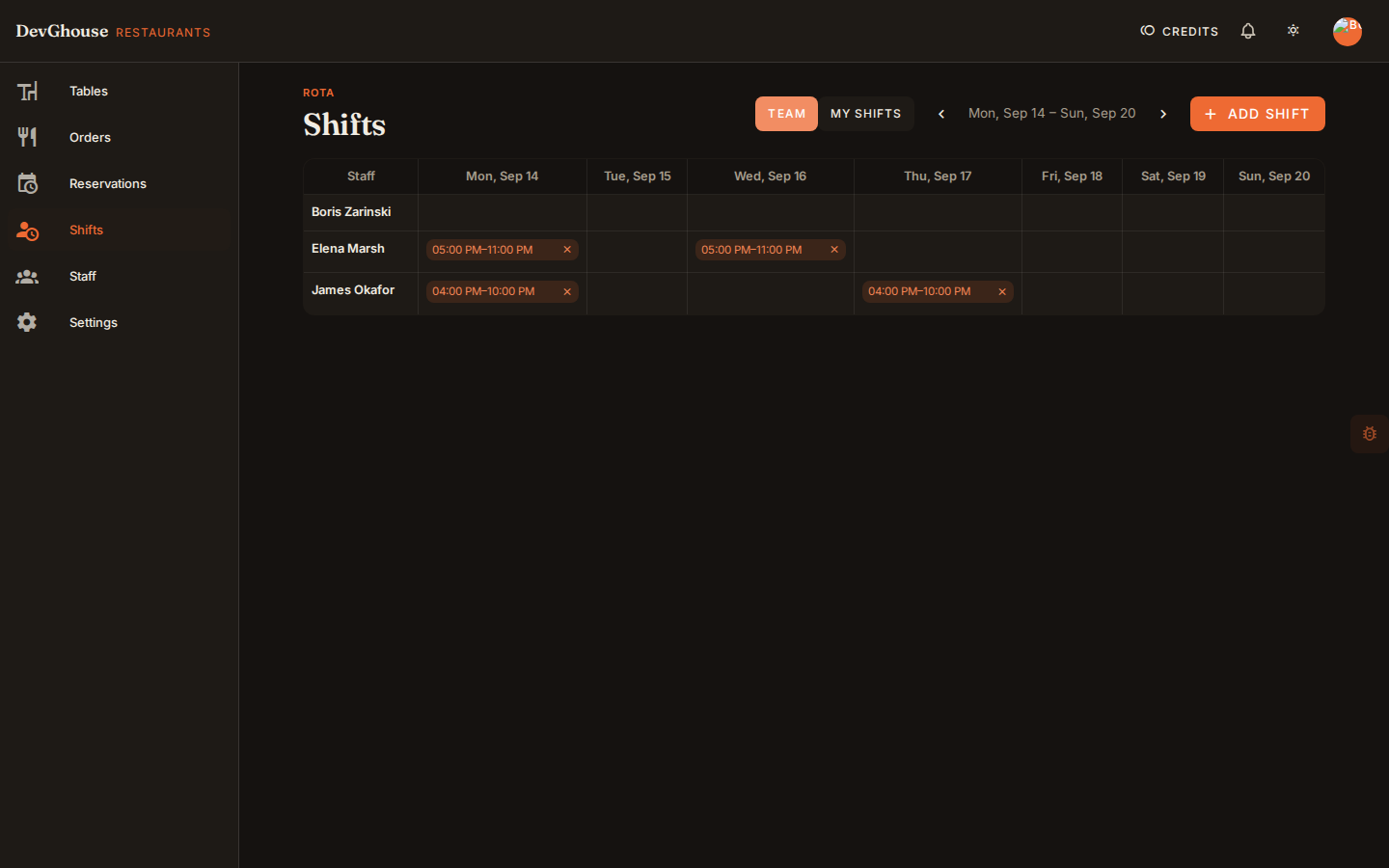
Publish a shift
Only a manager or the owner can add shifts.
- Click Add shift.
- Pick the staff member, their role for that shift, and a start and end time.
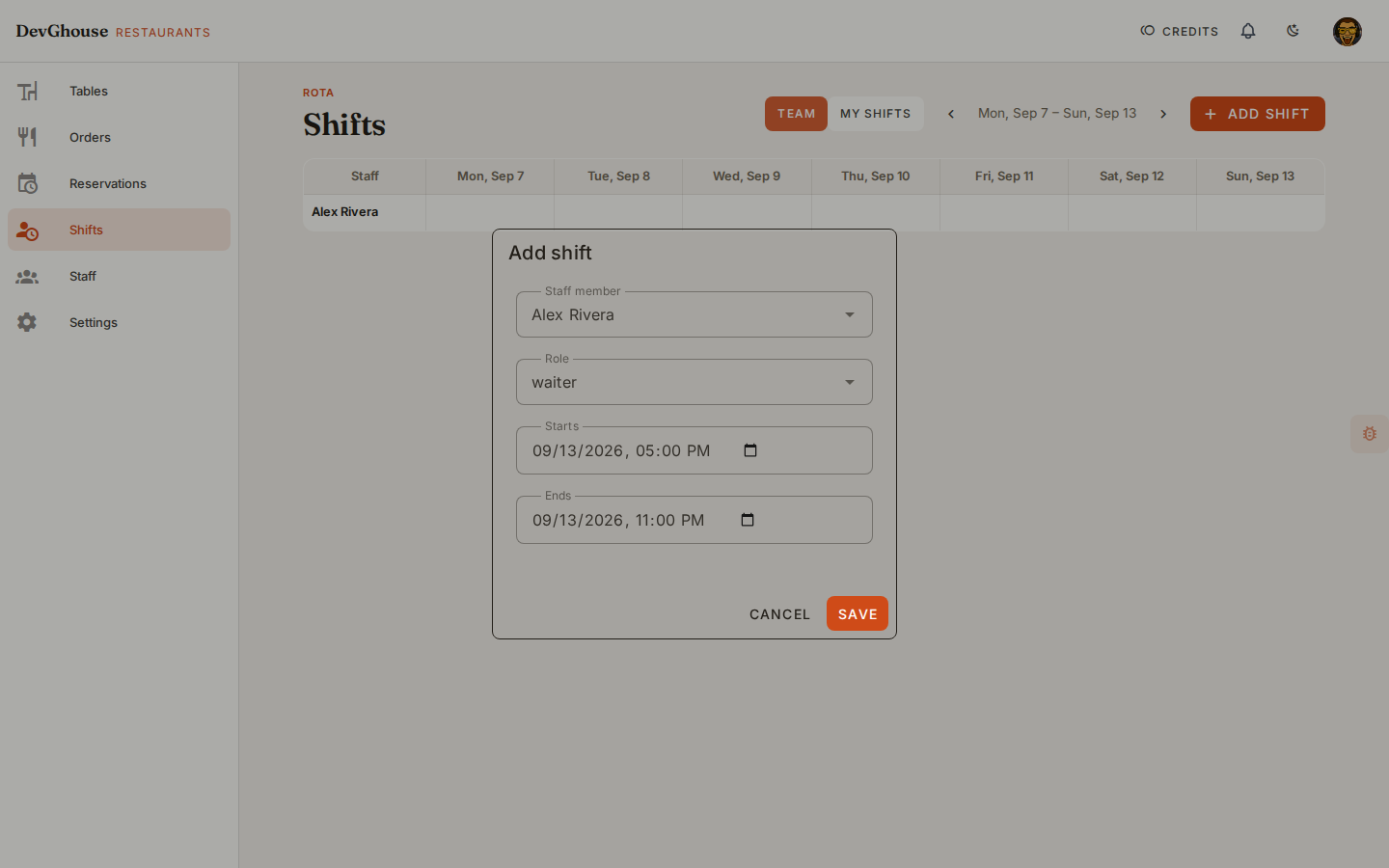
- Click Save. The shift appears as a chip on the grid for that person and day.
Click any existing shift chip to edit or remove it. Use the arrows next to the date range to move between weeks.
My Shifts
Switch to My Shifts to see only shifts assigned to you, in a simple list rather than the full team grid. Handy for checking your own week on a phone.