
Staff
Staff lists everyone on your restaurant, with the role that decides what they can see and do.
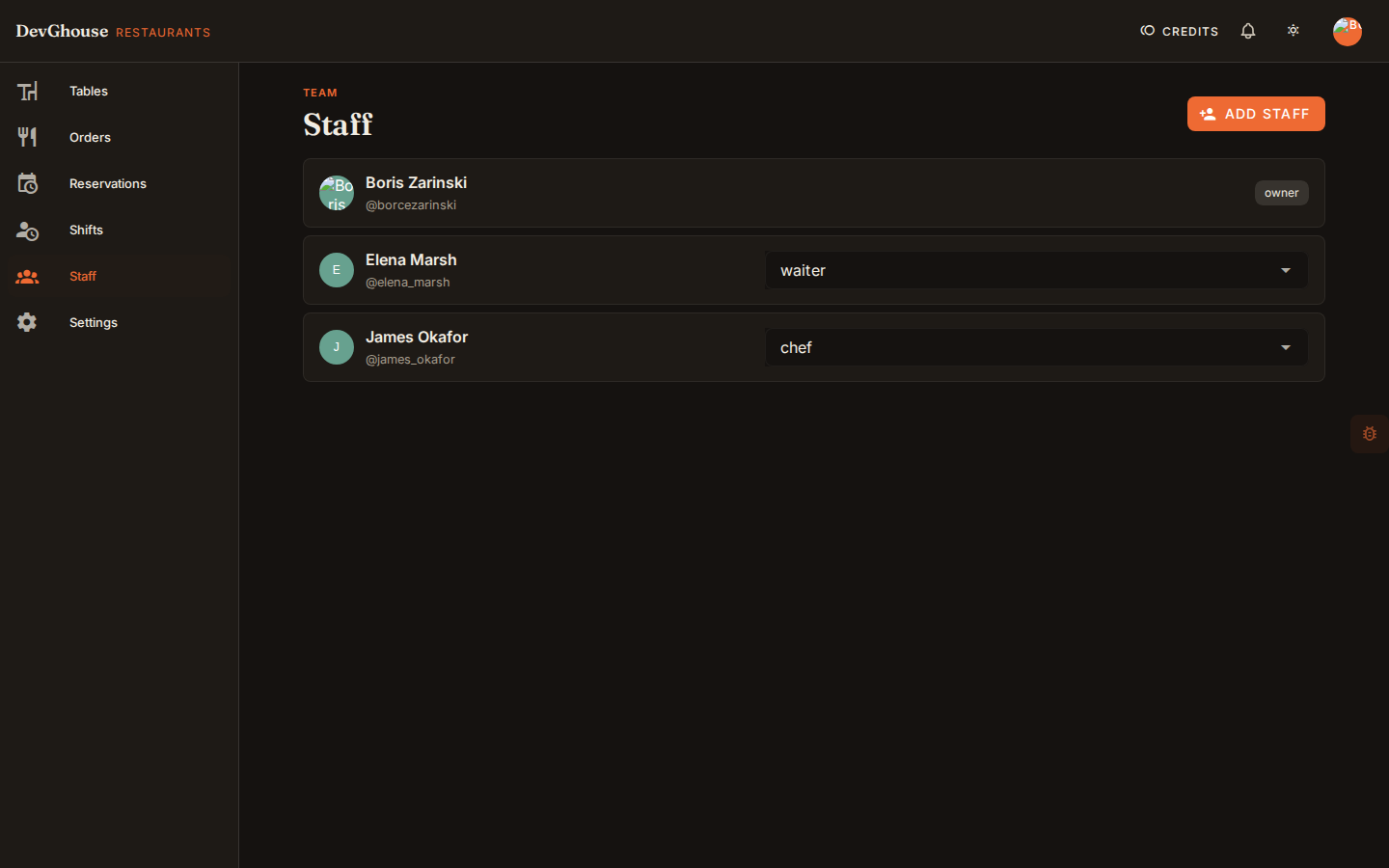
Add a team member
Only a manager or the owner can add staff.
- Click Add staff.
- Enter their DevGhouse username. The person needs a DevGhouse account already. If they don't have one, ask them to create one first at restaurants.devghouse.com, then add them by that username.
- Pick their role: manager, waiter, bartender, chef, or host.
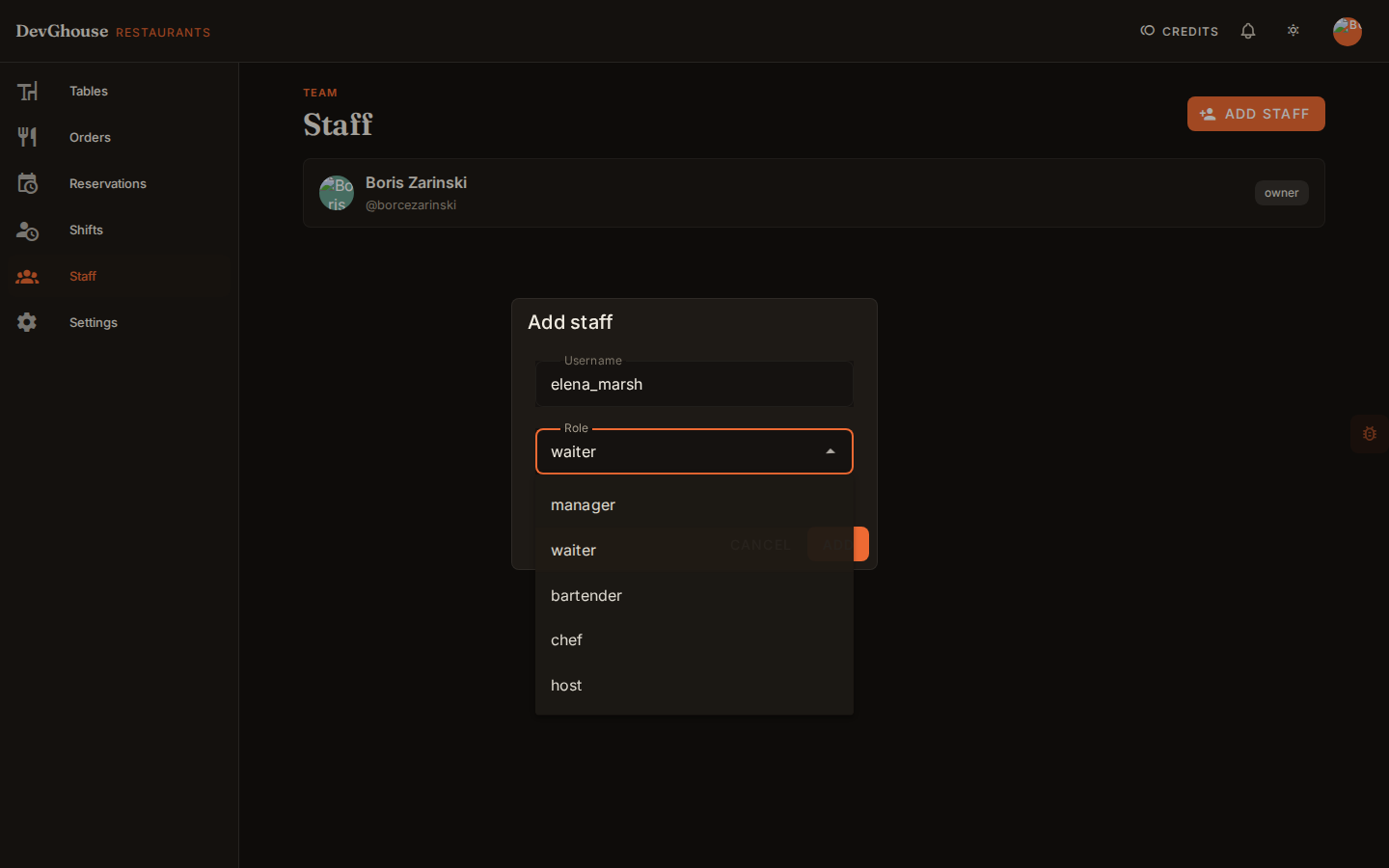
- Click Add. They now see your restaurant the next time they sign in.
What each role can do
- Owner: the person who set up the venue. Always has full access, and the role can't be changed or removed from this screen.
- Manager: full access, including Settings, adding staff, and editing the floor plan.
- Waiter, bartender, chef, host: see and work orders, tables, and reservations, but can't change Settings or add other staff.
Changing someone's role
A manager can change anyone's role except the owner's, right from the dropdown next to their name in the staff list.