
Calendar
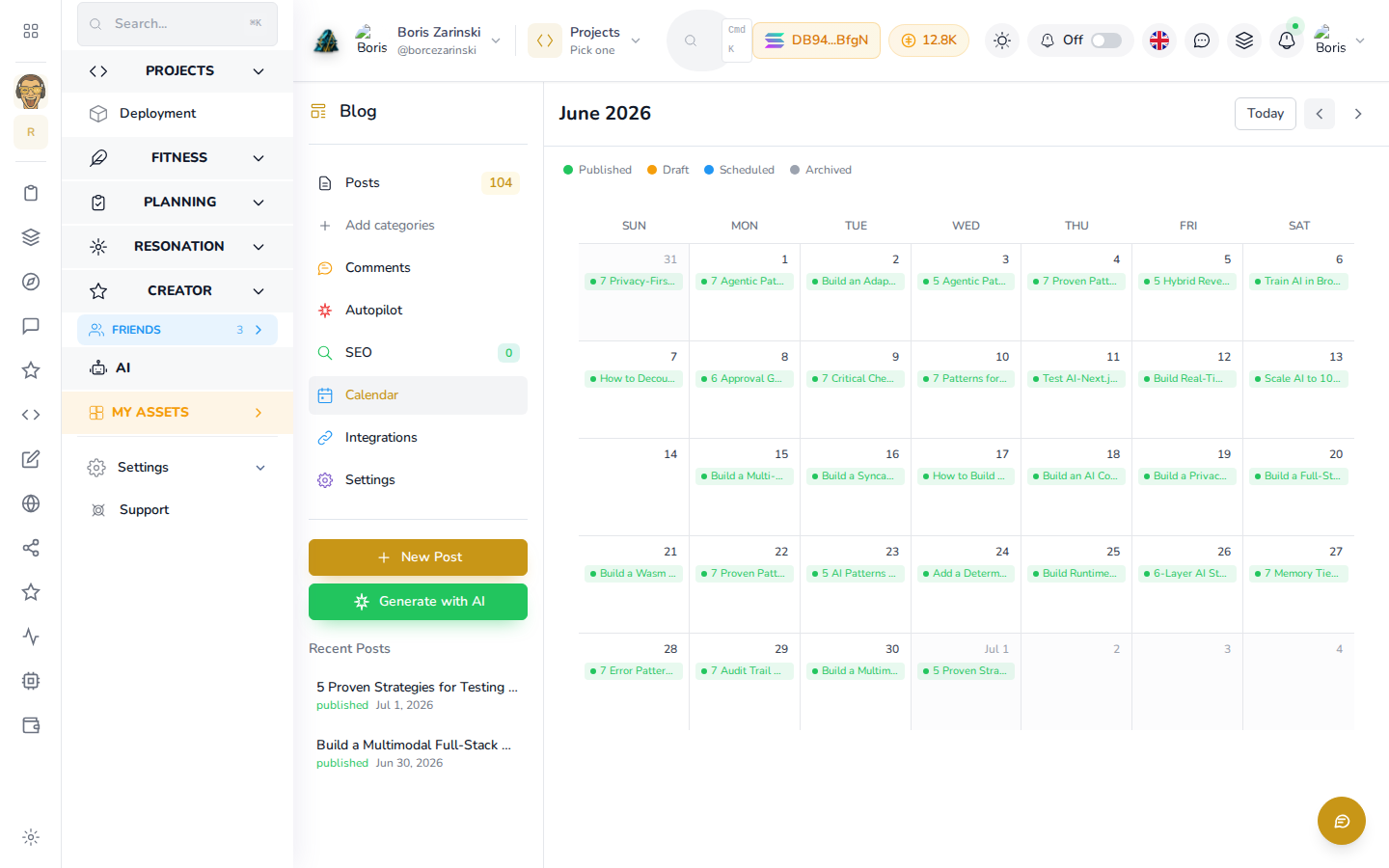
Calendar shows every post on the blog laid out on a month grid by the date it was (or will be) published, instead of a flat list.
Reading the grid
- Open a website's blog (or Marketplace) and click Calendar in the left panel.
- Each day that has posts shows a small colored entry with the post's title. The dot color tells you the post's status: green for Published, orange for Draft, blue for Scheduled, and gray for Archived (the legend sits above the grid).
- A day with more than a few posts shows the first ones plus a "+N more" count.
- Click any post to open it straight in the editor.
- Use Today, and the arrows next to the month name, to move between months.
Calendar is a view, not a separate list: it shows the same posts you would find under Posts, just arranged by date, so there is nothing extra to set up.