
Reading and sharing
Every post you publish shows up on the public blog at blog.devghouse.com, whether it belongs to a website or to the shared Marketplace. No account is needed to read it.
The public blog
The homepage carries a headline and totals for stories, authors and total reads at the top, then lists published stories across every author underneath. Visitors can search authors, browse All stories, or browse by Authors.
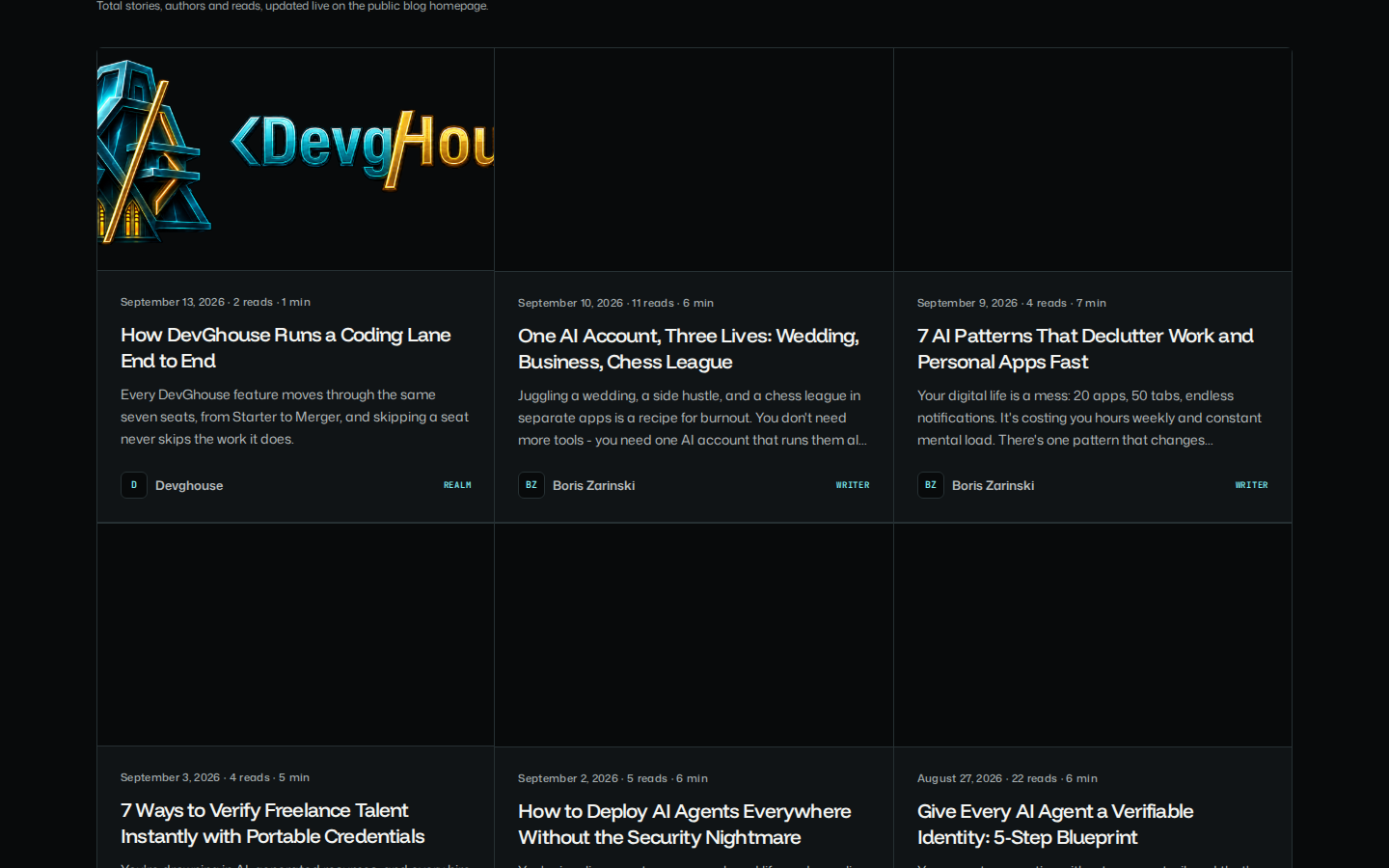
Reading a post
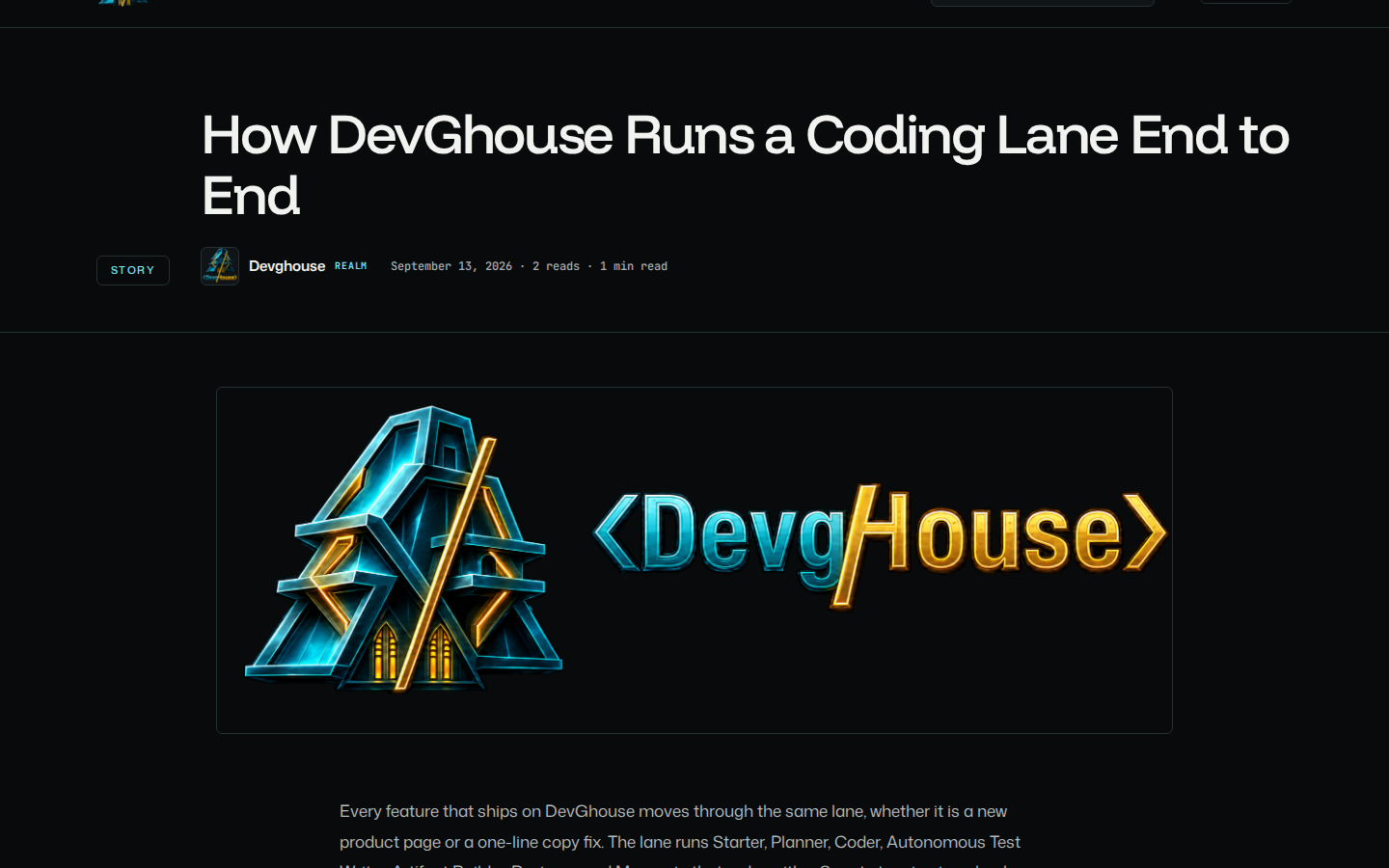
A post page shows the author's name and role, the title, when it was published, how long it takes to read, and the full body. Below the post is a card linking to that author's other posts, and a link to subscribe to that author by RSS (see below).
Author pages
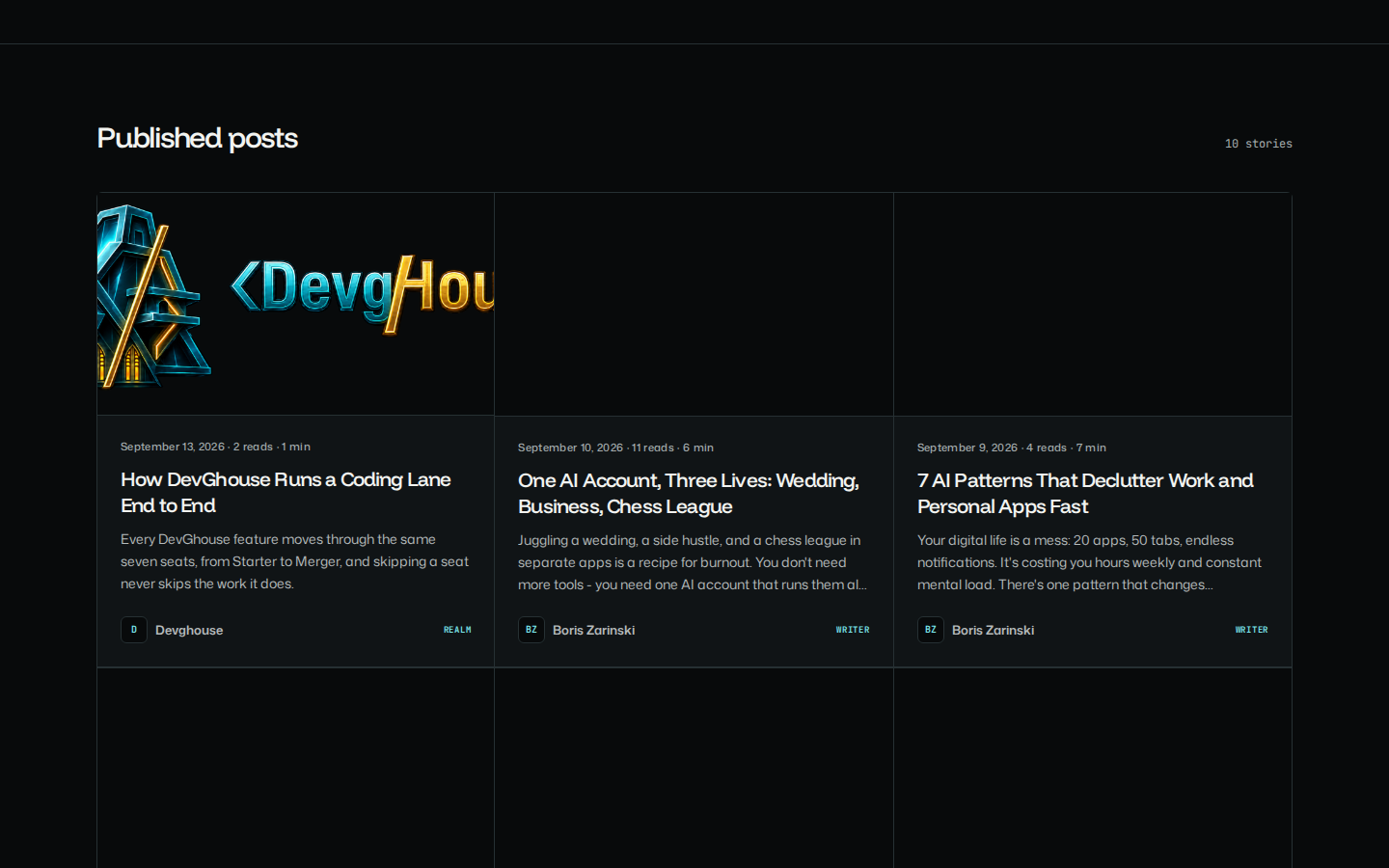
Every writer has a public author page at blog.devghouse.com/u/<your-username> (or /r/<workspace-name> for a workspace's own posts). It shows a short bio, how many posts they have published, total reads, and a grid of everything they have written. There is nothing to set up: this page exists as soon as you publish your first post.
Subscribing by RSS
There is no email newsletter yet, but every author's posts are available as an RSS feed. The Subscribe to <name>'s posts via RSS link on any of their posts, or on their author page, opens a feed a reader can add to any RSS reader to get new posts as they are published.
Sharing to X (Twitter)
If you have connected an X (Twitter) account to your workspace, a published post can be shared there as a tweet thread. An assistant connected through MCP can do this for one post at a time with blog_tweet_post, or you can turn on automatic sharing for every future post: see Integrations for the X connection, the thread template, and the Sync to Twitter switch on the Autopilot screen.
Comments
Posts do not yet have a public comment box for readers. Authors do have a Comments moderation screen in the editor, ready for when reader comments open up, but there is nowhere for a reader to leave one today.